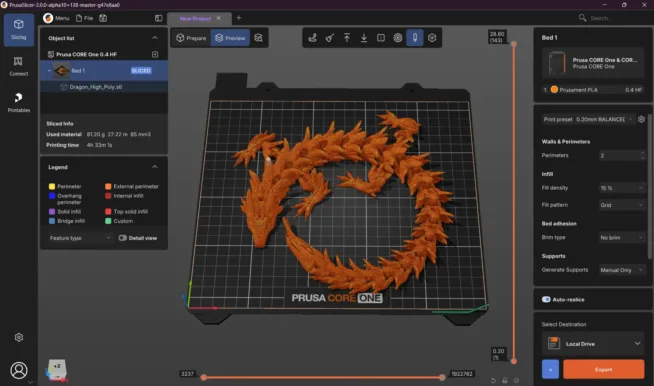
Anyone who prints on a 3D printer knows that the slicer is the most important thing between the model and the finished print. While until recently, Prusa users had their PrusaSlicer, Bambu users had Bambu Studio, and the rest of the world was divided between Cura and dozens of others, recently one open-source project has been gaining strength and slowly surpassing all other slicers – OrcaSlicer. The new version 2.3.2 is one of the biggest updates in recent months – and it’s worth going through it.
What is OrcaSlicer?
OrcaSlicer is an open-source slicer that originated as a fork from Bambu Studio (which itself is based on PrusaSlicer, which has roots in Slic3r). The result is software that combines the best of all these projects – a friendly and modern UI in the style of Bambu Studio, calibration tools, advanced features for fine-tuning print quality, and support for a truly wide range of printers from Prusa to Bambu Lab, Voron, Creality, RatRig, and many more. And all of this is free, under an open license, and with an active community on GitHub. Development is very rapid, and updates are released quite frequently. This one, however, is BIG.
Key New Features in Version 2.3.2
Improved Multi-Line Infill
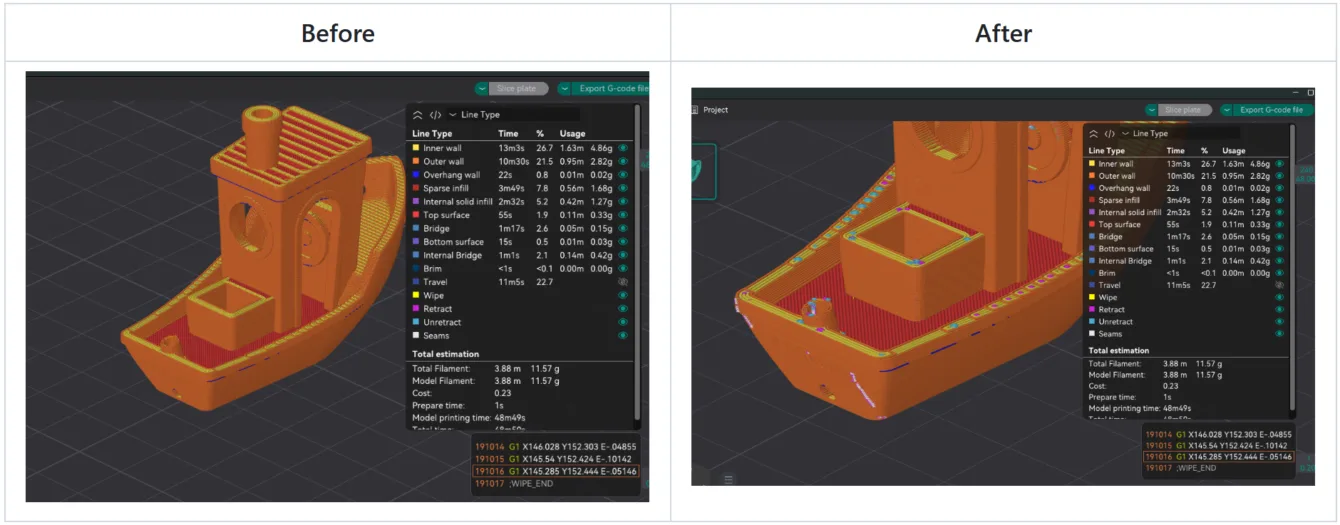
Multi-Line Infill is a fill type that allows you to reinforce the print without having to add additional perimeter walls. In the new version, this fill is cleaner, with less overlap (thanks to the Clipper2 library) and is better connected to the main body of the object. The result: more stable prints with less filament consumption.
More Control Over Flow Rate
Flow Rate can now be set for each feature separately, not just for the entire filament. This means you can have a different flow rate for the infill, another for the walls, and another for the top layers. The option is hidden under the name “Set other flow ratios” in the Quality tab and is another step towards truly fine-tuning prints.
Brim with Better Elephant Foot Compensation
The brim (the collar around the first layer that helps with adhesion to the bed) finally works correctly in conjunction with Elephant Foot Compensation. This compensates for unwanted flattening of the bottom layer, so the print does not have an “elephant foot”. Previously, these two functions would somewhat conflict, and the brim would often peel off on its own – now the compensation is correctly accounted for when generating the brim.
Auto-Slice After Changes
In Preferences → Control Slicing, you can enable the option “Auto slice after changes”. As soon as you change something – settings, object position, anything – the slicer will automatically start slicing. You can also set a delay so that if multiple changes are made in succession, slicing does not start repeatedly. However, on a fast computer, this is practically unnecessary. This is a feature that many people (including the author of the original article on heise) have long wished for since switching from PrusaSlicer.
Redesigned Printer Tab
The selection of printers is now more graphical and clearer. An important change: the nozzle diameter can now be set separately from the printer itself – useful if you switch between multiple types of nozzles with one printer.
Instances Instead of Just Clones
Instead of classic copies (Clones), objects can be duplicated as Instances. When you change one instance, the others automatically adjust – whether it’s about filament assignment for multi-material printing or other parameters. Additionally, this saves time during slicing because only one instance is calculated. The number of instances can be entered manually or automatically filled across the entire printer bed. Orca now also better detects collisions between instantiated objects to prevent faulty prints.
Improved Wipe Tower (multi-material printing)
For color and multi-material prints, improvements to the Wipe Tower from Bambu Studio have been ported to Orca:
- More Stable Wipe Tower – fewer collapsed towers and thus fewer faulty prints
- Smarter Preheating and Cooling of the nozzle during filament changes – better layer adhesion
- Higher Print Speed
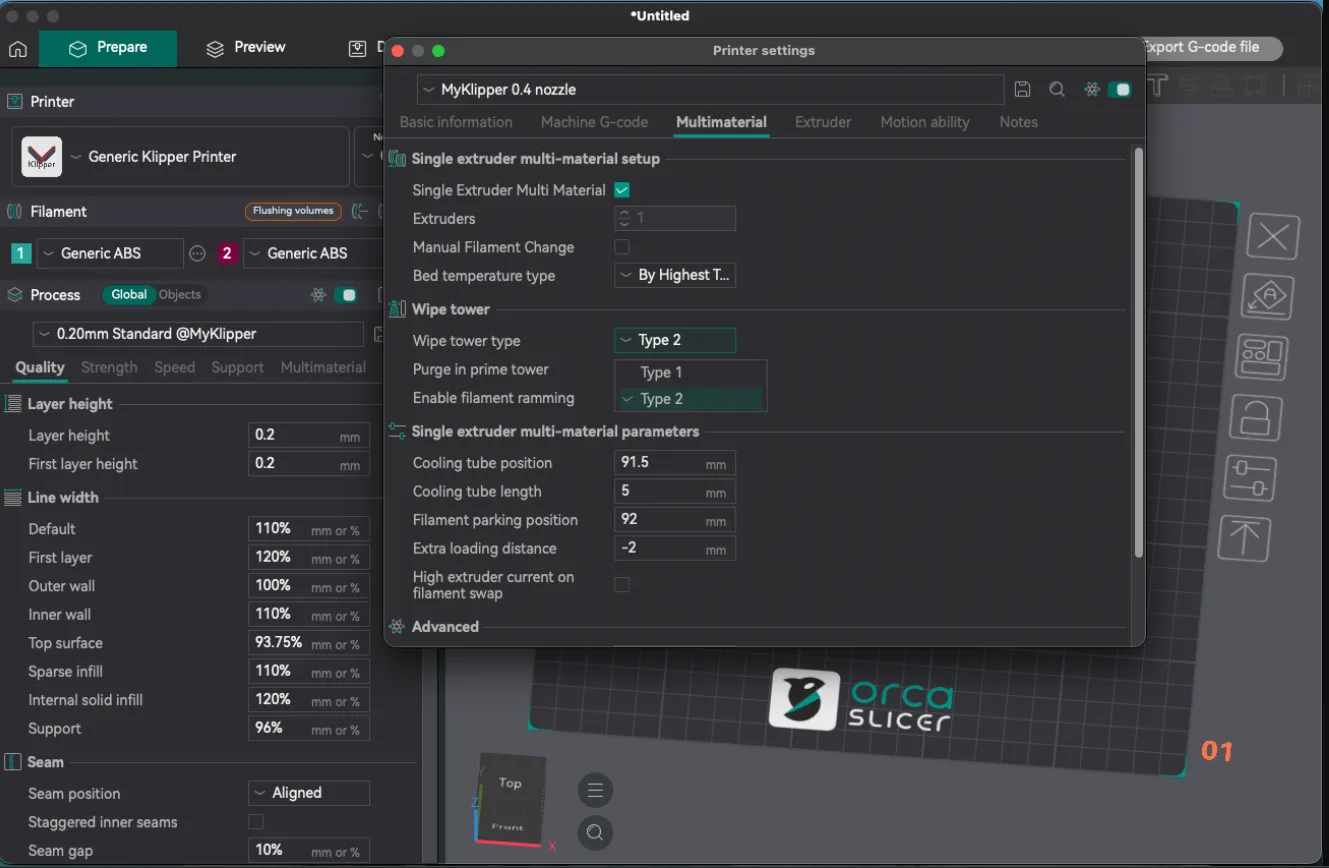
These options need to be activated in the relevant profiles (Multimaterial → Prime Tower → Enable tower interface features and Cool down from interface boost during prime tower). The type of Wipe Tower can now be selected directly in the printer profile.
Enhanced Calibration
Anyone who wants to get the best out of their printer and filament must calibrate. Orca now has calibration tools properly organized in the menu in the order you should run them. Additionally, the slicer recognizes firmware with Input Shaper and Cornering/Jerk and automatically selects the correct calibration profile accordingly.
Support for New Toolheads and MMU/AMS
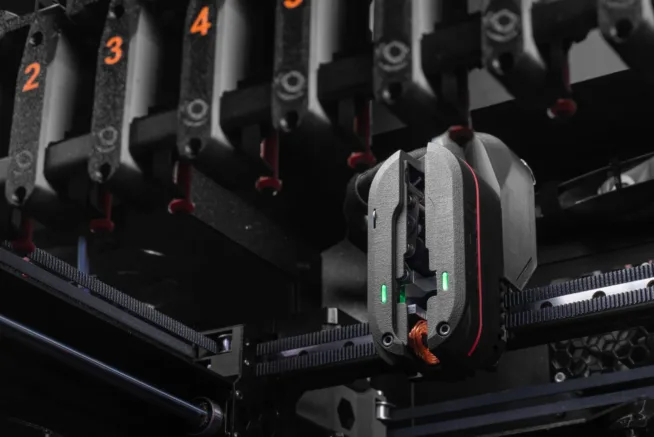
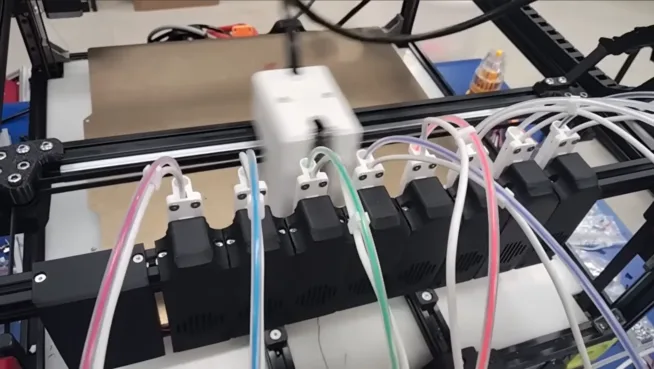
The printer configurator has added more material exchangers (MMU, AMS, etc.) and toolheads. They can be controlled directly from the slicer, and filament assignment to toolheads is interactive. This feature is currently marked as experimental – partly because it involves often poorly documented hardware, and partly because manufacturers understandably prefer their own software.
Support for New Printers from Bambu Lab
Orca 2.3.2 adds support for newer models from Bambu Lab – specifically H2D (Pro) and H2S. Additionally, there are other minor improvements for users of Bambu Lab printers.
Summary
Version 2.3.2 is exactly the update that is causing OrcaSlicer to continue to grow in popularity. These are not cosmetic changes – we have better print quality (Multi-Line Infill, Flow Rate per feature, Brim + EFC), smarter workflow (Auto-Slice, Instances instead of Clones, clearer Printer tab), more stable multi-material printing (ported Wipe Tower from Bambu Studio), and wider hardware support including new printers from Bambu Lab. If you don’t have OrcaSlicer yet, now is the perfect time to give it a try. And if you are already using it, the update is definitely worth it.
Download Links
Note: there are several unofficial sites offering OrcaSlicer for download. Safe sources are only these:
- Download version 2.3.2: github.com/OrcaSlicer/OrcaSlicer/releases/tag/v2.3.2
- Official Repository: github.com/OrcaSlicer/OrcaSlicer