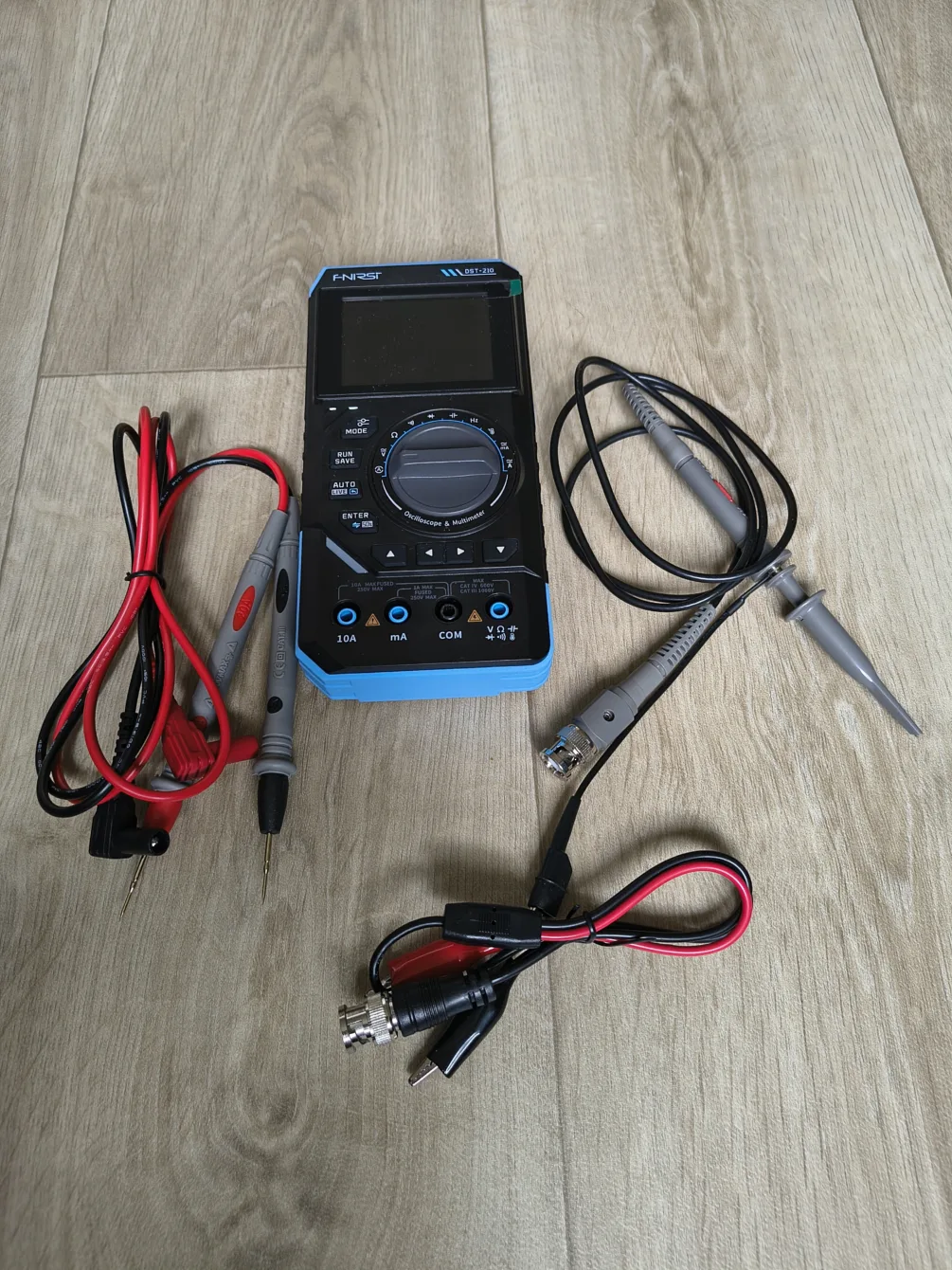
A multimeter, generator, and oscilloscope in one device that fits in your hand? Sounds great, but is it really that good? I tested the FNIRSI DST-210 practically. How fast is it when measuring? And is it easy to use when it can do all this?
I have tried several products from FNIRSI, and not all of them have performed well.
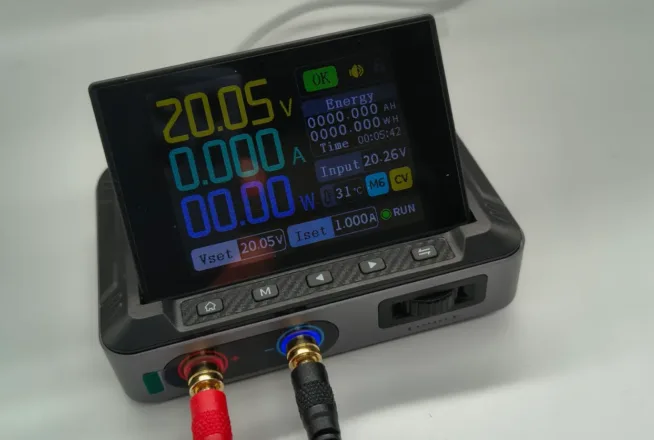
Pocket USB-C adjustable power supply DPS-150 with a power of up to 150W.
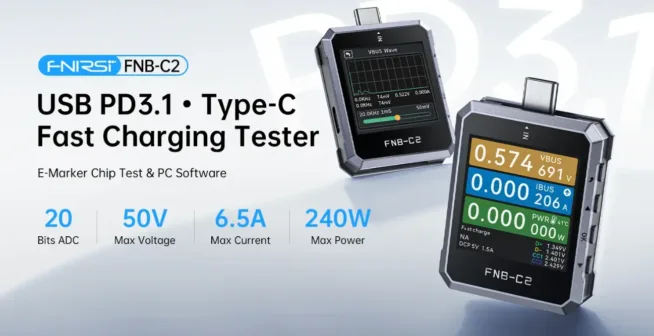
I tried the FNIRSI FNAC-28 USB tester.
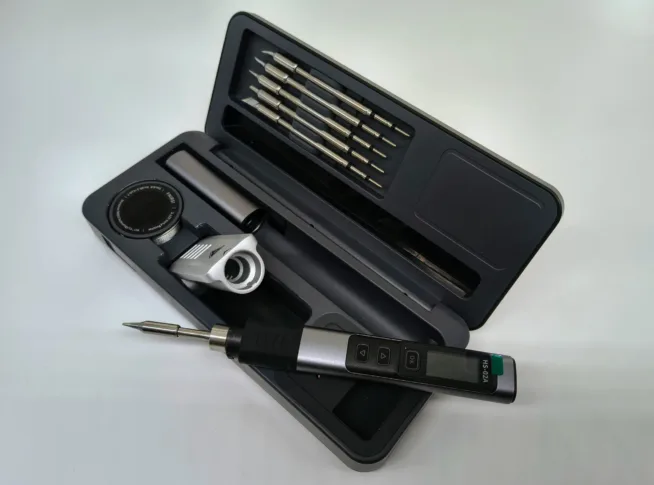
Review of the FNIRSI HS-02A soldering iron.
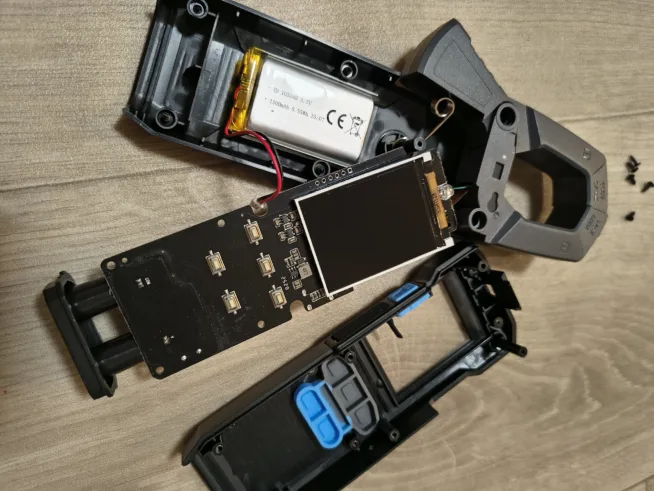
I tested the FNIRSI DMC-100 clamp multimeter.
This review was made possible only thanks to you – for the votes in the Bastlír’s Award competition and purchases through affiliate links on Alza.
What about this device?
The 3-in-1 device the size of a standard multimeter is the FNIRSI DST-210. It combines
- a multimeter capable of measuring AC/DC voltage (AC up to 750V, DC up to 1000V), AC/DC current (AC up to 9.999A, DC up to 9.999A), resistance, capacitance, frequency, or diode test
- a signal generator with 13 types of signals with a frequency of up to 50 kHz (as of February 14, 2026 – unfortunately, this is not true, see below), duty cycle, and the ability to set the amplitude from 0.1 to 3V.
- an oscilloscope with a sampling rate of up to 48 Msps, an analog bandwidth of up to 10 MHz, 1MΩ input impedance, switchable probe of 1x and 10x, sensitivity from 10mV to 10V per division, adjustable trigger (auto, manual, single), time base from 50ns to 20s, and automatic measurements – minimum, maximum, average, peak-to-peak, frequency, period, or duty cycle
All these data are displayed on a 2.8″ TFT screen, and this 3-in-1 device has an internal rechargeable battery with a capacity of 3000 mAh.
The battery is charged via USB-C, which also serves for updating the DST-210 firmware and for data transfer to a computer.
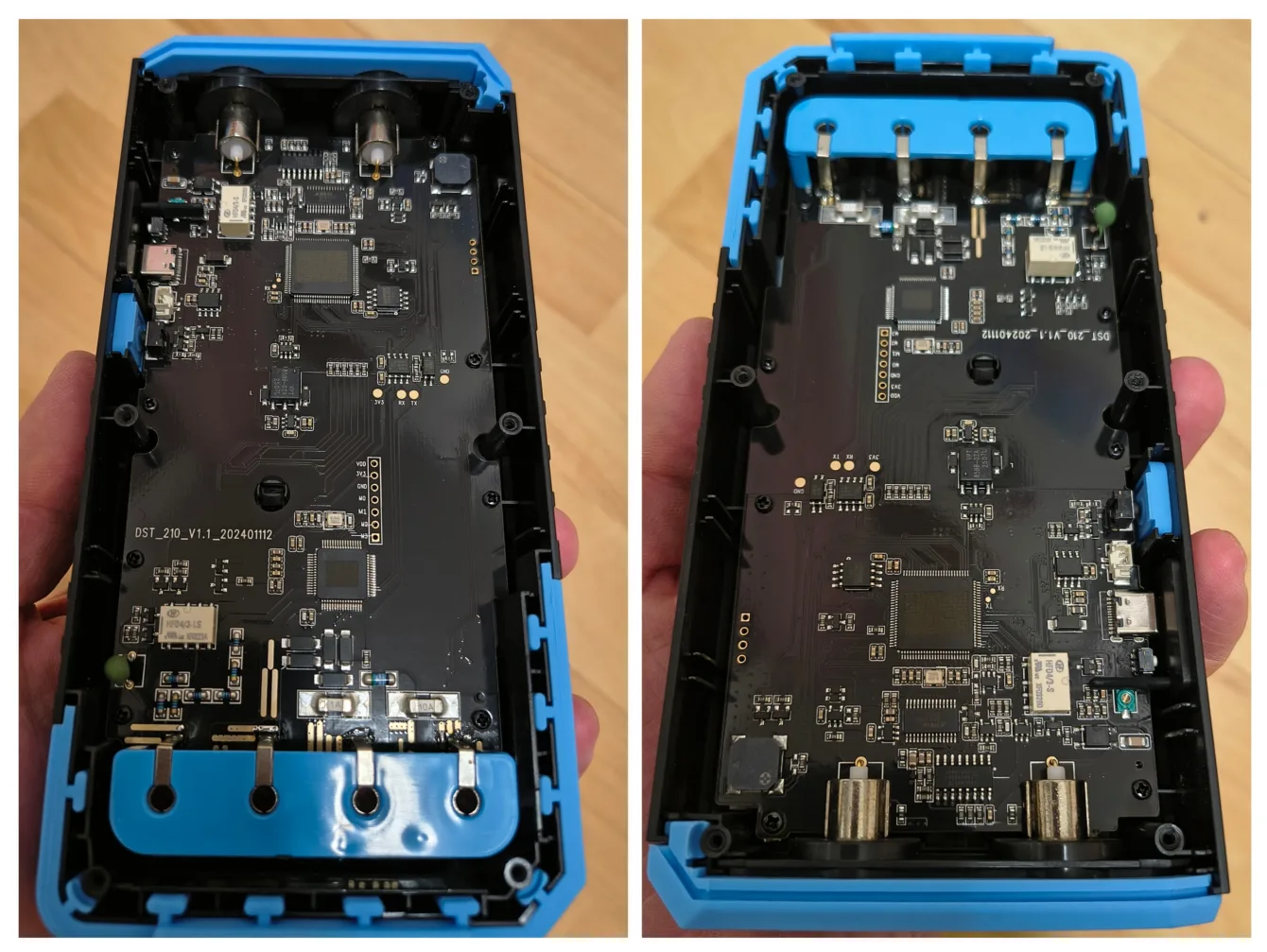
Multimeter
Measuring voltage and diode testing is relatively fast, as seen in the video (at the end of the article) compared to a Keysight multimeter. It is a bit slower when measuring resistance or continuity.
The multimeter also offers automatic measurement identification. This auto-selection is quite fast, and the multimeter detects what needs to be measured.
When switching to measure current in mA and current in A, a notification appears on the display indicating the need to change the probes.
By long pressing the Mode button, the display switches from data to graphical representation. A short press of the Mode button toggles between the multimeter, signal generator, and oscilloscope.
A short press of the Enter button toggles between DC and AC measurements for both voltage and current.
The measuring cables are stiffer, not very flexible, and may harden in the future. However, the tips of the measuring cables are very sharp.
Signal Generator
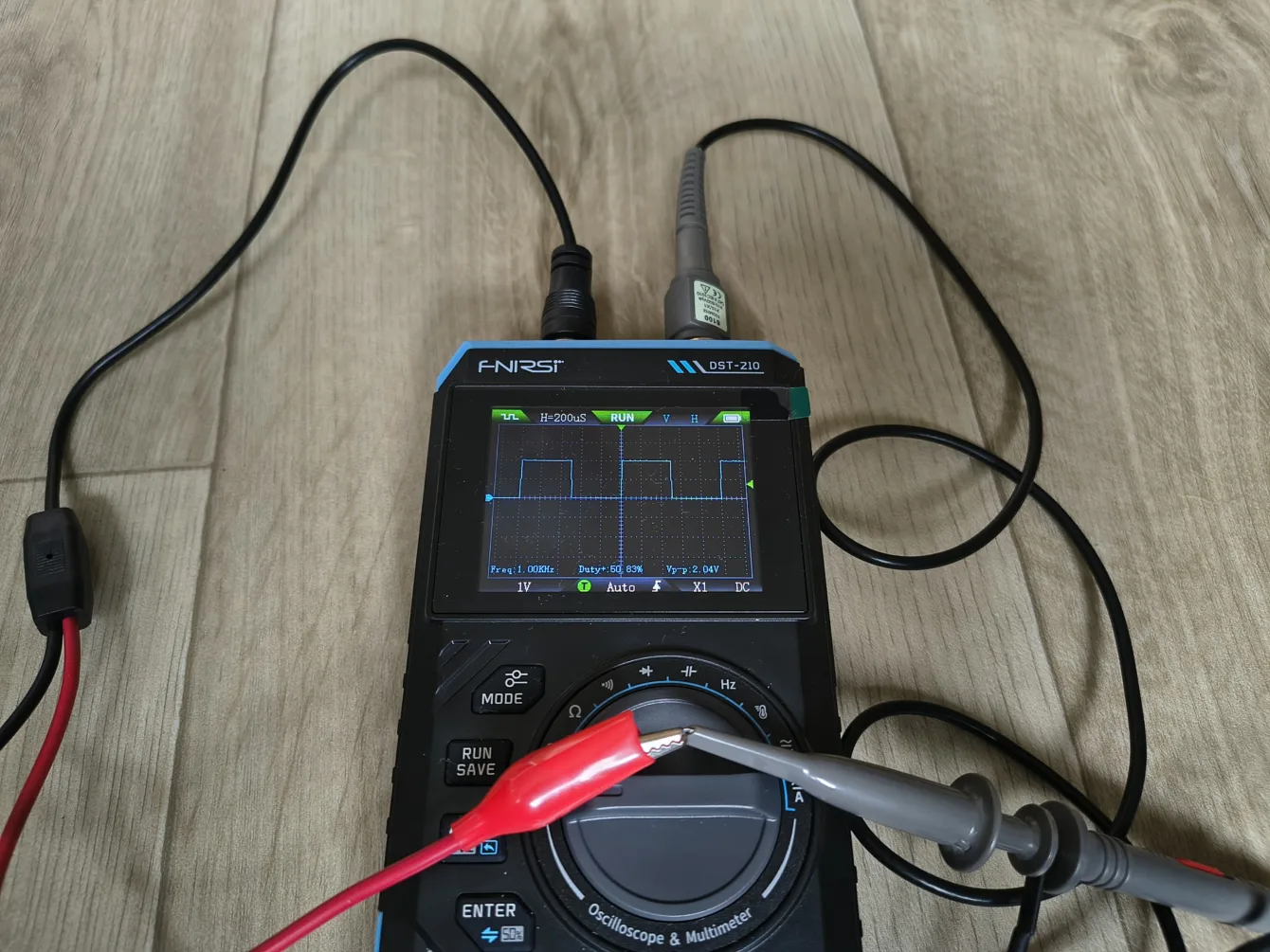
The generator has 13 preset types of signals that can be generated with a voltage from 0.1 to 3V. Frequencies can be changed for some signals, as well as the duty cycle.
And here is the first malfunction of the FNIRSI DST-210.
The generator cannot generate a signal faster than 1 kHz. The maximum, according to the documentation, is 50 kHz. This is a big disappointment. Hopefully, the manufacturer will fix this in the next firmware update.
Another thing that does not work is the back function through a long press of the Auto button. This only works when you want to exit a submenu – setting the waveform (frequency, amplitude, or duty cycle), but it does not work for returning from the generator to the oscilloscope.
To switch from the generator to the oscilloscope (i.e., to go back), you need to press the Mode button, which takes you to the multimeter, and pressing it again takes you to the oscilloscope. This is another thing that could be fixed with a software update.
Oscilloscope
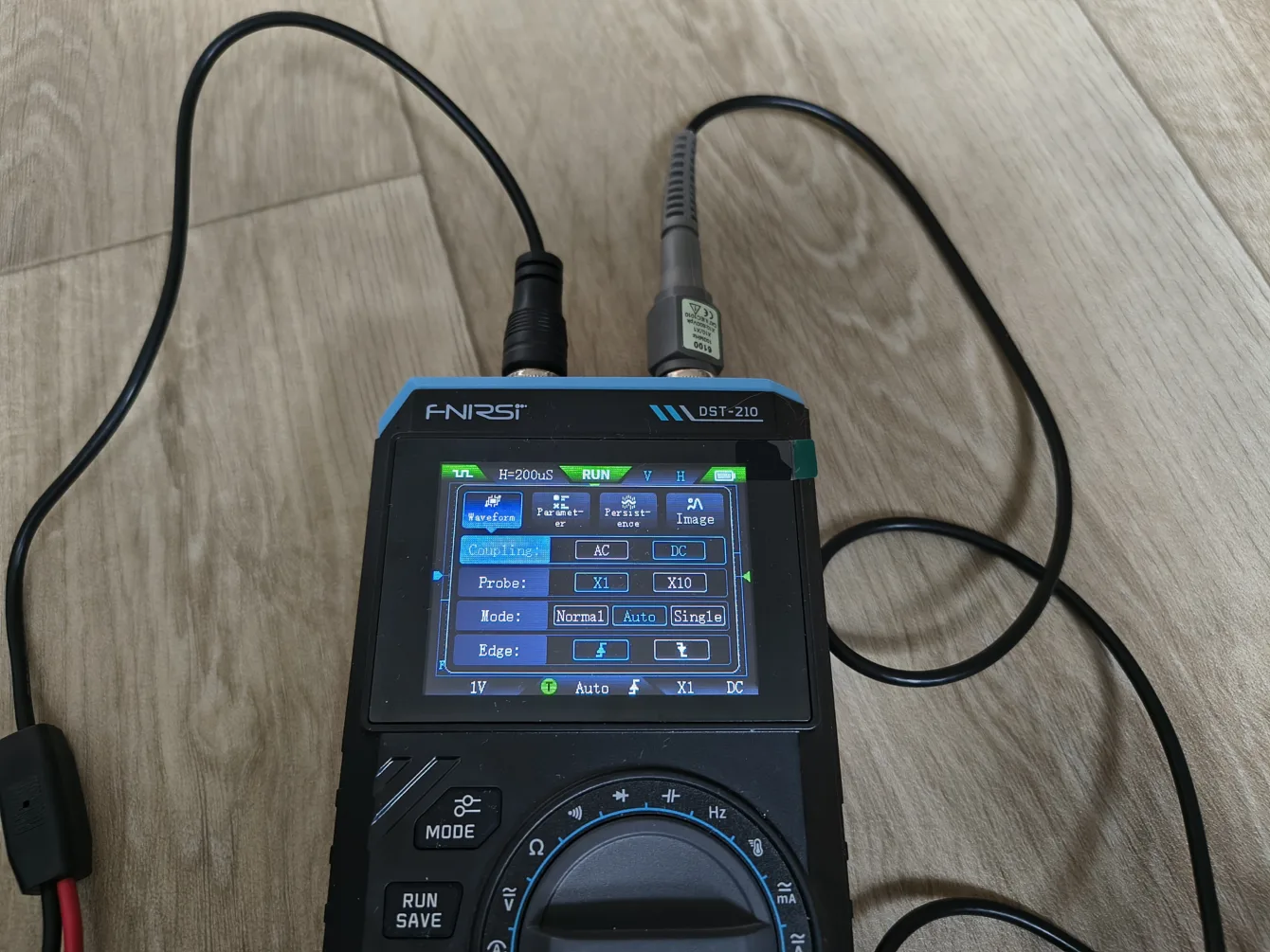
Controlling the oscilloscope with its few buttons is… more complicated, but not impossible.
By long pressing the Mode button, you enter the settings – AC/DC coupling, probe settings (1x/10x), trigger settings.
A short press of the Enter button takes you to the time base settings, resolution, signal offset, and trigger value settings.
Another found problem is the long press of the Auto button. This, according to the documentation, goes into automatic settings. This automatic setting cannot be skipped until it finishes, which can take several minutes. Pressing the power button does not help either.
Firmware Update
You can conveniently update the DST-210 firmware via USB-C.
- turn off the multimeter/oscilloscope/generator
- press the Mode button and the power button, then connect the USB-C cable to the computer.
- The DST-210 will create a flash drive to which you can drag the newer
Overall Rating
A multimeter, generator, and oscilloscope with the dimensions of a standard multimeter has rubberized corners and a practical stand.
The response during measurement is, in my opinion, very good considering the price of only 1590 CZK at pajenicko.cz. I did not measure the accuracy of voltage, current, or frequency; I assume that the manufacturer adheres to what they claim (???).
In this “test,” I wanted to try and describe the practical features that no one writes or shows anywhere.