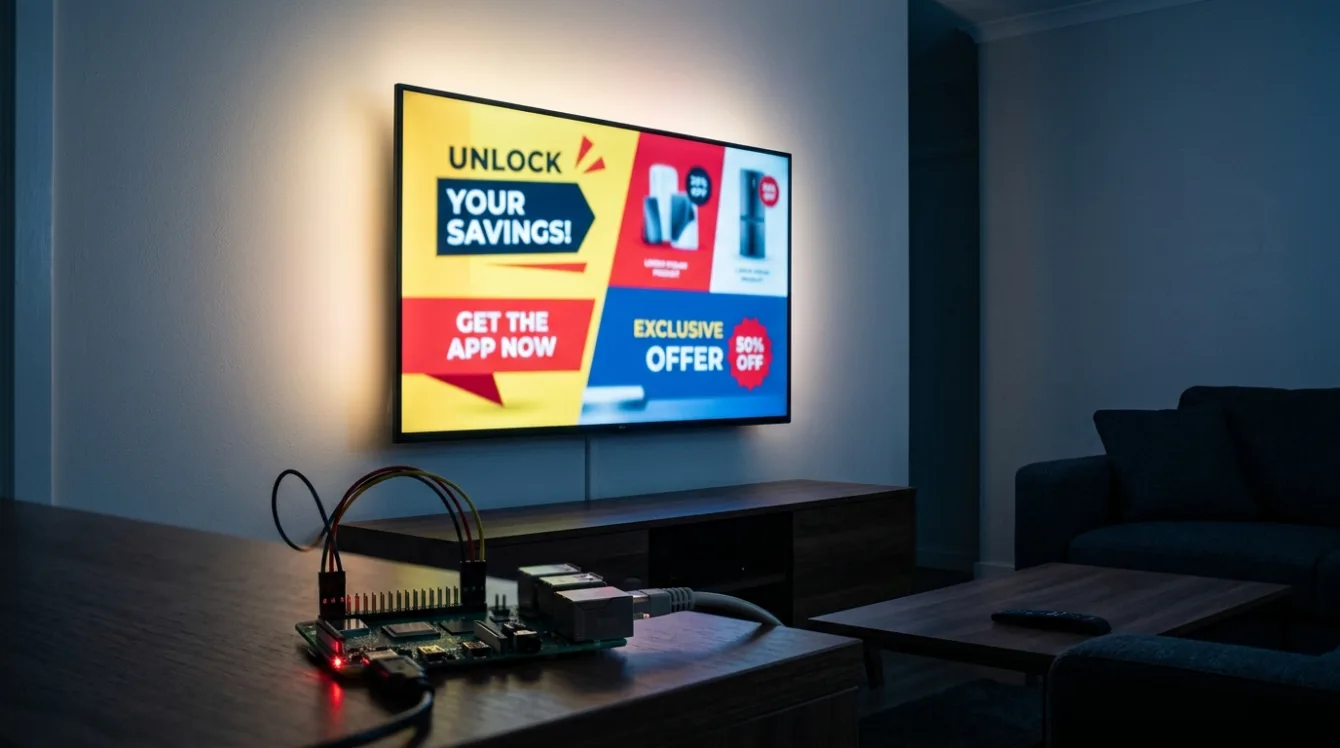
Even if you never use your smart TV to watch actual TV, ads still pop up. Sometimes they hit before you even reach the app or input you wanted.
This isn’t just the sponsored tiles on the home screen we’ve already gotten used to. Several brands started pushing full-screen ads right after power-on during 2026. It’s no longer isolated cases – it’s spreading. Below I’ll walk through who’s doing it, why Pi-hole alone isn’t enough, and what you can actually do about it.
Who’s pushing ads right after power-on
Three brands have gone furthest. According to Guru3D, since spring 2026 some VIDAA-based sets (Hisense, Toshiba, JVC) have been showing ads immediately after power-on, before live TV even appears. The clearest confirmed case was in Spain, where Hisense described the ads as a limited “spot test.”
Amazon Fire TV, according to Android Headlines, began displaying full-screen ads for its mobile app in May.
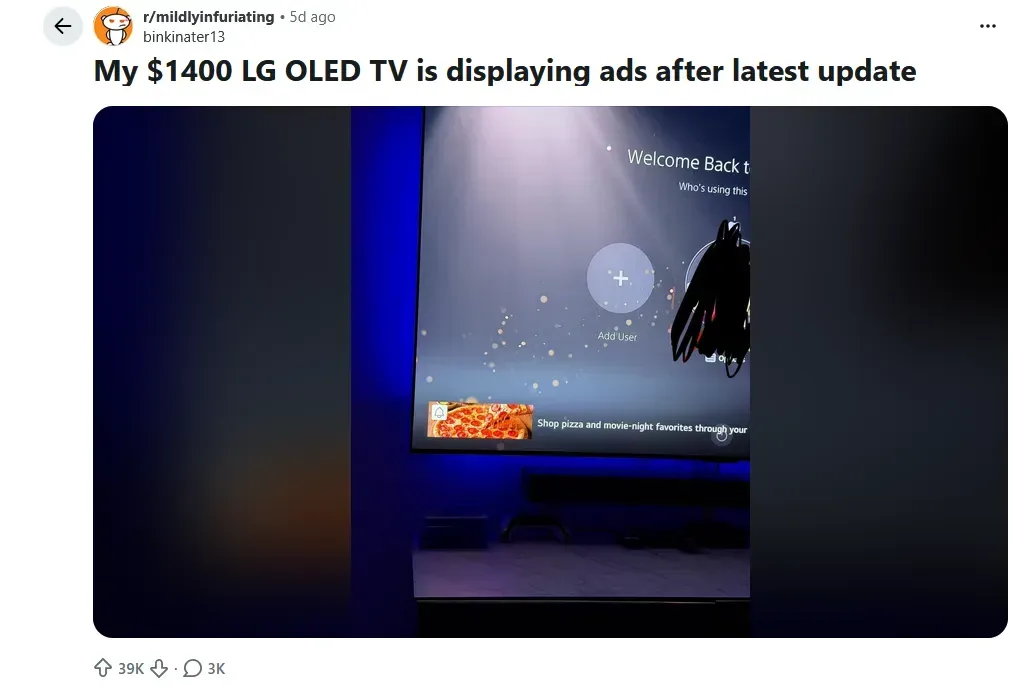
According to the AdGuard blog, some LG OLEDs started overlaying banners directly on top of PlayStation 5 footage coming in over HDMI, outside the TV’s own UI, and only after a firmware update. The exact behavior varies by model, region, and firmware version.
How it looks across brands
Almost every manufacturer now puts home-screen ads in the launcher. On Samsung Tizen, LG webOS, and Roku OS they’re usually part of the interface, so on most models you can limit them rather than fully remove them. In 2026 you’ll be hard-pressed to find a mainstream TV that ships completely ad-free. Sony and Vizio show the fewest ads; based on available roundups, TCL with Roku and Amazon show the most.
Why Pi-hole won’t solve it
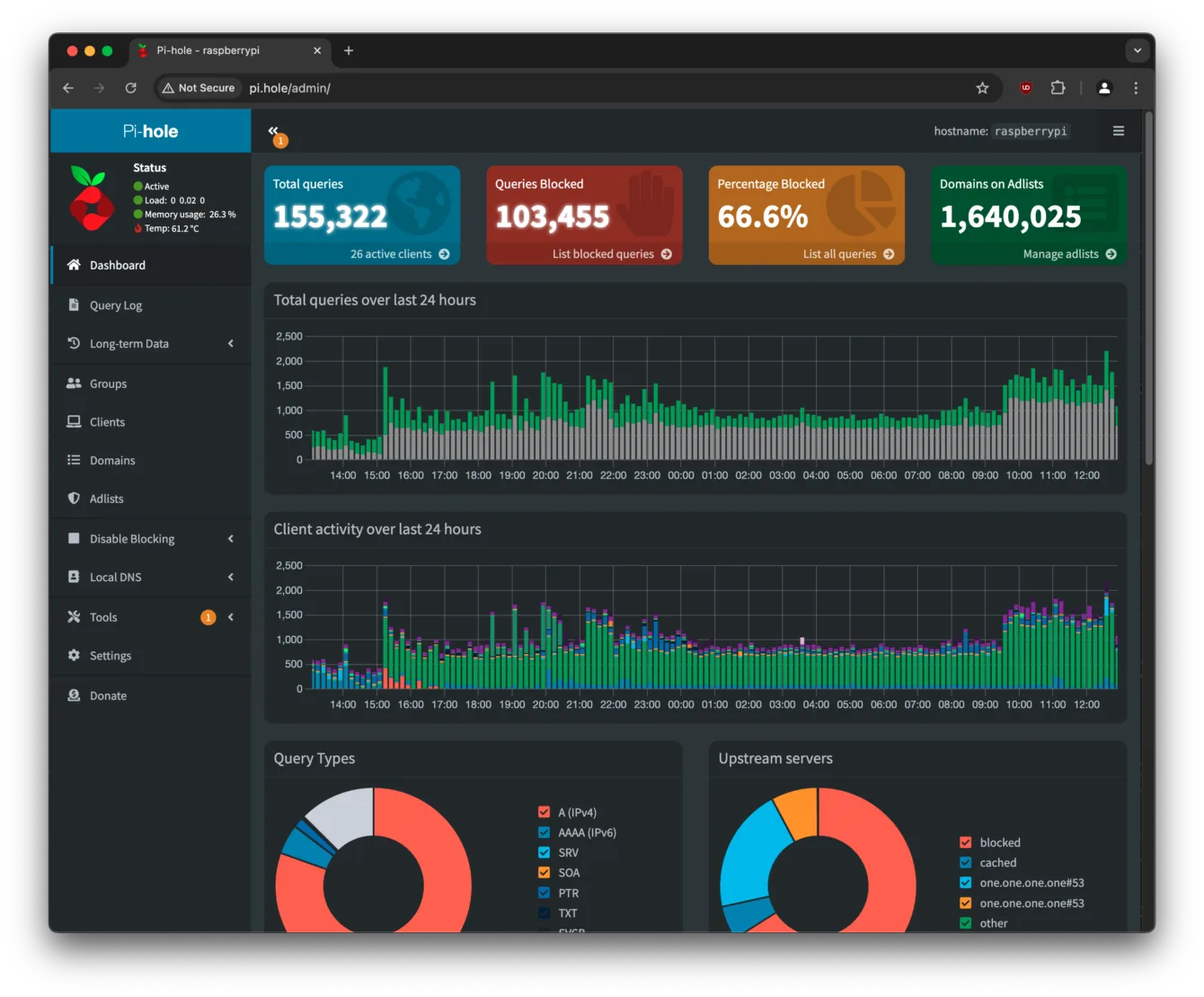
If you know your way around a network, the first idea is usually “stick Pi-hole on the network and I’m done.” It helps – partly. Pi-hole is a DNS filter, so when the TV tries to fetch an ad from a known domain, the query gets blocked and the ad never loads.
What Pi-hole is, if you haven’t run into it: Pi-hole is a network-wide ad and tracker blocker that acts as a local DNS server for the whole house. Every device on the network asks it for IP addresses first; if the domain is on a blocklist (ad networks, analytics, telemetry), Pi-hole drops the reply and the connection never happens. The big advantage over browser extensions is that it covers everything at once – phones, smart TVs, IoT gadgets you can’t install an ad blocker on. The web UI shows you stats on what got blocked and what each device is trying to reach, and you can tweak blocklists and exceptions yourself. It runs fine on a Raspberry Pi (even an old Zero 2 W), a mini PC, an old NAS, or in WSL/Docker on a machine that’s already always on.
Startup ads have a catch, though. The TV often renders them itself from data already stored in firmware. The image or video is downloaded ahead of time, so at power-on there’s no DNS query left for Pi-hole to block. On top of that, TVs use two tricks to dodge DNS filters:
- Hard-coded DNS. The TV ignores whatever the router offers and queries Google’s servers directly.
- DNS over HTTPS (DoH). The query is encrypted over port 443, so it looks like ordinary web traffic and Pi-hole never sees it as DNS.
Pi-hole still cuts a lot of ads and tracking across the network, but it doesn’t catch everything.
What you can actually do
From easiest to most drastic:
1. Turn off ad features and ACR in the TV settings. Almost every brand has toggles buried in the menus for content tracking and personalized ads. The most important one is ACR (Automatic Content Recognition). Disable that first.
2. Reset the advertising ID. More effective than the “limit ad tracking” toggle because it breaks the link between your household profile and the current targeting. The reset is usually in the same menu section as ACR.
3. Deploy Pi-hole anyway. It won’t stop every ad, but it reduces the load on every device on the network. It does solid work for phones, computers, and normal apps.
4. Most effective fix: don’t connect the TV to the internet at all. Sounds extreme, but it works. The TV becomes just a dumb panel; feed it from a separate device – Apple TV, mini PC, or HTPC – whose interface doesn’t carry the ads.
For the advanced: network layers against bypasses
If Pi-hole isn’t enough and you want to really lock the TV down, you can stack protections on the router – ideally OPNsense or pfSense:
- Force port 53 redirect sends all DNS traffic back to Pi-hole even if the TV tries to bypass it.
- Block port 853 disables DNS over TLS and forces devices back to plain DNS that Pi-hole can see.
- VLAN for the TV isolates it in its own network segment so it can’t reach your computers, phones, or NAS.
DoH over port 443 is the hardest to block without breaking streaming. Even a full stack won’t give you 100 % coverage. Start by disabling ACR on the TV itself, then add the network layers on top.
One more angle: consumer rights
An interesting point came up in discussions. If a firmware update fundamentally changes what the product does – for example by adding unskippable ads over HDMI input – you could argue in the EU that the device no longer matches the description at purchase. Getting a warranty claim accepted on that basis would be tough, but it’s not nonsense under European consumer law. It’s a reminder that a “smart” TV’s behavior can change after an update without your consent.
Summary
Startup ads have moved from theoretical annoyance to reality on part of the market. The good news is you’re not powerless. From disabling ACR and resetting the ad ID to the nuclear option of keeping the TV off the network entirely, there are workable steps. Pi-hole and router-level controls are useful tools, but know their limits. DNS filtering removes a lot of tracking – just not all of it.
Sources: Guru3D (Hisense/VIDAA, March 2026), Android Headlines (Amazon Fire TV, May 2026), AdGuard blog (LG OLED and PS5 over HDMI, May 2026), 2026 smart-TV ad-load roundups.