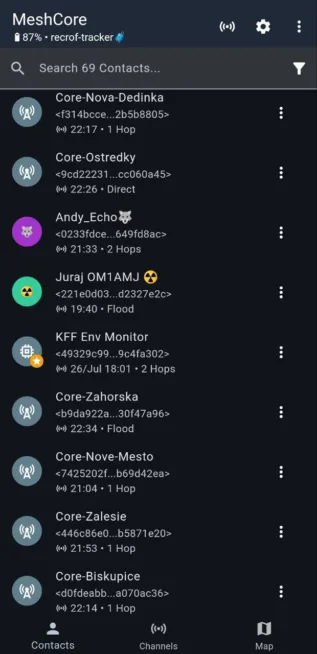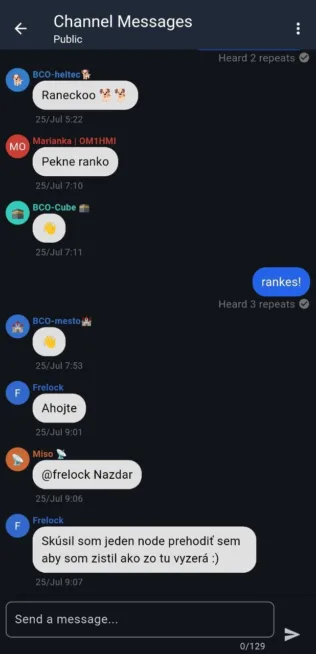
MeshCore as an alternative to the popular off-grid text communication Meshtastic is now popular in the Czech Republic – what about your country? A strong community has quickly formed, working to improve coverage of the MeshCore network, which operates using radios with LoRa support. Want to get involved? You will learn “how to” in this article – how it works, the differences between MeshCore and Meshtastic, supported hardware, and how to set it up.
What is MeshCore
Like Meshtastic, MeshCore works with radios that support LoRa in the 868 MHz band. In this respect, MeshCore and Meshtastic are the same.
MeshCore is designed for “reliable message transmission” in environments without available internet – it does not require a server. MeshCore has quickly become a discussed alternative to the more well-known Meshtastic project, with which it shares many similarities but also significant differences.
How MeshCore Works
MeshCore functions as a mesh library in C++ as well as a ready-made firmware that can simply be uploaded to a supported device – for example, Heltec, RAK Wireless, etc.
Such devices with MeshCore Companion firmware can:
- Send and receive encrypted text messages without the need for any central server or internet.
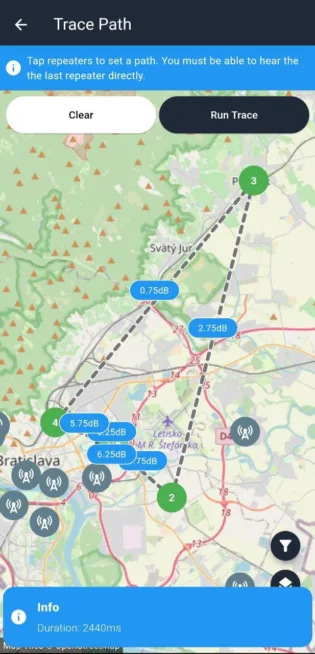
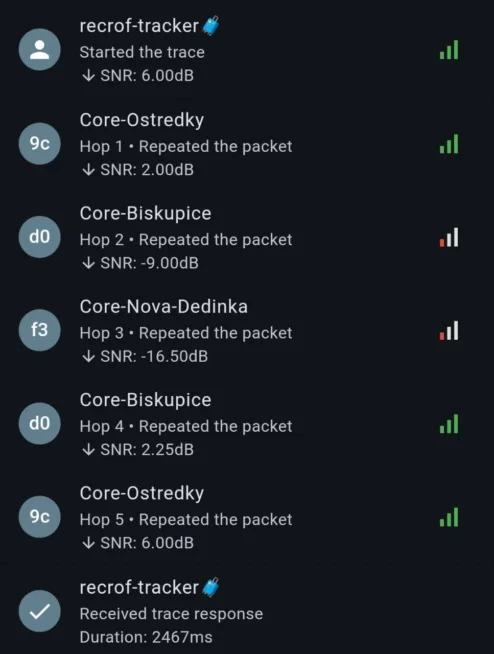
- Create a decentralized network where each repeater can forward messages to other nodes – a so-called multi-hop routing.
- MeshCore allows both manual routing setup (fixed paths) and automatic routing. If users want/need, they have greater control over data flow in the network, and the network is “quieter” (fewer unnecessary status messages).
- “The first private message from MeshCore is sent as a Flood; once the message is delivered, it remembers its path and then sends it only through the remembered nodes. If delivery fails, it sends a Flood again.” (meshcore.cz)
- Simple “network congestion” is what is criticized about the Meshtastic project, although it uses managed flooding – message propagation is limited using the TTL parameter (time-to-live).
- Due to its low power consumption, MeshCore is a suitable solution for solar/battery-powered devices. The energy consumption is significantly influenced by the chosen supported hardware.
Advantages and Disadvantages of MeshCore Compared to Meshtastic
Advantages
- Higher flexibility: Thanks to the open library, developers can create specific network solutions and integrate MeshCore into complex systems.
- Improved routing: The ability to manually set paths for messages or utilize more efficient fixed path routing, leading to more reliable delivery in complex topologies.
- Less network congestion: A smaller volume of status traffic, which is advantageous in extensive or energy-limited networks.
- Another advantage is the MIT license under which MeshCore is maintained. This allows the use of MeshCore in commercial (closed) projects.
Disadvantages
- Smaller community: Less user support, fewer instant guides and forums.
- Device roles defined by firmware: Cannot dynamically change the ‘roles’ of nodes without reflashing the firmware.
- Lower spontaneous network density: Limited connection with public Meshtastic networks, fewer peers for automatic connections in some regions.
- Missing MQTT and broader integration of “internet” features: MeshCore purely targets mesh communications without attempting to provide an internet interface, which is, conversely, a strength of Meshtastic.
A common disadvantage for both Meshtastic and MeshCore is that they share the same frequency band and are not compatible with each other.
Supported Hardware
Like Meshtastic, MeshCore supports dozens of different devices on which you can “run” MeshCore and test the network availability in your locality.
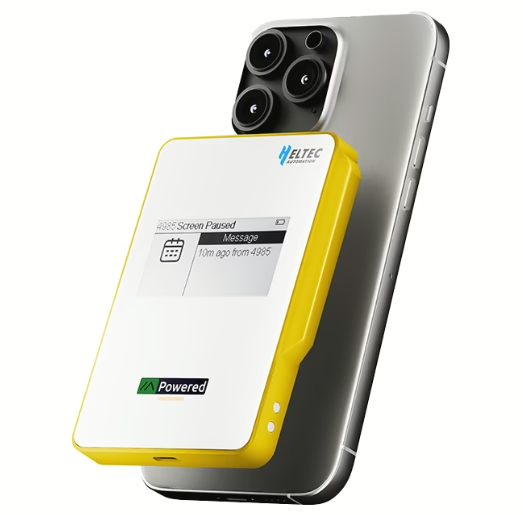
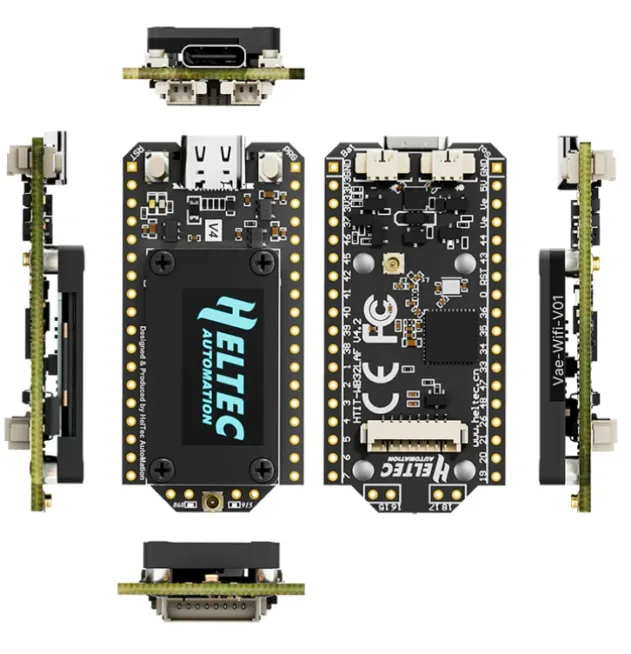
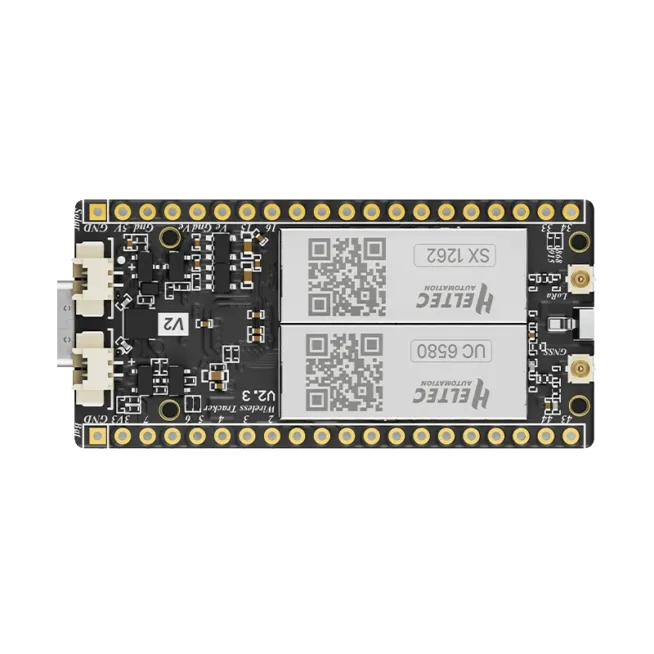
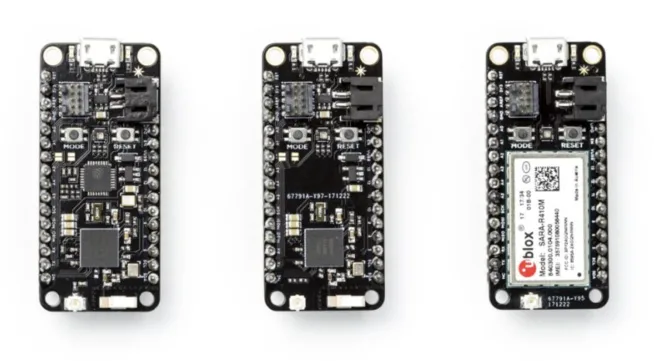
Supported devices include well-known and easily available devices from companies like Liligo (T-Deck, T-Beam, LoRa32, and others), Heltec (Lora32 v2 and v3, T114, Wireless ePaper, and others), RAK WisBlock/WisMesh (based on RAK4631), Seedstudio (XIAO C3, C6, S3, nRF52, and others), or a combination of Raspberry Pi Pico with RP2040 and WaveShare SX1262 shield.
The most energy-efficient option is devices based on nRF52 (for example, RAK4631).
Example setup for the Czech Republic
The community in the Czech Republic has agreed on the following setup
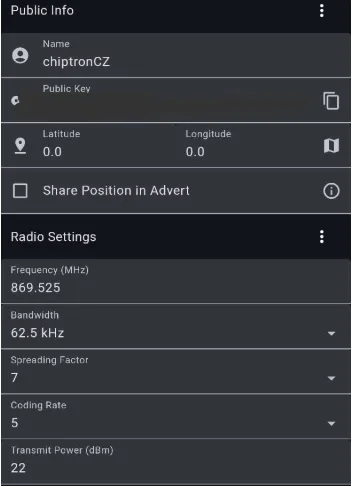
Frequency: 869.525 MHz
Bandwidth: 62.5 kHz
Spreading Factor: 7
Coding Rate: 5
Transmit Power: 22
Programming (for example, Heltec LoRa V3.1)
Warning: no device with an external antenna connector should be operated without a connected antenna. There is a risk of damaging the transmission part of the chip.
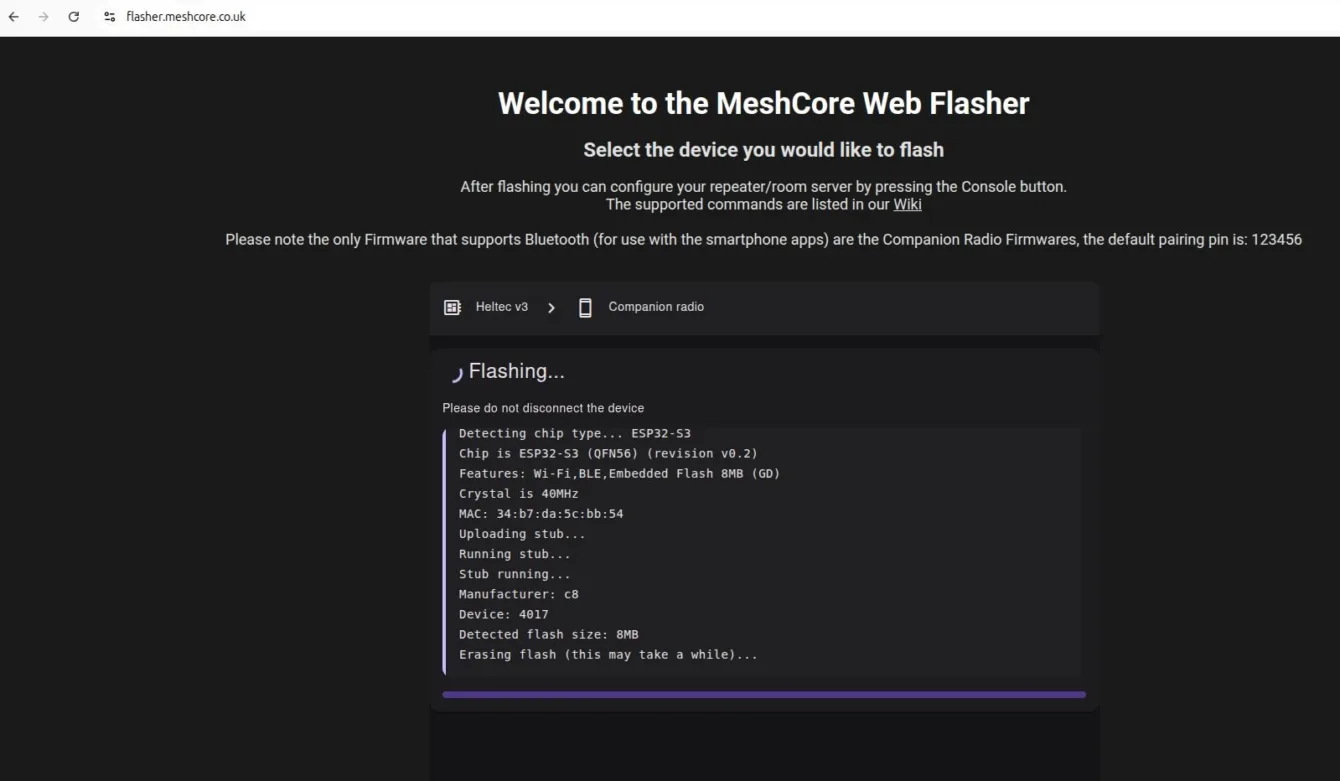
Connect the selected device to your computer via a USB-C connector and go to the page https://flasher.meshcore.co.uk/, select the supported device (for example, Heltec LoRa v3.1), choose whether you will communicate with the device via USB or Bluetooth (or otherwise), and click the FLASH button. After uploading the firmware, you will be prompted to connect to the mobile app via Bluetooth.
In the phone, in the MeshCore app, enter the valid PIN for connection.
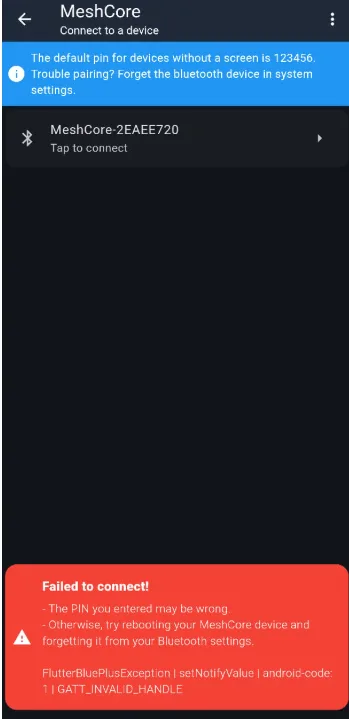
If you see an error message (see above), the solution is to delete the connected device in the Bluetooth settings on your phone (forget it) and connect again. In this case, the PIN is not 123456, but the PIN generated by the device and displayed on the OLED screen.
Project homepage: https://meshcore.co.uk/
Czech project page: https://meshcore.cz/
Web application for uploading firmware: https://flasher.meshcore.co.uk/
Wiki: https://github.com/ripplebiz/MeshCore/blob/main/docs/faq.md
Telegram group: meshcore_cz
Thanks to Rastislav from the MeshCore Telegram group for reviewing the article and corrections, who also sent me screenshots from the mobile app.