To start tinkering and programming Arduino, ESP32, or Raspberry Pi Pico boards, you don’t need them sitting on your desk. A web browser is all it takes. Czech maker Martin Hubáček first tipped me off about Wokwi — and since then, the simulator has come a long way.
Simulujte Arduino kod a ruzny hardware v online web simulatoru Wokwi. Podporuje Atmely, ESP32, RPI pico a spousty dalsiho.https://t.co/DYtH31bKIp pic.twitter.com/49abk8RYRU
— Martin Hubáček (@hubmartin) December 28, 2021
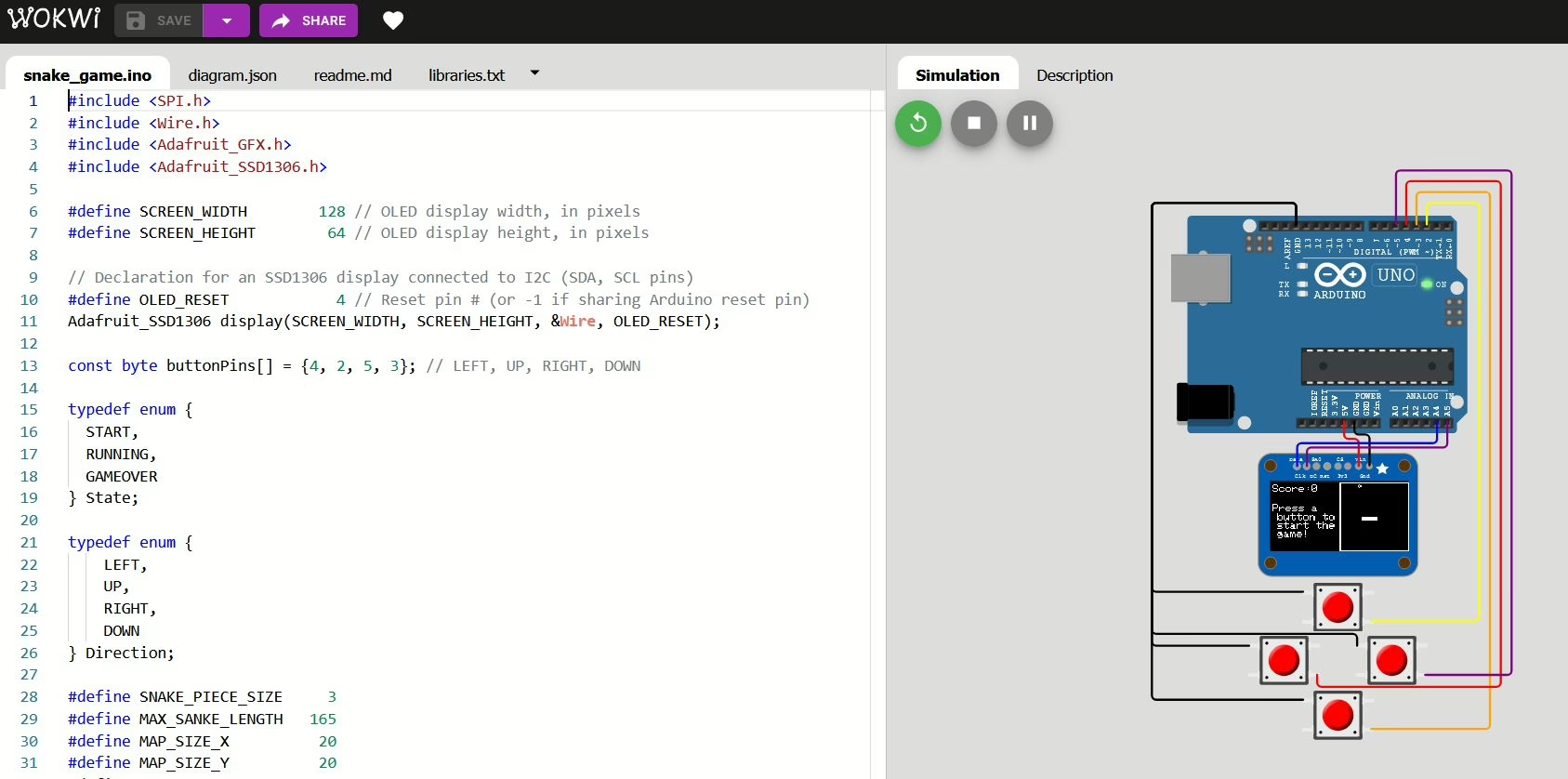
What Wokwi Can Do
Wokwi is an online electronics simulator. In your browser, you can run firmware for Arduino, ESP32, STM32, or Raspberry Pi Pico without having physical hardware on your desk. It’s free and requires no installation.
Supported boards include Arduino Uno, Mega, Nano, ESP32 DevKit v1, TinyPico, XIAO ESP32C3/S3/C6, STM32 Nucleo, Raspberry Pi Pico, and more. Programming languages: Wiring (Arduino IDE), MicroPython, CircuitPython, Rust, Zephyr.
Here’s what you’ll find in the simulator:
- WiFi simulation — test MQTT, HTTP, and IoT protocols without a physical router
- Virtual logic analyzer — capture digital signals (UART, I2C, SPI) and analyze them with PulseView right in your browser
- GDB debugger — step through code, set breakpoints, inspect variables; the GDB server runs on a Linux kernel emulated inside the browser
- SD card — file system simulation
- Chips API — create your own virtual components and share them with the community
- Project sharing — just share a link, and your colleague can open and simulate the same thing
VS Code Integration — Simulation Right in Your Editor
This is the biggest change since 2022. Wokwi has an extension for VS Code that runs simulations directly in the editor — no browser needed, with a full-featured debugger.
It supports PlatformIO, ESP-IDF, Arduino, MicroPython, Rust, and Zephyr. Here’s how:
- Install the Wokwi Simulator extension from the VS Code Marketplace
- Add
wokwi.toml(path to firmware) anddiagram.json(connection diagram) files to your project - Hit F1 → “Wokwi: Start Simulator”
- For debugging: F1 → “Wokwi: Start Simulator and Wait for Debugger”, then F5
There’s also a plugin for CLion (JetBrains) if VS Code isn’t your thing.
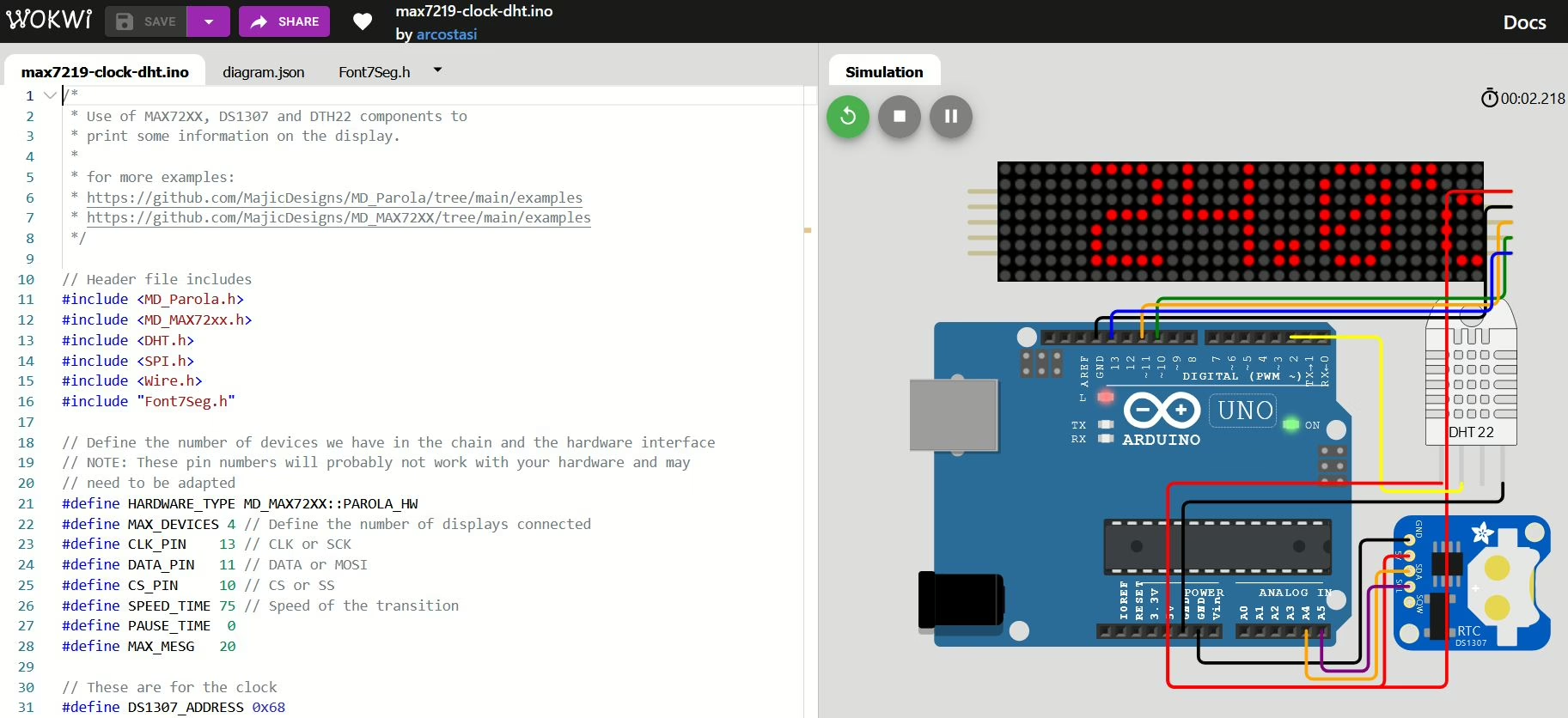
CI/CD — Testing Firmware in the Simulator on GitHub
For advanced makers and developers: Wokwi integrates with GitHub Actions. On every push to GitHub, the firmware compiles and tests in the simulator — no physical hardware required. ESP-IDF projects handle this via pytest-embedded-wokwi, and you see the results right in the CI log.
Practical use: Verify that new code hasn’t broken serial communication or MQTT before you even touch a physical board.
Free vs. Wokwi Club
Basic simulations are free and plenty for 99% of makers.
The paid Wokwi Club unlocks:
- uploading your own libraries and binary files (like images to an SD card)
- Private IoT Gateway — a private MQTT/HTTP gateway for simulated projects
- offline license for the VS Code extension (simulation works without internet)
Find Wokwi at wokwi.com
Documentation: docs.wokwi.com
VS Code extension: Wokwi Simulator on VS Marketplace