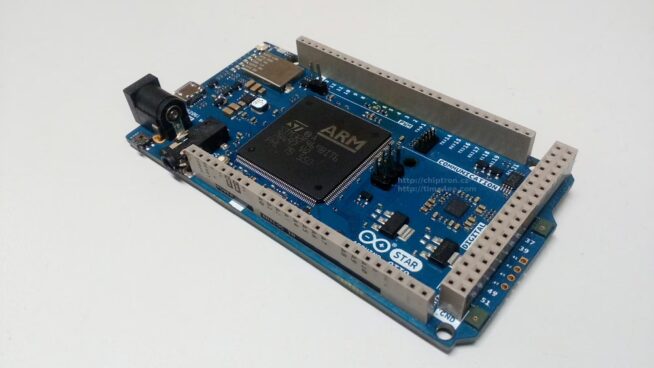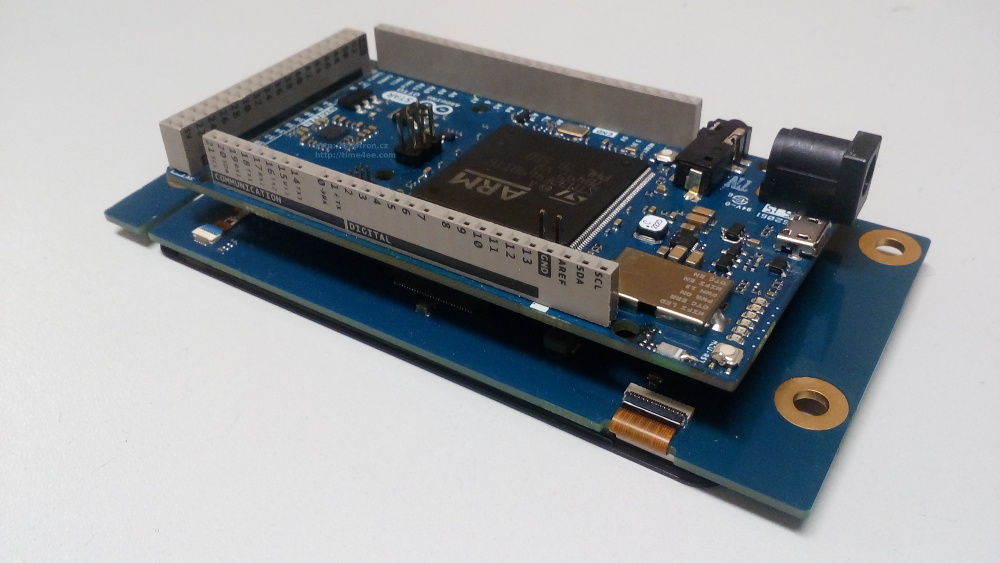
Maybe you read about a new board by STMicroelectronics and Arduino.org – Arduino STAR OTTO
Arduino compatible board with STM32F469 microcontroller.
In this article I describe you how to set your laptop, arduino IDE and how to upload your code to Arduino STAR – OTTO – OS Linux Mint.
At first, download Arduino IDE by arduino.org.
After the installation, you have to add *.rules file for dfu-util.
Use this script by Arturo Rinaldi for creating of rules for Arduino IDE.
Download arduino-linux-setup.sh which is available on github https://github.com/artynet/Arduino/tree/arduino-linux-setup/build/linux/dist
Then, follow these commands
$ chmod +x arduino-linux-setup.sh
$ ./arduino-linux-setup.sh YourUserName
Thanks Arturo Rinaldi for script and support.
Create 40-dfuse.rules file.
Copy this code to file:
# Example udev rules (usually placed in /etc/udev/rules.d)
# Makes STM32 DfuSe device writeable for the “plugdev” group
ACTION==”add”, SUBSYSTEM==”usb”, ATTRS{idVendor}==”0483″, ATTRS{idProduct}==”df11″, MODE=”664″, GROUP=”plugdev”
Copy 40-dfuse.rules to /etc/udev/rules.d/
sudo cp /PathOfFile/40-dfuse.rules /etc/udev/rules.d/
Follow these commands
sudo udevadm control –reload-rules
sudo udevadm trigger
Reboot your laptop
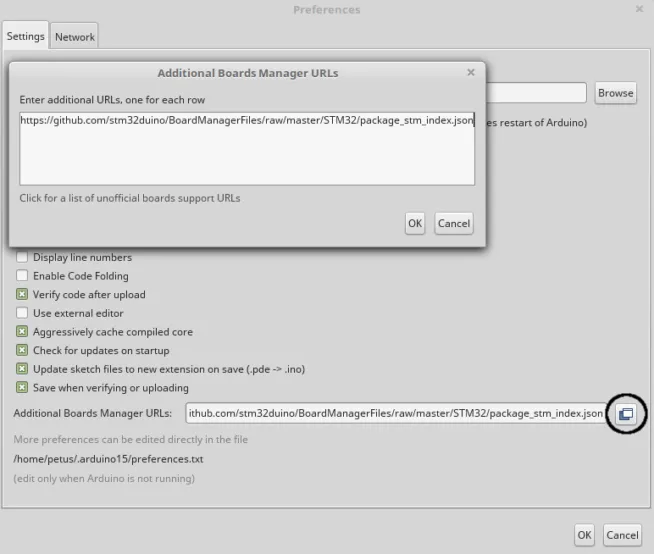
Run IDE by arduino.org and install the support for Arduino STAR – OTTO, go to Tools -> Board -> Boards manager, find Arduino STAR OTTO install it.
For uploading of your code you can use two ways. Through OTA (Over The Air) or through Serial.
Through Serial Tools -> Port
Use example code like blinking of LED. Choose right port. After uploading, LD13 will blink.
Programming through OTA.
At first, connect Arduino STAR – OTTO to power, connect your laptop to WiFi Access Point Arduino-Star-Otto
Write this IP address to web browser http://192.168.240.1/
Find your WiFi on website and write password of your WiFI network. You will see new IP address of Arduino STAR – OTTO.
On the right side of website click to Switch to STA mode buton
After automatic restart of Arduino STAR – OTTO you can see erro message. Don’t worry.
Connect your laptop to your home internet network and write new IP address of Arduino STAR – OTTO to web browser. You see that is in STA mode, that’s OK.
Getting started by arduino.org: http://www.arduino.org/learning/getting-started/getting-started-with-arduino-star-otto
Unboxing and how to set