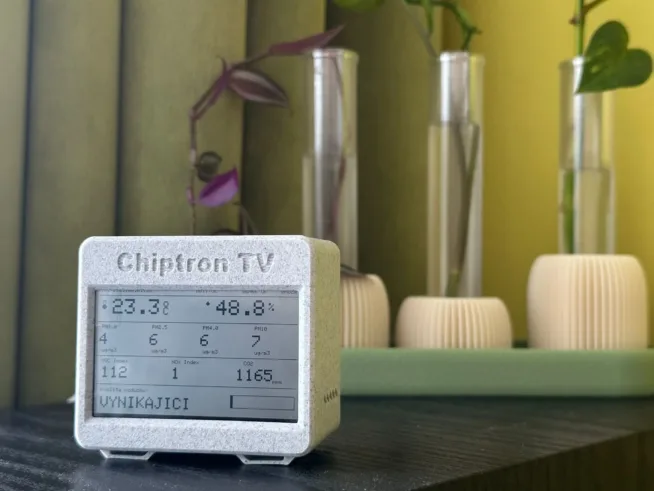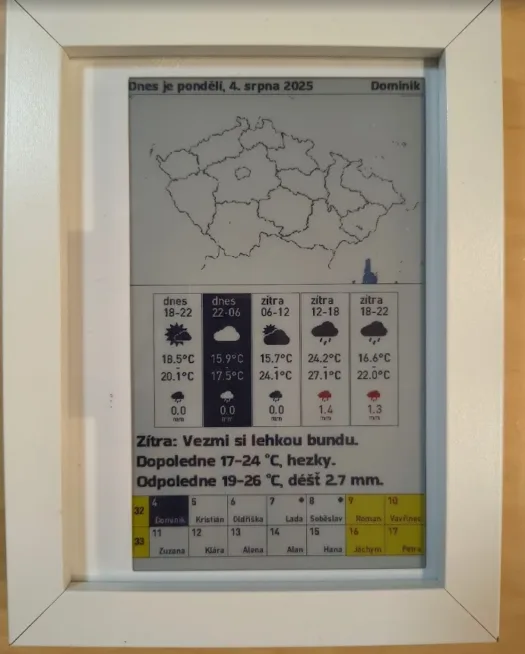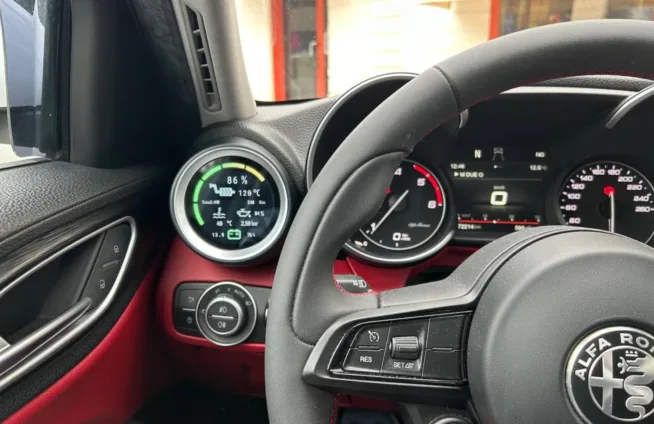
Creating an information display for ESPHome is not exactly a straightforward task. Every change means modifying the YAML, uploading it to the device, and waiting to see if it finally looks the way you wanted.
This is exactly what the ESPHome Designer tool aims to solve.
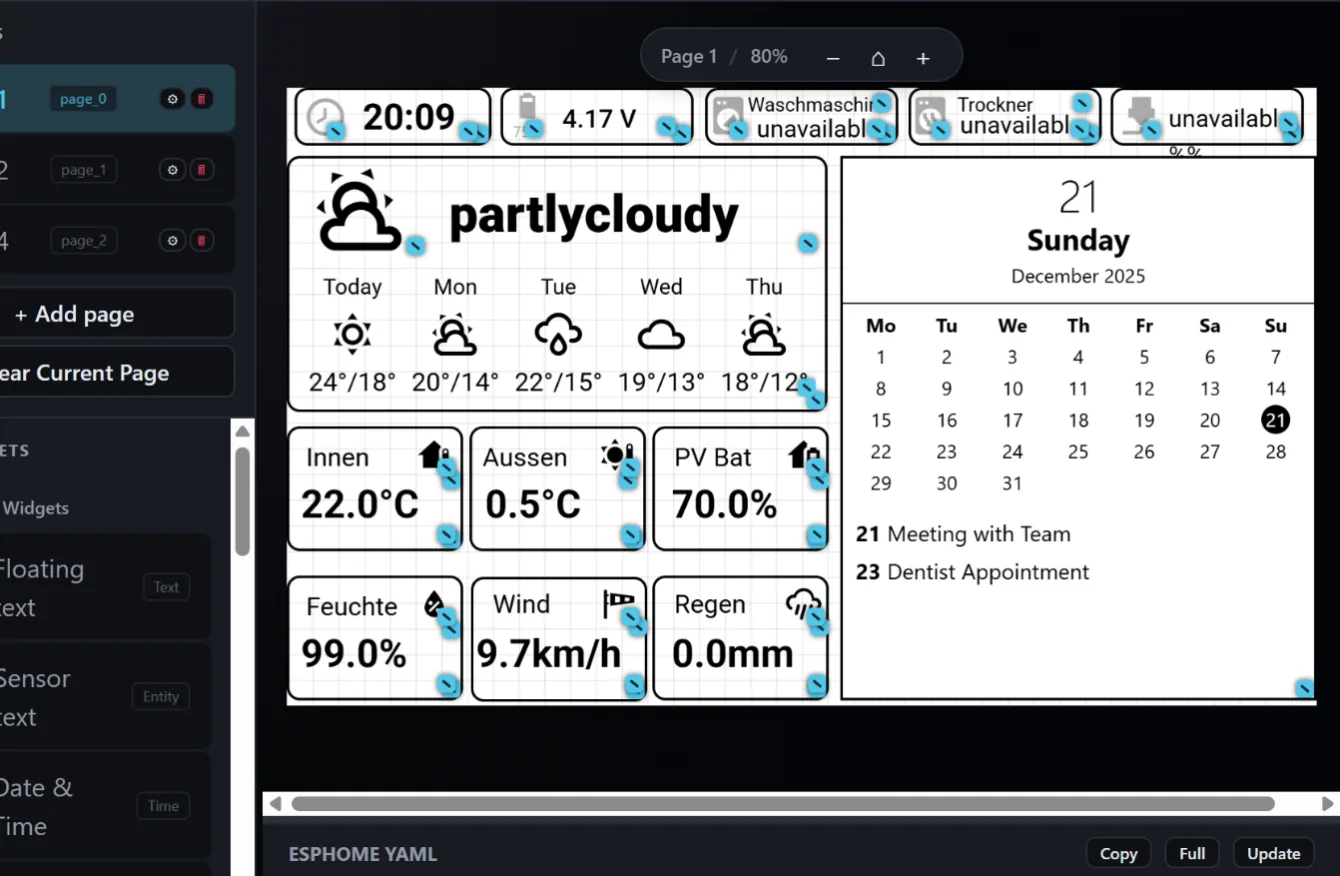
Instead of writing the configuration, you open the editor and simply click together the interface (drag & drop editor). You can add text, buttons, weather forecasts, calendars, or graphs, connect them to an entity from Home Assistant, and immediately see how the final screen will look. This eliminates the constant need to look up sensor names and the trial-and-error method that otherwise takes surprisingly much time.
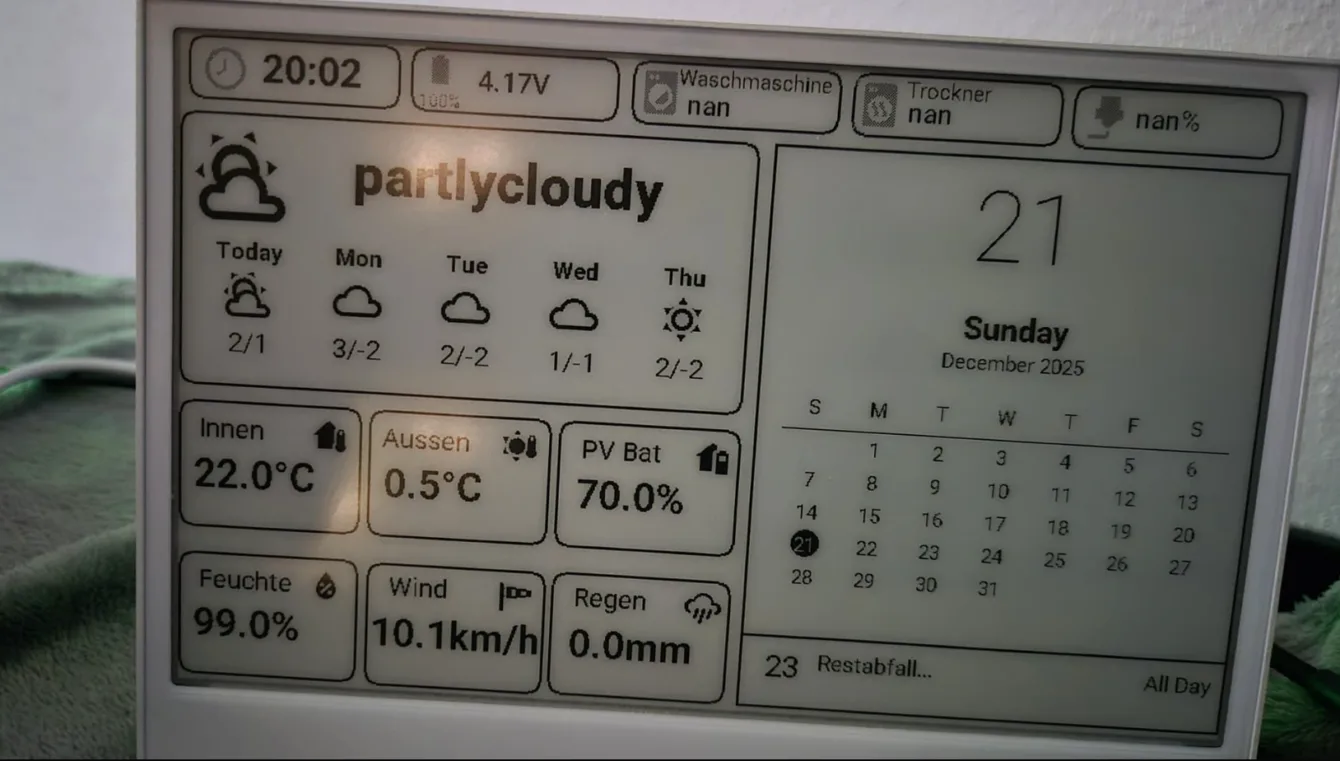
A big advantage is that you don’t lose control. The editor generates the classic ESPHome YAML in the background, so you can manually edit it at any time.
The handling of different types of displays is also well thought out. Whether you are using e-ink, OLED, or LCD, you can quickly verify what makes sense on the given hardware (in terms of display size, resolution, and so on) and what is unnecessarily cluttered. This is one of those aspects that is very difficult to fine-tune in a purely code-based design.
Newer versions add more features, such as basic AI assistance with layout design or a guide for custom hardware. Of course, it is not without bugs yet, and you may occasionally encounter something that does not behave quite ideally, but development is progressing rapidly, and the tool is visibly improving.
Interestingly, there is also the option to set schedules. This allows you to set different screens (displayed data) at different times during the day.
It is also interesting that you do not necessarily have to run ESPHome Designer only within Home Assistant. It can be launched independently in the browser and connected via API, giving you greater flexibility—especially if you want to separate the interface design from the main installation.
Overall, this is a tool that saves you time where you would otherwise waste it unnecessarily. You will likely still fine-tune more complex logic manually, but the actual design and tweaking of the appearance is significantly faster and more convenient with this approach. And that is where it makes the most sense.
You can find a clear guide on how to install and use ESPHome Designer on GitHub.
Project GitHub https://github.com/koosoli/ESPHomeDesigner
Info on Home Assistant forum https://community.home-assistant.io/t/esphome-designer-v0-8-0-is-now-available/965134