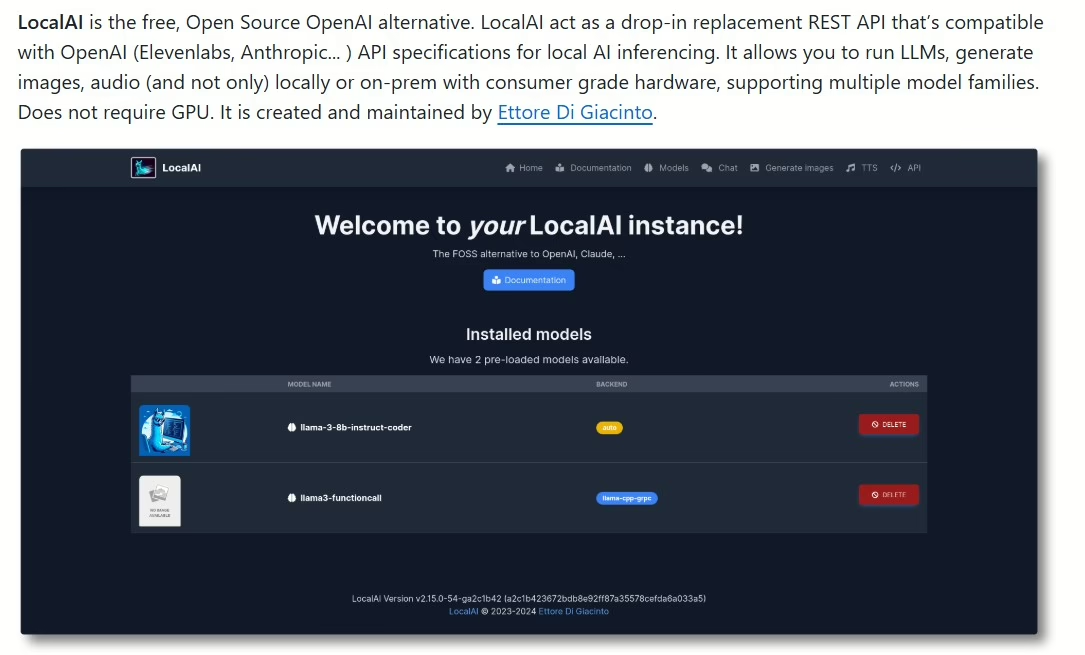
These days, AI is getting more accessible, popping up in all sorts of places. LocalAI is a prime example of running it right on your own gear, no cloud dependency. Let’s dive into what this project brings to the table and how to get it going.
LocalAI is an open-source project that lets you run AI models locally on your computer. It offers perks like better privacy and lower latency for data processing. Instead of shipping sensitive info to third-party servers, you handle everything on your device.
Key features
Multi-model support: LocalAI works with various machine learning models, so you can pick the one that fits your needs best.
Easy deployment: Installation and setup are straightforward. Just grab the repo from GitHub and follow the simple docs.
Flexibility: You can tweak settings to your liking and experiment with different model parameters.
How to get started?
Download the repo: Head to the LocalAI GitHub page and snag the latest version.
Install dependencies: Make sure you’ve got all the required libraries and tools for running the model.
Launch the model: Follow the docs to fire up your chosen model and start tinkering.
Tips for effective use
Experiment with models: Don’t stick to just one. Try different variants to see which delivers the best results for you.
Optimize settings: Play around with parameters like learning rate or batch size to hit peak performance.
Follow the community: Join discussions and forums around LocalAI to pick up tips from other users and share your own experiences.
LocalAI is a powerful tool for anyone wanting to harness AI on their own hardware. It lets you experiment with models and AI apps without privacy worries or reliance on external servers.
LocalAI supports a wide range of models covering various AI domains. Here’s an overview of the main categories and specific models you can use:
Large language models like LLaMA, GPT-2, Mamba, RWKV, Falcon, and more…
Text-to-speech models (Text to Audio) like Piper or Bark.
Speech-to-text models (Audio to Text), for example, Whisper.
Image generation models – Stable Diffusion.
Project site https://localai.io/
Quickstart available at https://localai.io/basics/getting_started/
GitHub repo https://github.com/mudler/LocalAI
Update – April 2026
It’s been over a year since the original article, and LocalAI has made huge strides. I tested the current version, and here’s what I found in practice.
What’s changed
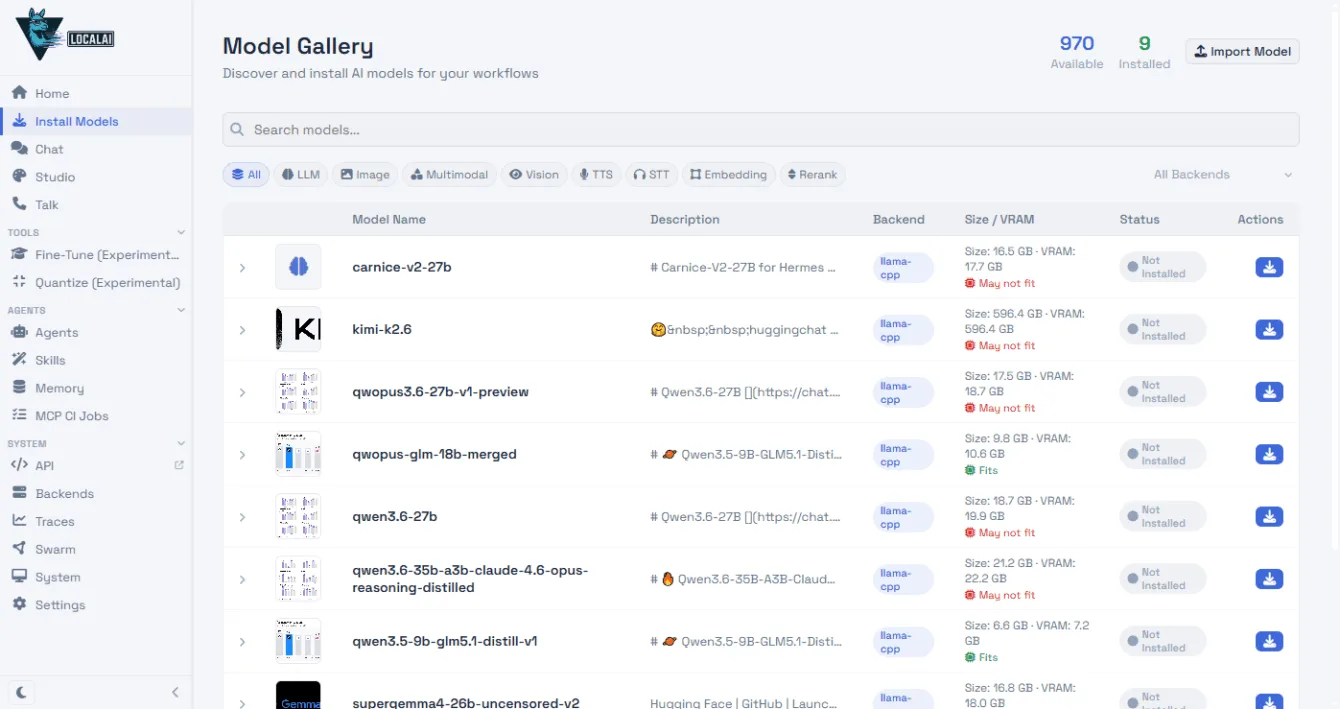
LocalAI doesn’t look like it did back in January 2025. Fire it up, and you’re hit with a web interface featuring a chat and a model gallery that sniffs out your hardware and shows what’ll run on it.
Beyond text models, it now handles image generation, speech transcription (Whisper), voice synthesis, and even video. They’ve added an agent system with tool support and cluster mode to spread the load across multiple machines.
Models you can run at home today
The open-source model landscape has exploded in the last year. You can now spin up stuff like GPT-OSS 20B from OpenAI (Apache 2.0), Gemma 4 from Google, or Qwen 3.5 with solid Czech handling. In the gallery, LocalAI lists VRAM needs for each model and checks if it’ll fit your GPU.
Installation on Windows
LocalAI lacks a native Windows installer. The simplest route is grabbing the Linux binary in WSL (Windows Subsystem for Linux):
curl -Lo local-ai "https://github.com/mudler/LocalAI/releases/download/v4.1.3/local-ai-v4.1.3-linux-amd64"
chmod +x local-ai
./local-ai
Once it’s running, hit http://localhost:8080 and one-click download your chosen model from the gallery.
Chat
I tested three models on the prompt “napiš hello world – LED blink pro Arduino” (write hello world – LED blink for Arduino). All replied in Czech and spat out working code:
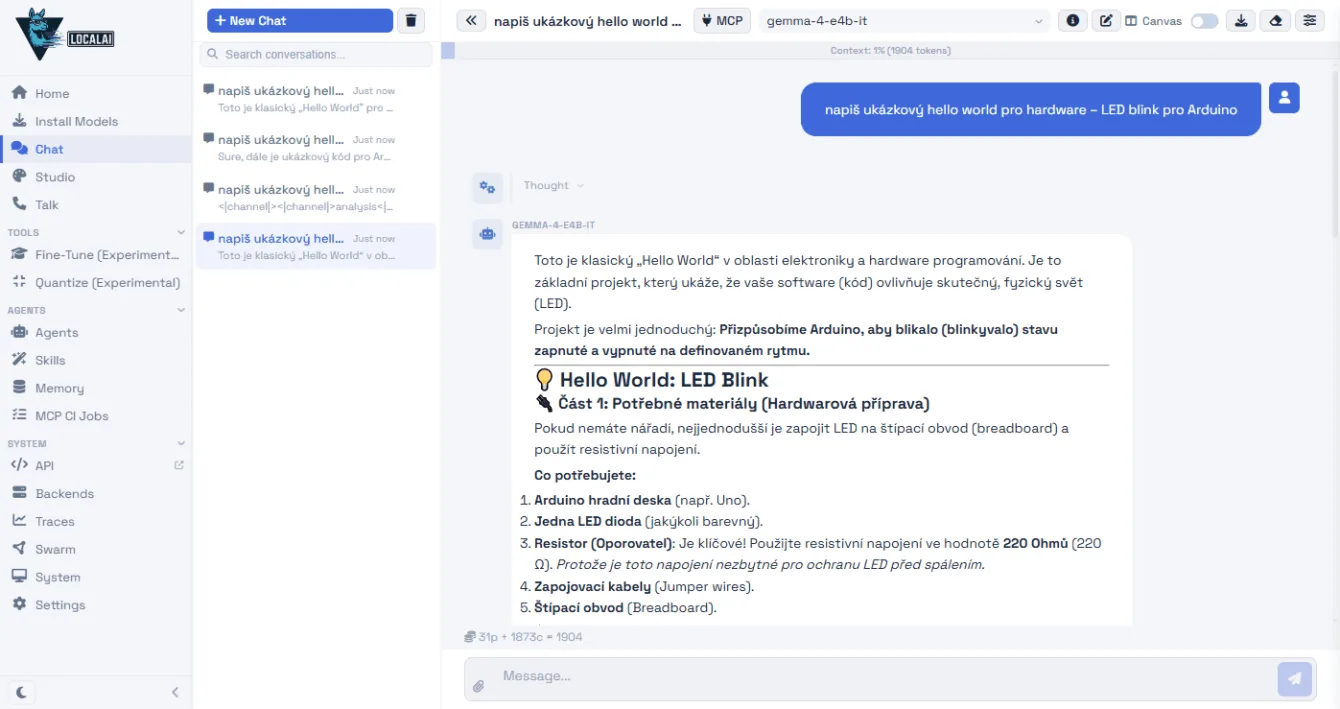
| Model | Speed |
|---|---|
| Gemma 4 E4B (Google) | 48 tokens/s |
| Qwen 3.5 9B (Alibaba) | 18 tokens/s |
| GPT-OSS 20B (OpenAI) | 14 tokens/s |
Gemma’s the speed demon, but it rambles on unnecessarily and occasionally cooks up convoluted Czech translations for tech terms. Qwen keeps it concise, with the most natural Czech of the bunch. GPT-OSS is the slowest, and it sometimes leaks its internal “thought process” at the start of outputs – confusing for everyday users, though the code itself is solid. I ran this on a rig with an Nvidia RTX 4070 and 12GB VRAM.
Speech-to-text transcription
LocalAI can transcribe audio using the Whisper Large Turbo model. It works via API:
curl http://localhost:8080/v1/audio/transcriptions
  -F file="@nahravka.mp3" -F model="whisper-large-turbo"
It transcribed a 38-minute Czech video by Czech maker Jiří Bekr on DC-DC converters in 1.5 minutes. Whisper nailed the tech terms (MOSFET, SEPIC, XL4015, LM25116) and colloquial Czech. Depending on audio quality, it might mangle a word here and there, but the output is highly usable.
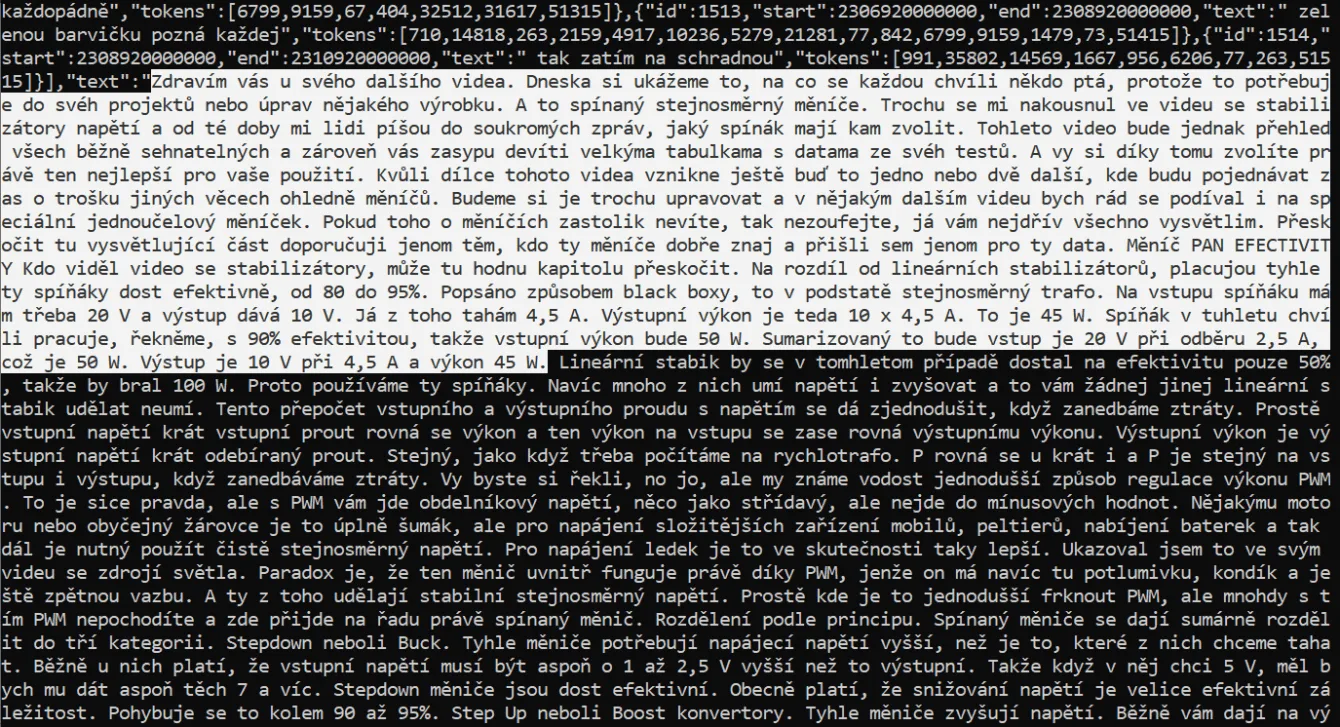
Image generation
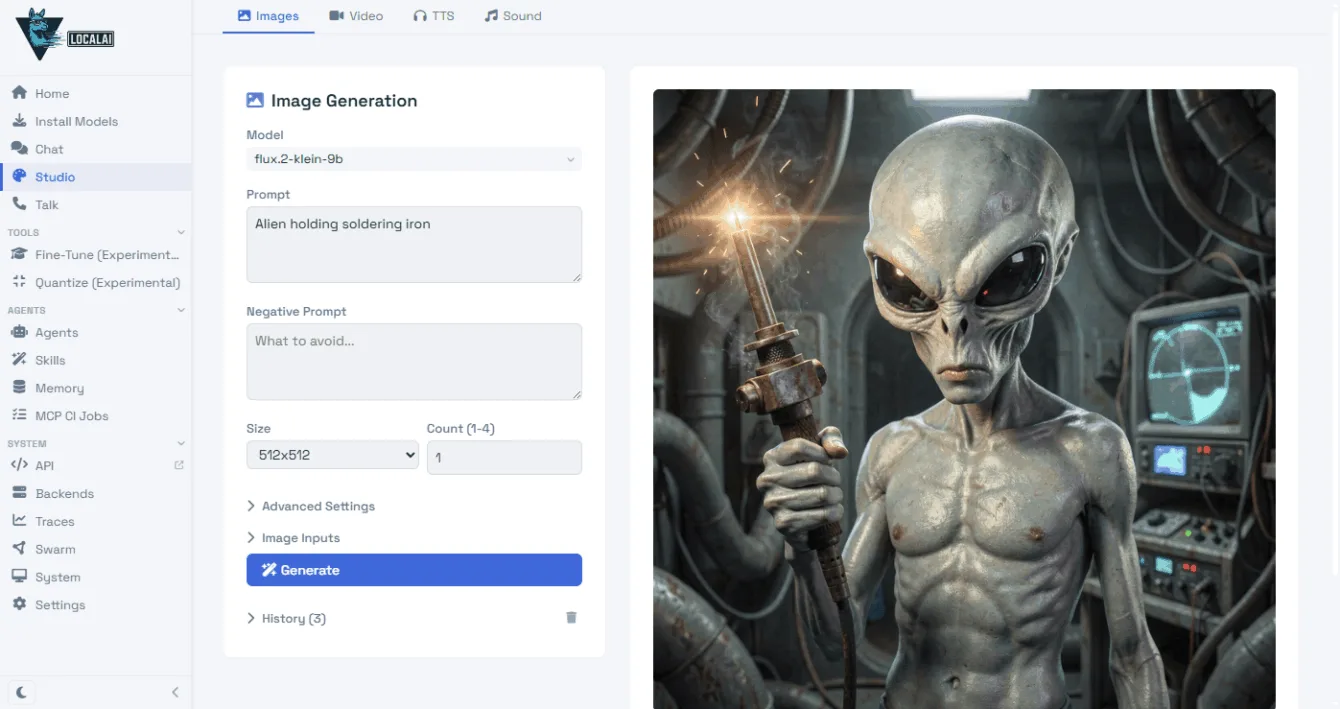
LocalAI handles image generation too – you just need a suitable model, like Flux.2-klein-9b.
LocalAI and Ollama
LocalAI isn’t your only option. Ollama offers native installers for Windows, Mac, and Linux – just ollama run gpt-oss:20b and you’re chatting. Pair it with the Open WebUI web interface, and it’s a full-fledged ChatGPT alternative.
If a basic chatbot is all you need, Ollama’s simpler. LocalAI shines when you want the full suite – text, images, audio, and video in one stack with an OpenAI-compatible API. Plus, if you need a model from the Ollama registry, LocalAI can pull it down too (local-ai run ollama://model-name).