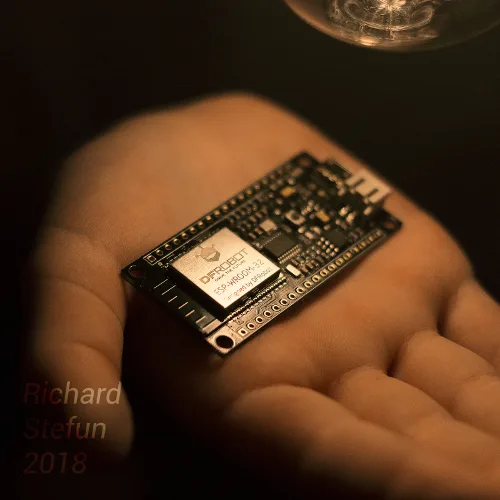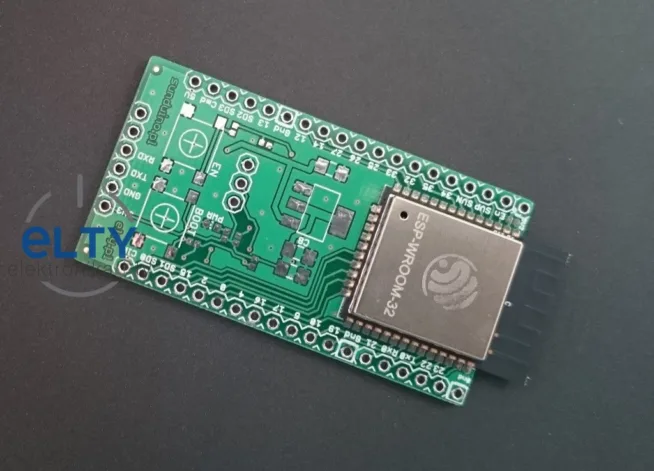
Richard ?tef?n sent me the article, thanks a lot.
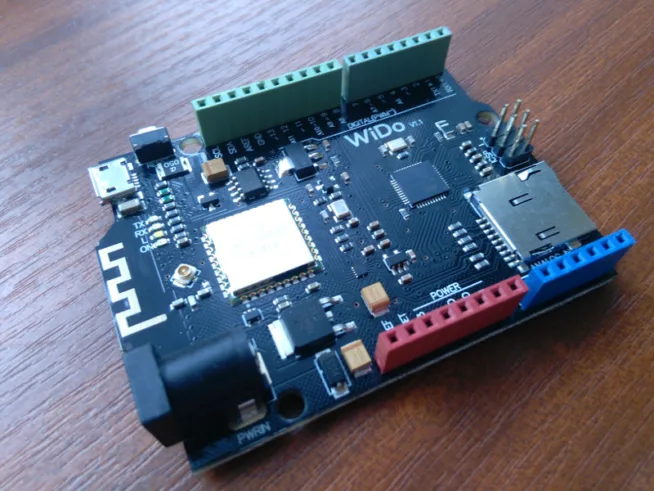
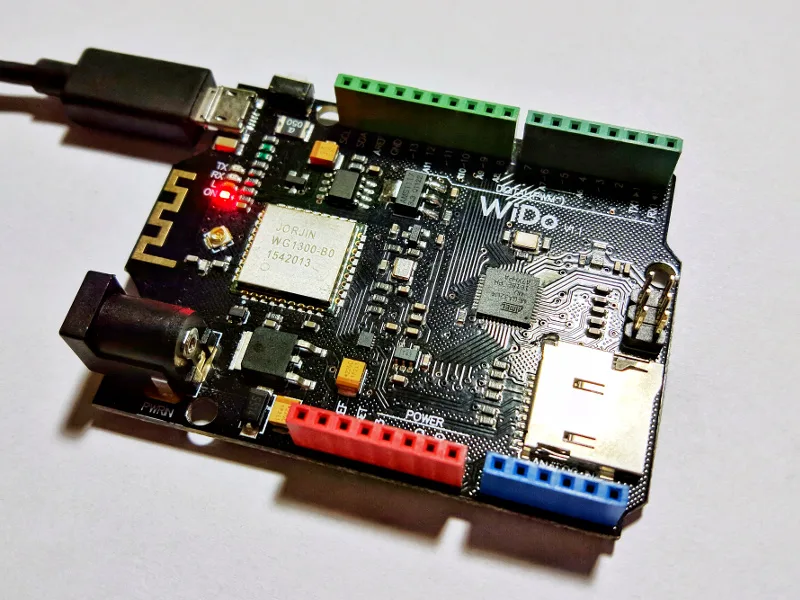
Recently I received IOT development board called WiDo by DFRobot. It’s similar to Arduino Leonardo, but with a few extra perks like SD Card slot and CC3000 WIFI module. This module is used in the “Adafruit HUZZAH WiFi Breakout Board“, which libraries are recommended to use with this board by the manufacturer. At the first glance the board looks really interesting, but after some real world testing I found out quite a lot of limitations, that made me think that this platform is not so interesting for me.
The required libraries for the integrated WiFi module can be found in the Arduino Library Manager. If you use the older version of Arduino, the libraries are also avaliable on the GitHub repository of Adafruit.
I decided to test the example called “InternetTime”, hence I could not only just test the network connection, but also if the board is capable of communicating with remote server. In the example you need to edit the define “ADAFRUIT_CC3000_IRQ” from the number 3 to 7. Below that, you need to set the AP and password of your WIFI network. After that we just need to open the Serial Monitor, set the baud rate to 115200 and upload the sketch. There I found the first problem. The board was not connecting to my network and I didn’t know why.
After some studying of documentation I found out that the module only supports the older WIFI standards (B/G) and not the N, which was the only one I’ve enabled on my router. After some reconfiguration of the router the board connected correctly and showed the current time in Serial Monitor.
After making sure that my board was capable of connecting to the Internet, I’ve decided to try out some sketches that used ThingSpeak so I could send my measured data to their servers, but it was just not working correctly. I tried some other alternatives like Ubidots or Blynk, but with no luck either. Every service that I’ve tried hanged after few packets sent to them. I tried older versions of libraries and Arduino IDE, but the problem still remained.
So I decided to update the module’s firmware, but with no luck either. After loading the “driverpatch_1_13“, the board also hanged and didn’t load the update sketch in serial monitor. So after all of those problems I finally got at least one thing working on this board. The aRest framework. It allows me to control the output peripherals of the WiDo by commands sent over network.
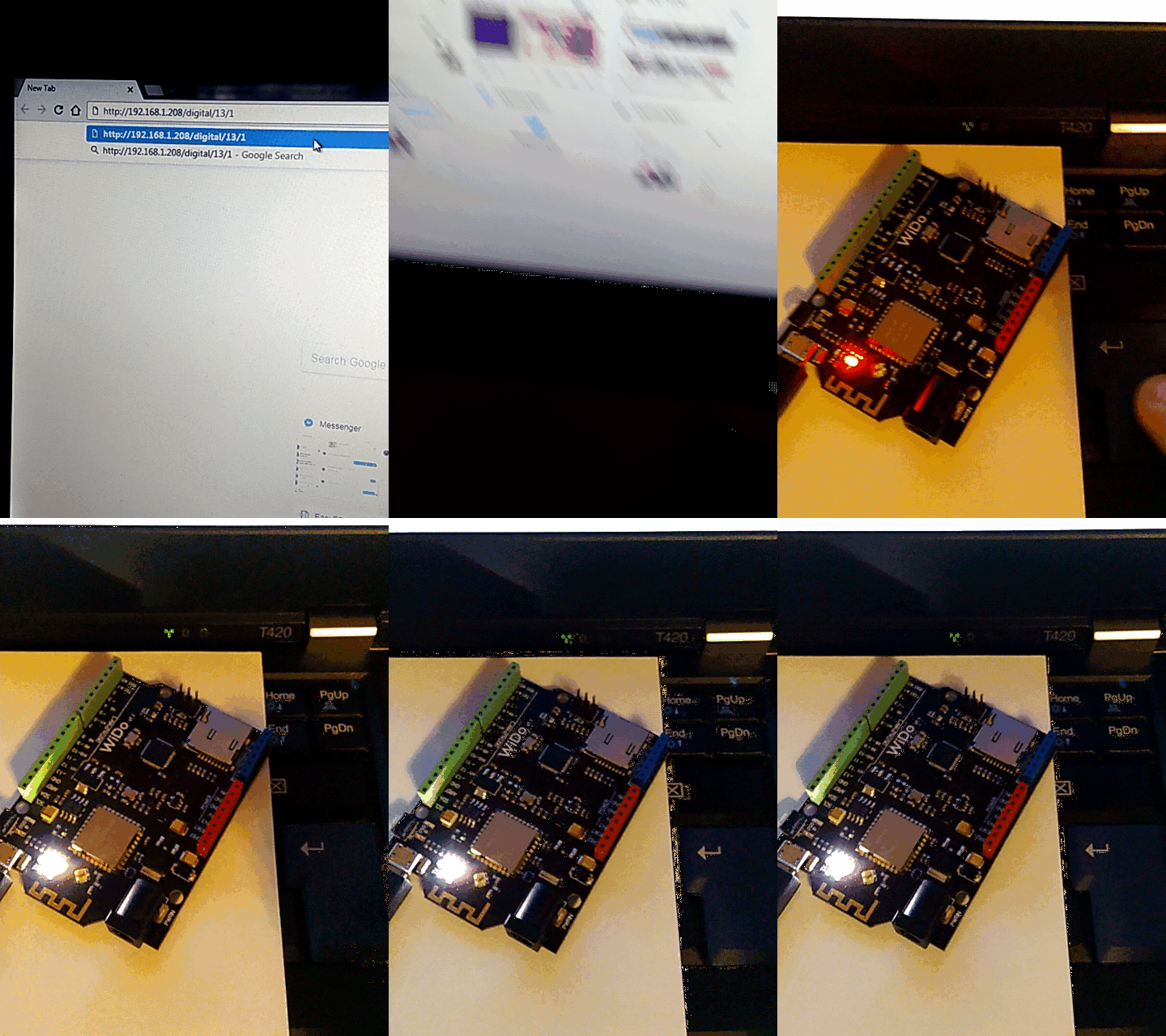
If you want to get the aRest framework working, you need the “CC3000_MDNS.h” library which is available through GitHub. After you’ve installed the aRest framework, all you need to do is open the “WiFi_CC3000” example, change the IRQ pin to number 7 and set the AP’s name and password into the specific configuration variables at the top of the sketch. After you’ve uploaded the sketch to WiDo, type http://(ip-adress-of-WiDo)/digital/13/1 to light up the internal bright white LED. More info of about the framework could be found here: https://arest.io/get-started
https://github.com/adafruit/CC3000_MDNS
https://github.com/Arduinolibrary/DFRobot_WiDo_Arduino_IOT_Board_DFR0321/raw/master/Adafruit_CC3000_Library.rar