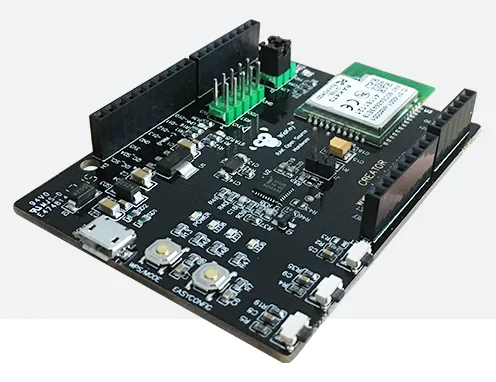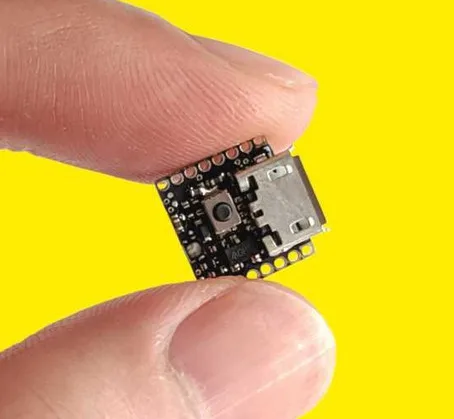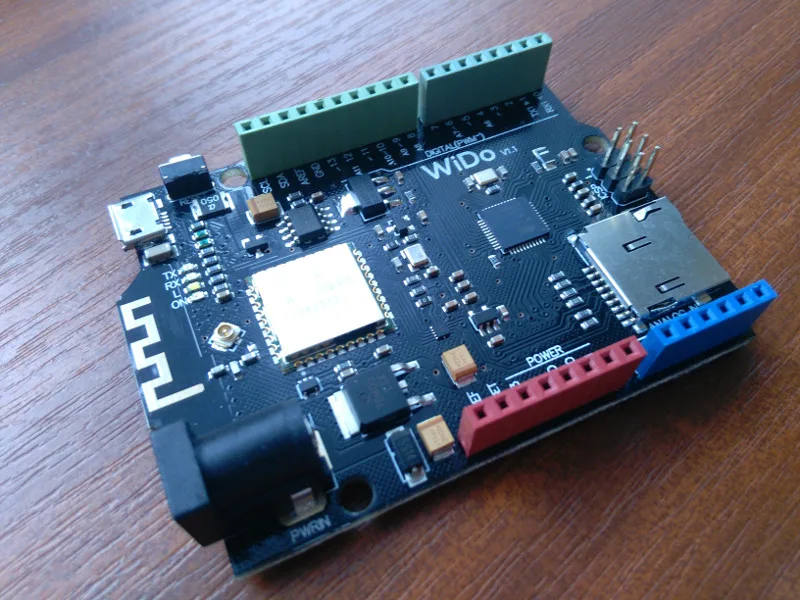
I received very interesting board called WIDO. If you don’t know this board, maybe the WIDO will be interesting after reading of this article.
WIDO board sent https://dfrobot.com store. Thank you very much.
For this article I used tutorial (wiki website) by https://www.dfrobot.com/wiki/index.php/Wido-WIFI_IoT_Node_SKU:DFR0321
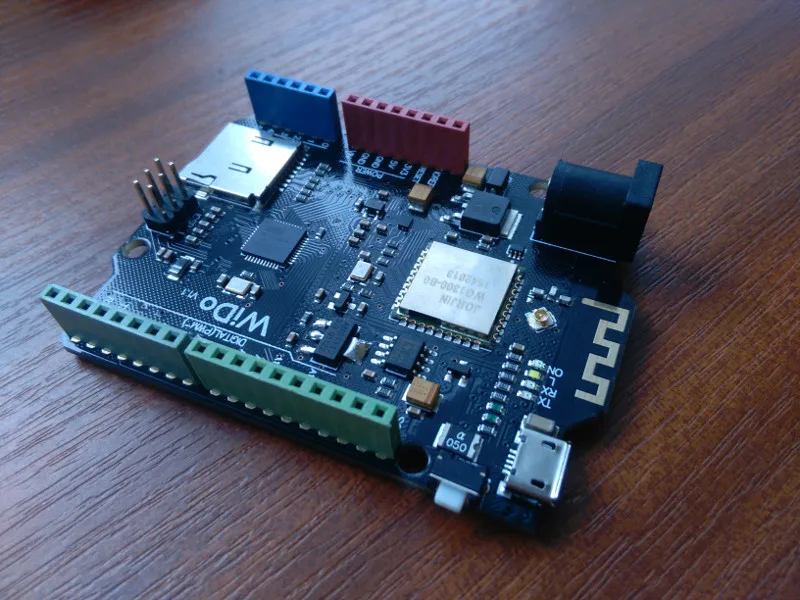
WIDO – the board with WiFI module, which is compatible with Arduino Leonardo.
If you don’t want to read this article, scroll bellow and run the video.
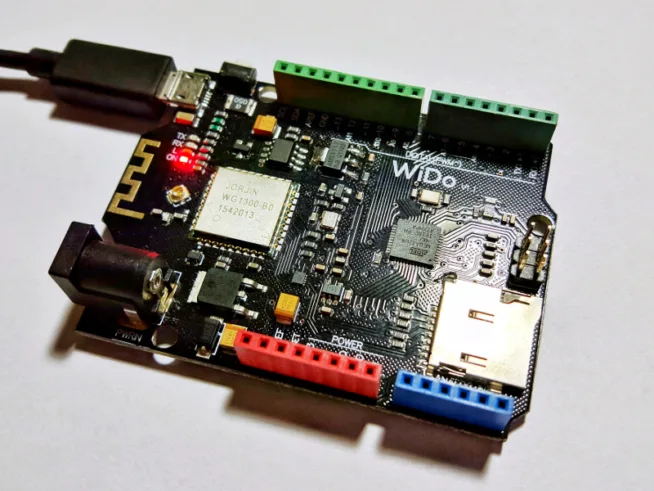
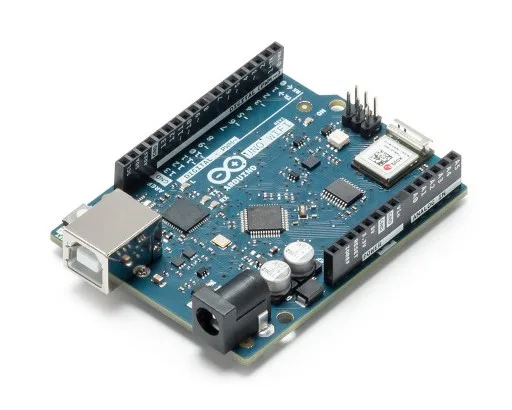
WIDO contains ATMega32u4 microcontroller and as I mentioned, the WIDO is compatible with Arduino Leonardo.
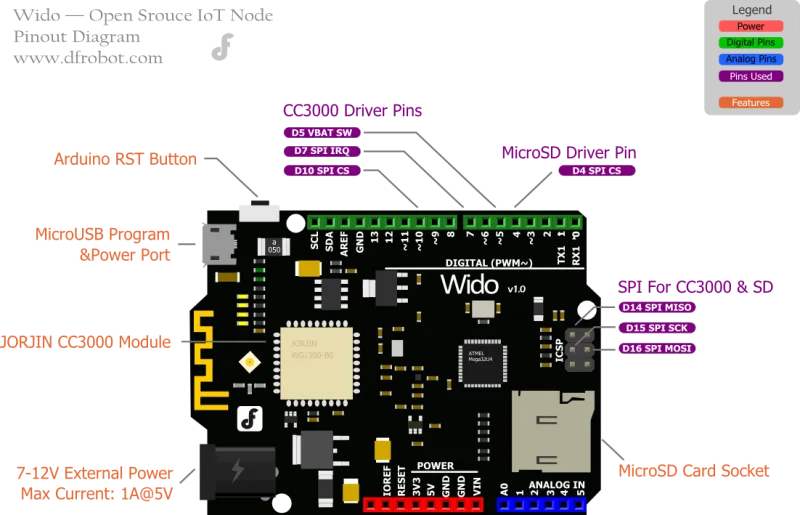
The IC for WiFi connectiogn is CC3000 by JORJIN. The name of module is WG1300.
The board has two antenna possibilities – internal antenna and connector for external antenna through u.FL.
The microUSB connector is used for uploading of code and like power supply as well, next by antenna is barrel DC barrel plug which is used like power supply. The range of voltage is 7 – 12V.
I appreciate headers which are colored. The board has Arduino Uno rev.3 compatible headers.
The using of board is very easy.
Thanks to using CC3000 IC for WiFi wireless network are follow steps very fast and easy. At first you have to install library for CC3000 by adafruit. Adafruit uses this IC (module) for Adafruit HUZZAH CC3000 WiFi Breakout board.
Open Arduino IDE -> Sketch -> Include Library -> Manage Libraries
Search CC3000 od Adafruit package and install that. Adafruit CC3000 Library.
In bookmark File -> Examples you find new example codes. We try HTTPServer example code.
The example has to be edited. The definition of IRQ pin has to be changed from 3 to 7. ADAFRUIT_CC3000_IRQ 7.
Don’t forget to fill SSID and password of your network.
In Tools -> Board you choose Arduino Leonardo, and then choose the righ port where is WIDO connected.
After uploading of code you will see messages in serial monitor about connecting to your network and then IP address of WIDO board.
Copy the IP address to your web browser and click to enter.
Now, You should see “Hello world” message in your browser.
If you want to buy WIDO, click to link https://www.dfrobot.com/product-1159.html
You can see two videos about WIDO below.
Tutorial how to set WIDO in Arduino IDE and upload HTTPServer example.
Review of WIDO.