When you’re hacking on ESP32 or Arduino projects, sooner or later you hit the same wall: you’ve got a value in hex, the datasheet shows it in decimal, and you need to know exactly which bit you’re setting. You fire up the Windows calculator, switch to programmer mode, and still miss ASCII plus a clear view of the individual bits.
So I built my own converter. Over time it grew into a proper tool.
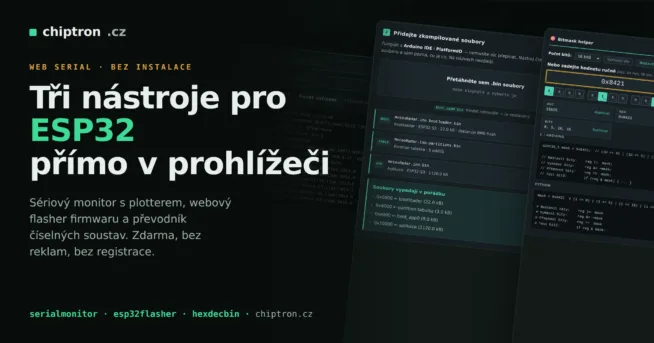
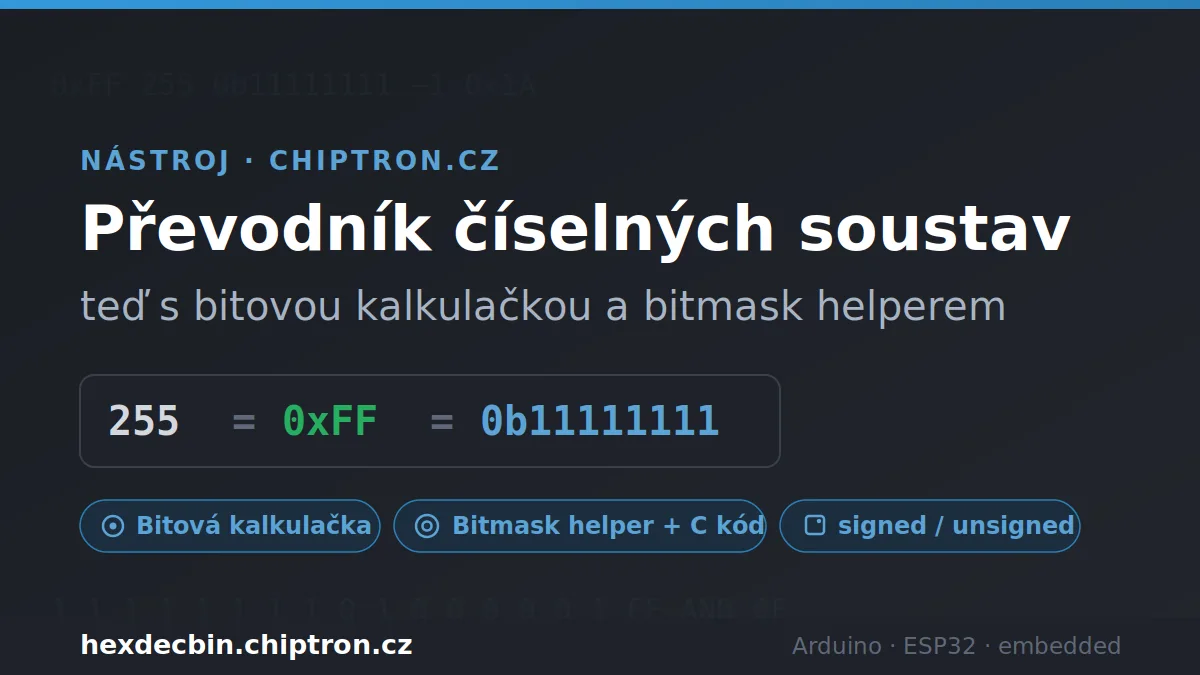
Grab it at hexdecbin.chiptron.cz — free, no install, no ads.
How it started
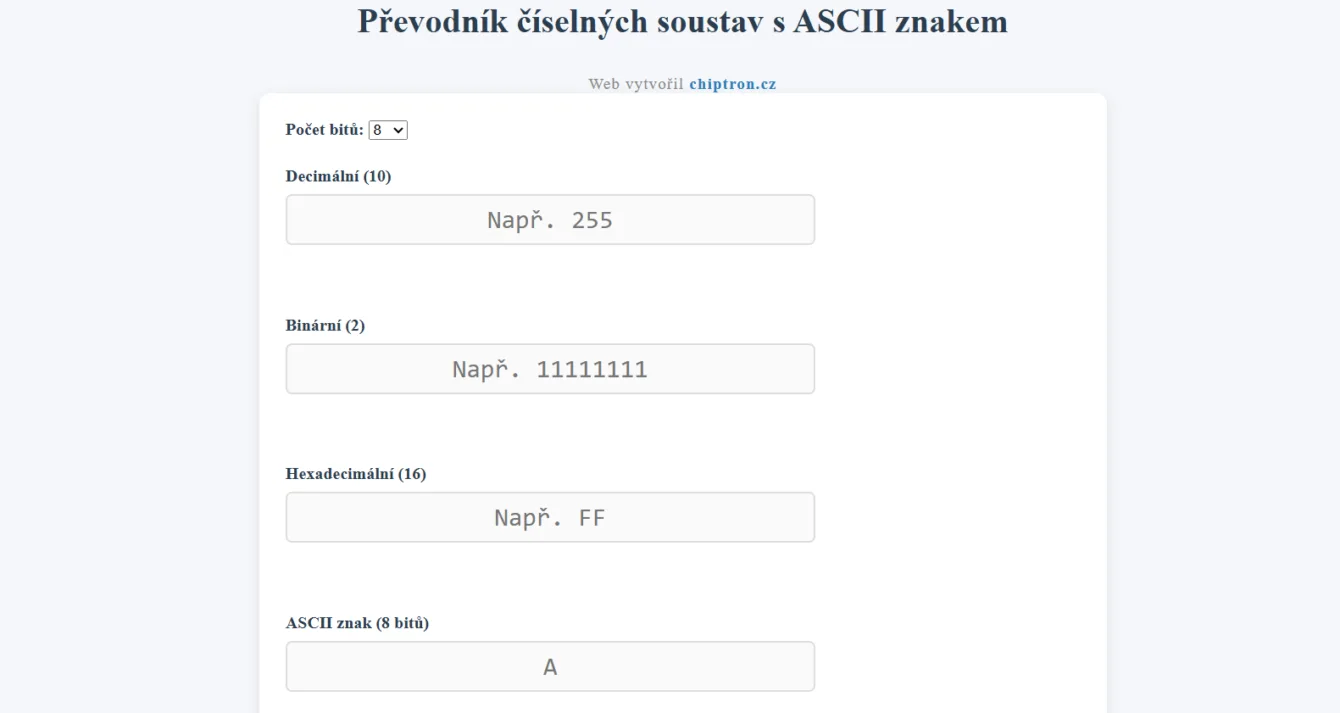
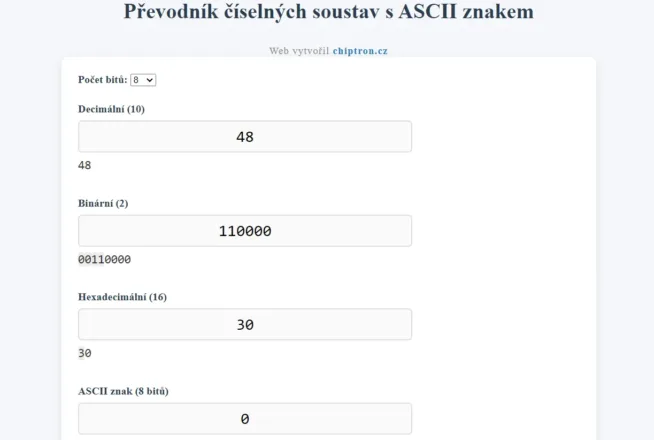
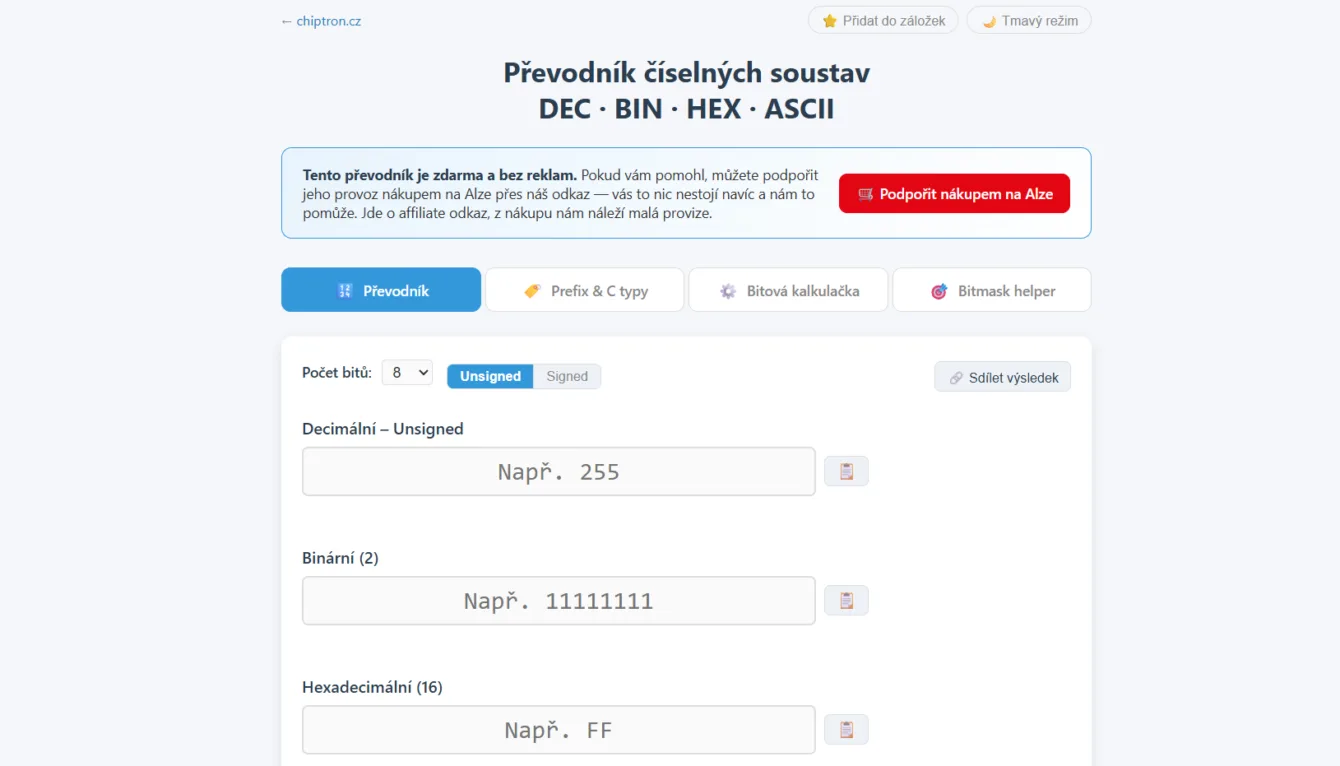
The first version was simple. Four fields — decimal, binary, hexadecimal and ASCII character. Type a number into any one and the others update. Alternating shading on every nibble in binary and every other hex digit keeps long values readable.
It worked, but it wasn’t enough. No signed numbers, no bitwise operations, and it fell apart on mobile (the classic missing viewport meta tag that half the internet still ships).
So I rebuilt it properly.
What’s new
Signed / unsigned and two’s complement
This one trips up embedded folks all the time. Is byte 0xFF 255 or −1? Depends whether you read it as uint8_t or int8_t.
The converter now has an Unsigned / Signed toggle. In signed mode it shows the two’s-complement negative value for every result and highlights the MSB as the sign bit. Enter 255 in 8 bits → you see −1. Enter −128 → you see the bit pattern 10000000. The bits stay the same; only the interpretation changes.
Optional widths of 8, 16, 32 and 64 bits are included, of course.
Bit calculator
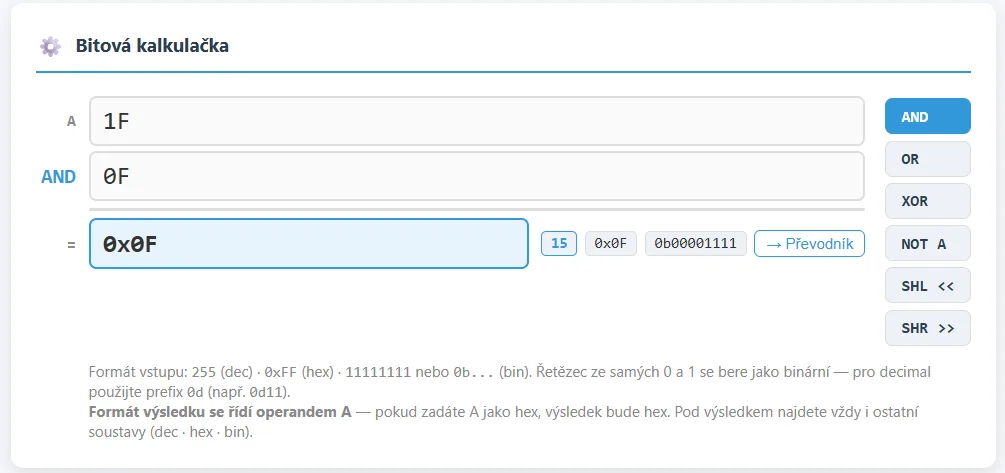
AND, OR, XOR, NOT and the shifts SHL/SHR. Enter operands in any format — 255, 0xFF or binary 11111111.
The calculation is laid out like longhand arithmetic so the bits of operand A, operand B and the result line up visually. No guessing which value belongs where.
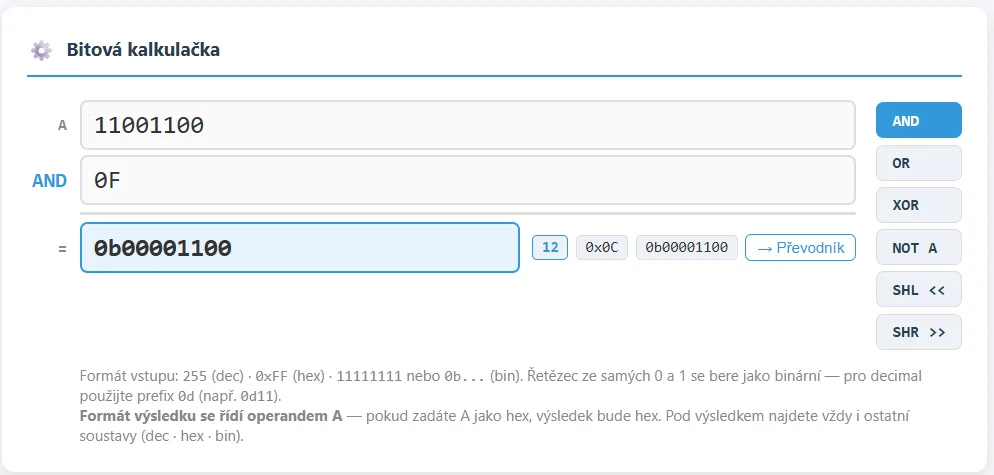
Small but useful detail: the result format follows operand A. Feed A in hex and the answer comes back in hex. Feed it binary and you get binary. Below the result you still see the other bases plus a button that sends the value straight into the main converter.
Bitmask helper
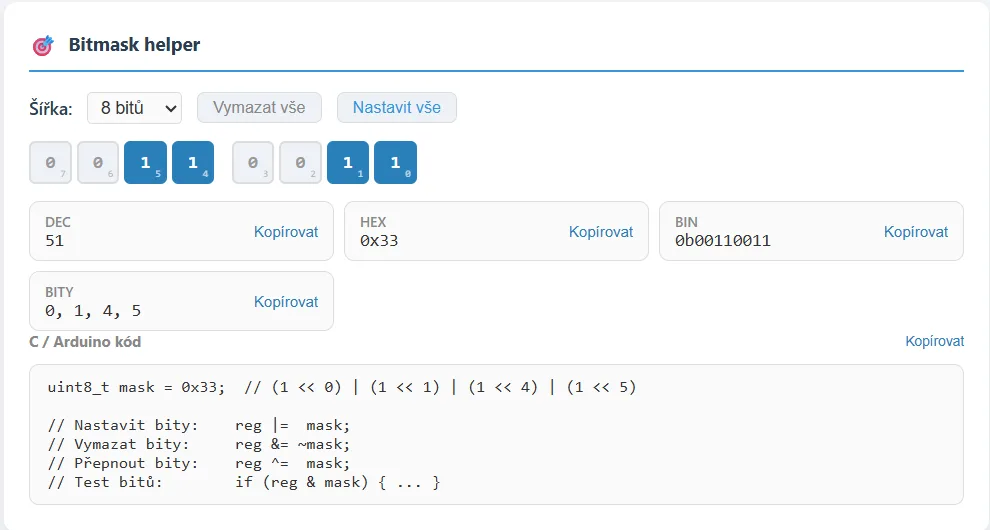
This one’s my favourite. Click bits in the grid and the tool spits out the mask in DEC, HEX and BIN — plus ready-to-paste C/Arduino code:
uint8_t mask = 0x81;  // (1 << 0) | (1 << 7)

// Set bits:   reg |=  mask;
// Clear bits: reg &= ~mask;
// Toggle bits: reg ^=  mask;
// Test bits:  if (reg & mask) { ... }
Copy, paste, done. No more scribbling masks on paper. Same output available for Python.
Prefix notation and C types
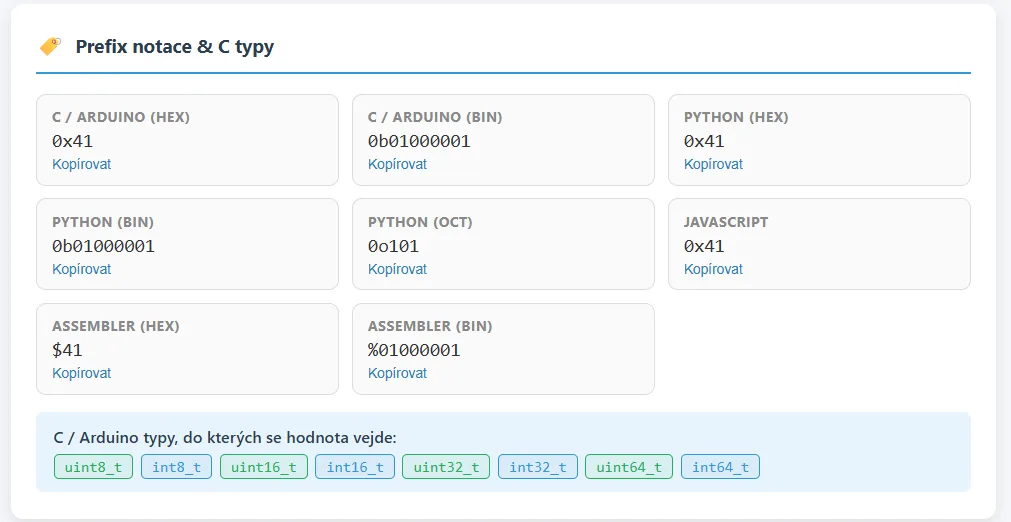
Next to the main converter it live-updates how to write the value in different languages — 0xFF and 0b11111111 for C/Arduino, 0o377 for Python, assembler-style $FF and %11111111. One click copies any of them.
Below that sit coloured badges showing which C types can hold the value. Type 255 and you immediately see it fits in uint8_t but not int8_t (that one tops out at 127). Tiny detail that saves overflow surprises.
Real-world use
A few situations where I reach for it daily:
- Reading datasheet registers. The datasheet gives a hex value; you want to know which bits it sets. Drop it into the bitmask helper and it’s obvious.
- Debugging serial comms. The monitor spits out
0x0D 0x0Aand you need to know it’s CR and LF. The ASCII field shows it instantly. - GPIO masks. Setting multiple pins through a register? Click the bits, copy the C snippet.
- Signed arithmetic. A sensor returns −40 as a byte and you’re not sure what the bit pattern looks like. Signed mode translates it.
- Quick bitwise ops without firing up Python or a calculator — mask, shift, XOR checksum.
Nice extras
The tool supports dark mode (remembers your choice), follows system settings, and finally works properly on mobile.
Results are shareable by link — hit “Share result” and you get a URL with the value pre-filled. Handy when you’re chatting through a problem with a colleague.
There’s also a table of examples — click any row and the value loads into the converter. Good for quick orientation or just kicking the tyres.
My take:
What started as four simple fields turned into the tool that covers most of what I need when working with microcontrollers. No more jumping between five tabs and a calculator — everything lives on one page.
It’s free and will stay that way. If something’s missing or you hit a bug, let me know — the tool is still growing.
Try it: hexdecbin.chiptron.cz