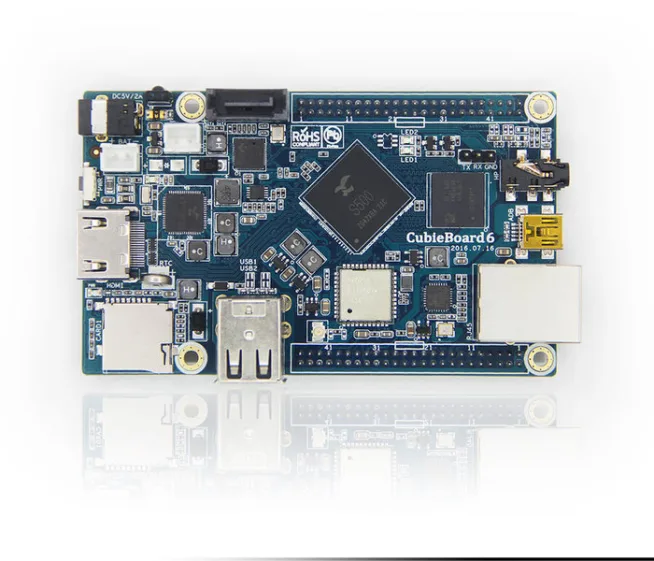
I wanted to share storage on my cubieboard through samba. You can use this tutorial for other storage media. For example SD card, HDD, Flash disk or something else. You can share only one file too. This tutorial can be used for other operating systems as raspbian, cubian, debian, ubuntu or other distribution of linux. These systems running in the Raspberry Pi, Cubieboard, Banana Pi or other devices.
If you want to share only one file, the process is easier. I wanted to share partition of SD card. I needed GParted for partition of SD card. Shared partition is FAT32 system.
into /etc/fstab write (for a new partition):
dev/mmcblk0p3 /mnt/SharedFile auto defaults 0 2
E.g.: 
We did automatic mount of this partition after start of system (If you want to share USB, you have to use /dev/sda or something else. You can find of name of storage media via sudo -f /var/log/messages or sudo fdisk -l)
E.g.: 
then, we create a file: sudo mkdir /mnt/SharedFile
instalation of samba:
sudo apt-get install samba samba-common-bin
we modify smb.conf:
sudo mcedit /etc/samba/smb.conf
write to the smb.conf – at the last line (e.g.):
[name]
coment = comemnt
read only = no
locking = no
#shared file
path = /mnt/SharedFile/
#allow user – USER
valid users = USER
guest ok = no
create mask 777
dir mask 777
#list of allow IP address
hosts allow = xxx.xxx.xxx.xxx
#other IP address are forbidden
hosts deny = 0.0.0.0/0
E.g.: 
add USER to samba:
sudo smbpasswd -a USER
If we want to create user specially for samba:
sudo useradd -m UserName
-m is command for making file in the /home
then, we add user to samba (as I mentioned)
at the end -> reboot system:
sudo service samba restart
or
sudo /etc/init.d/samba restart
Now, you can log in from your computer
Open Computer. MAP NETWORK DRIVE.
E.g.: 
fill in the full path to the file on the server
E.g.: 
Fill in username and password and then you will see:
E.g: 
And left panel too:
E.g: 
Sources: http://www.linuxsoft.cz/article.php?id_article=1950