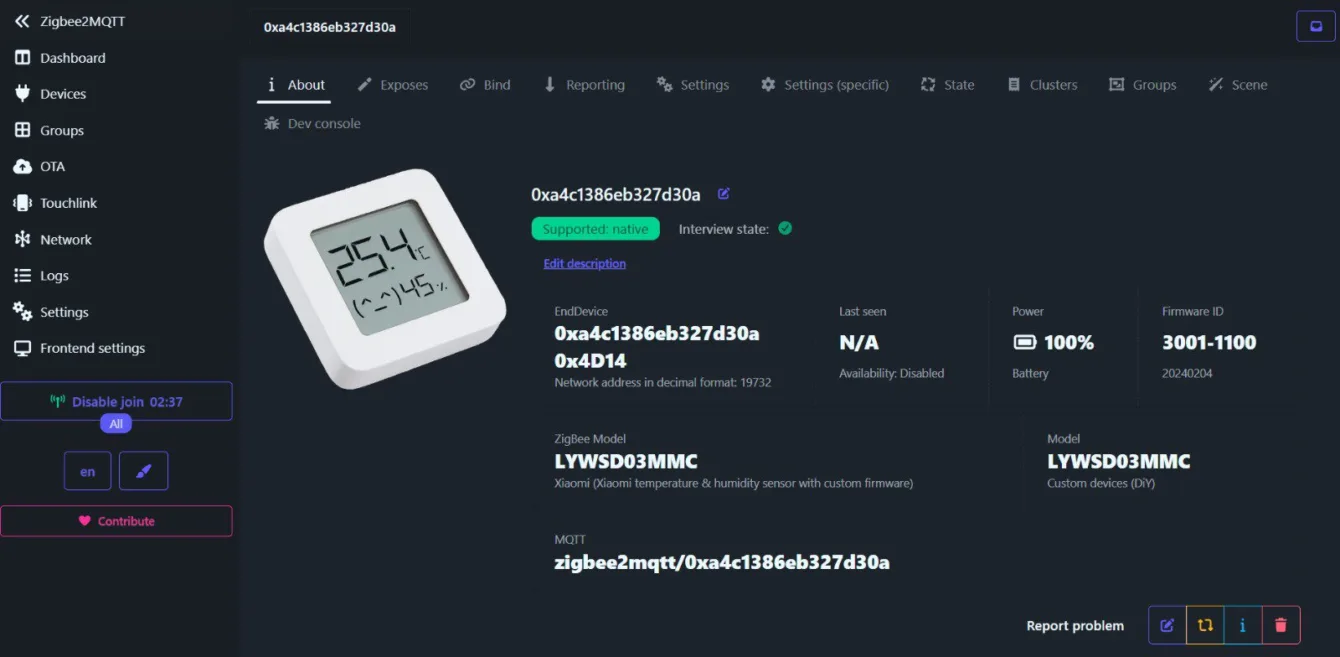
The Bluetooth thermometer with relative humidity Xiaomi LYWSD03MMC is one of the most affordable sensors for smart homes. In its factory state, it only transmits data via Bluetooth Low Energy (BLE), which can be limiting—especially if you use a Zigbee network as the main connectivity for home automation. However, this can be changed with the z03mmc project by developer devbis.
From Twitter/X
Marty aka KutilDomaci has once again shared on social network Twitter/X a great upgrade for the popular Bluetooth Xiaomi Mi Thermometer. From this thermometer, which communicates via Bluetooth, he modified it by changing the firmware inside the thermometer to a Zigbee interface.
Below is a rewritten thread from his profile on Twitter/X:
Of all the firmware modifications for the Xiaomi Mi Thermometer, this one made me the happiest—it supports Zigbee.
The flashing process is straightforward—via OTA, you need to flash the intermediate firmware, and then the Zigbee firmware.
The action was quick; before flashing, it was enough to open the Zigbee network and wait for it to connect. It sends values every five minutes.
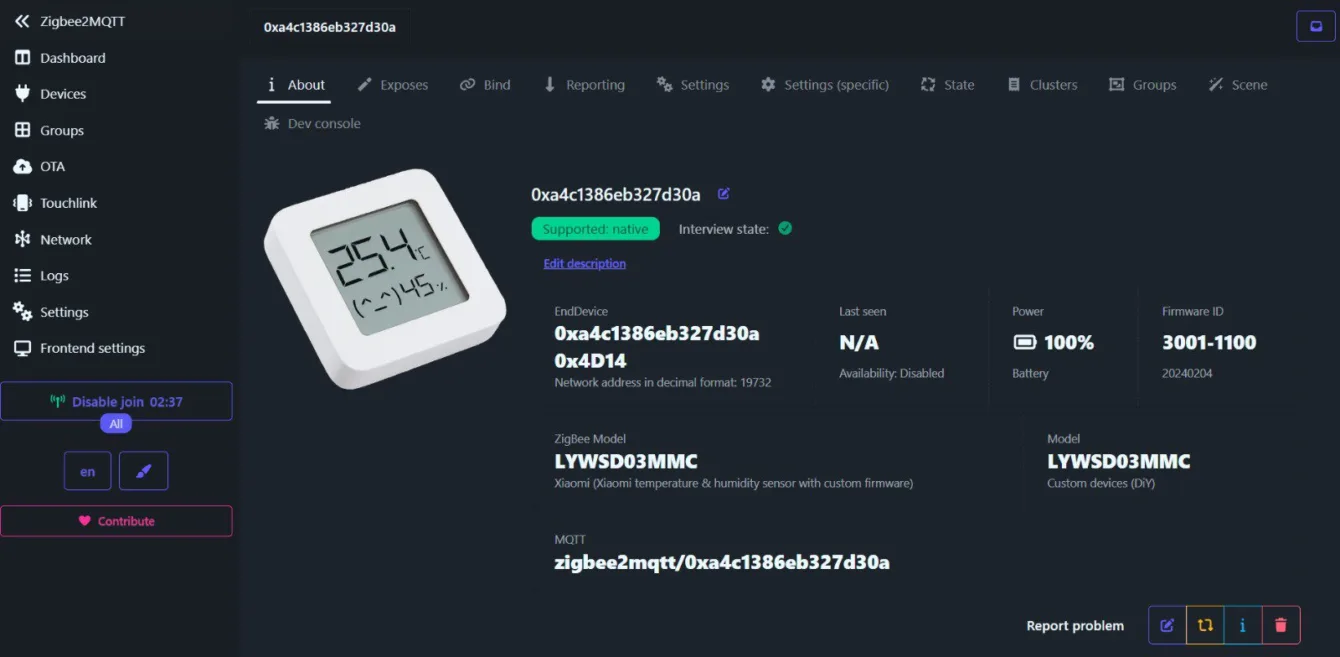
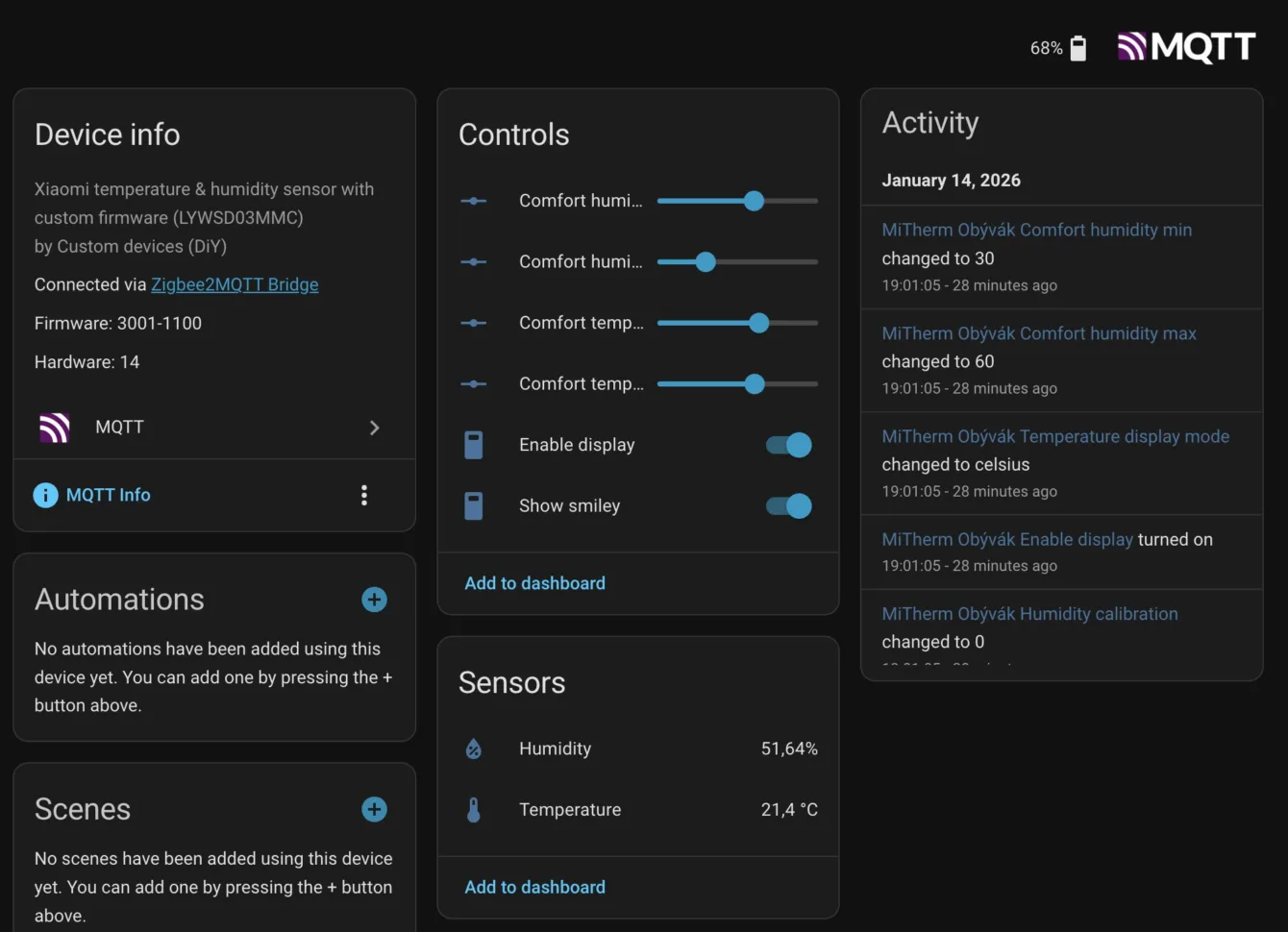
In #HomeAssistant, it naturally propagates from Z2M “automatically,” and everything can be conveniently controlled.
The post is very popular and has reached a significant number of views. Several other people shared their experiences in response to that tweet.
Several of them have been using this firmware for a long time. One commenter mentioned that he uses it together with the IKEA Dirigera Gateway. Another complained about lower battery life.
About the z03mmc Project
The z03mmc project is an open-source Zigbee 3.0 firmware that completely replaces the original BLE firmware of the sensor and adds full support for Zigbee networks. After uploading it, the device behaves like a regular Zigbee thermometer with standard Zigbee clusters for temperature, humidity, and battery status.
The firmware is compatible with a range of Zigbee coordinators and gateways (e.g., Zigbee2MQTT, ZHA, or Homey) and can be uploaded in two ways:
- OTA via Bluetooth – conveniently through web tools (e.g., telink-zigbee flasher), which gradually overwrite the firmware from BLE to Zigbee.
- USB-UART connection – the traditional method with a TTL adapter and serial flasher for cases where OTA does not work.
For DIY enthusiasts and hobbyists, z03mmc can be (and is) an interesting alternative: you can integrate an old BLE thermometer directly into the Zigbee network without additional Bluetooth proxies or ESP gateways, thus achieving a more stable and centralized solution for measuring temperature and humidity in your smart home.
Updates
According to several users, the battery, when using this firmware, drains much faster than with the Bluetooth version of the firmware. It seems that this is because when the network is not found, the device starts searching for where it could connect. This causes higher consumption and thus lower battery life on such a small battery.
Alternative firmware (for Bluetooth connectivity) that users have recommended is this one – https://github.com/pvvx/ATC_MiThermometer