How I revived a dead adjustable power supply RIDEN RD6006 and uploaded the latest alternative firmware. It also works on models RD6006P, RD6012, and RD6018.

In short: A dead RIDEN RD6006 with a corrupted firmware (showing "V-.--" in the bootloader) can be revived by reflashing it. Hold the Enter button while powering on to enter bootloader mode, connect the microUSB to a computer, install Python 3 with pyserial, and use the Riden Flashtool script to upload a fresh BIN. The community-maintained UniSoft firmware is a strong alternative to the official one – better Wi-Fi, more stable remote control (front panel stays unblocked), Modbus support, improved OVP/OCP, ESPHome and Home Assistant integration. It works on RD6006, RD6006P, RD6012, and RD6018; the newer RD6012H is not yet supported.

I got my hands on a “dead” adjustable power supply RIDEN RD6006. When powered on, it showed no signs of life. I set out to revive it, and here I provide a guide for others. Additionally, I uploaded an alternative firmware that has several advantages over the official one.

Diagnosing the Dead Power Supply

First, let’s take a look at how the power supply is non-functional – here are a few tips:

  • check if the power cable is connected,
  • verify the voltage on the power adapter (with a multimeter or voltmeter),
  • perform a fuse check in the power supply (remove it without the adapter connected and measure with a multimeter set to resistance – the value should be “short”).

If you measure megaohms, the fuse has reacted and blown – either due to excessive current at the output of the power supply or due to damage to some part of the power supply.
After replacing the fuse, turn on the power supply without load at the output. If the fuse blows again, the power supply is seriously damaged.

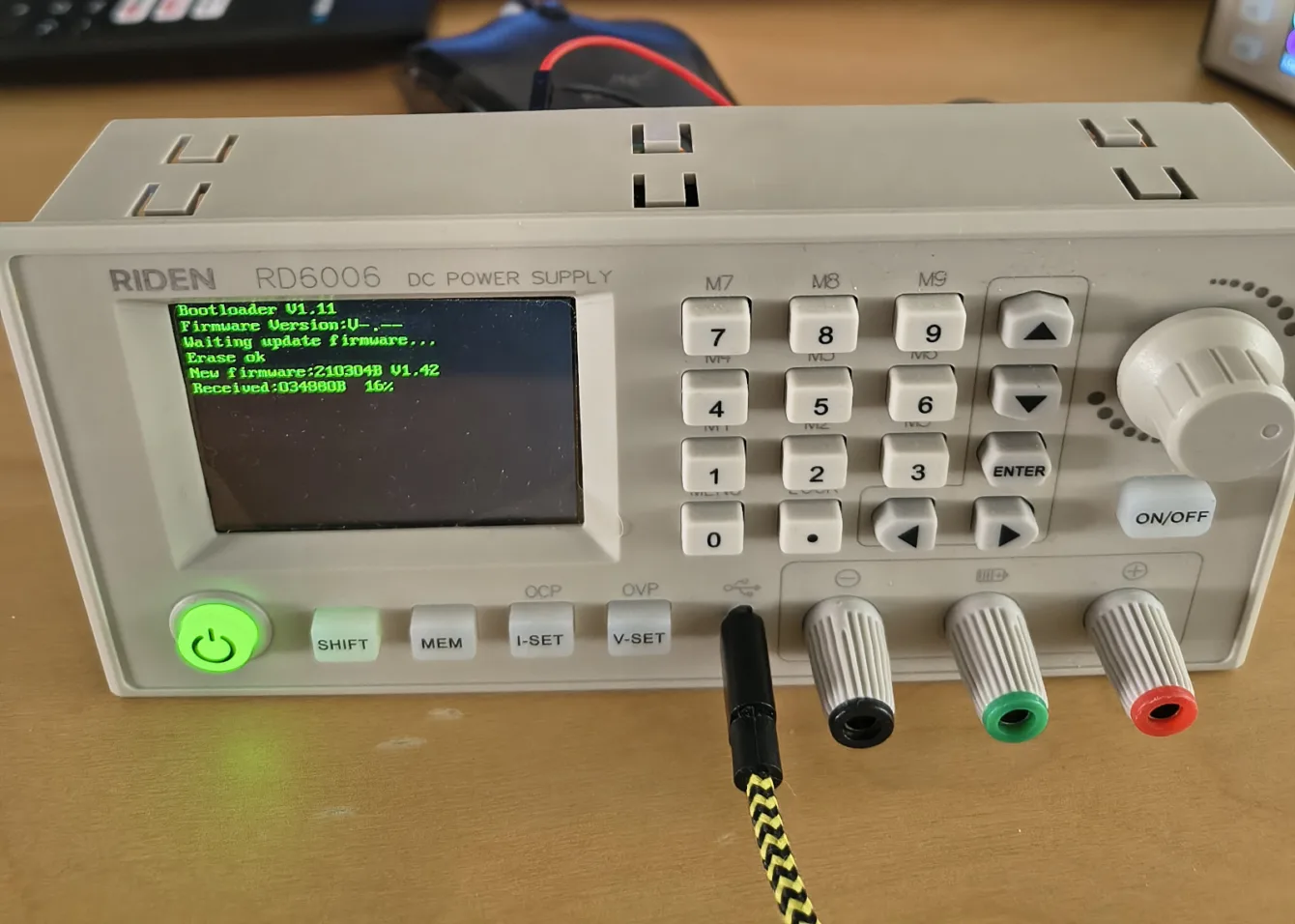
If you hold the Enter button before connecting power to the supply, it switches to bootloader mode and displays the current firmware version.
If it shows “V-.–”, it means the memory is corrupted – for example, due to a previous upload of faulty firmware. And that’s what we will fix now.

Alternative Firmware UniSoft

I have written about the possibility of installing alternative firmware five years ago.

Since then, this alternative firmware UniSoft has come a long way. Compared to the official firmware, it offers several significant advantages.

  • enhanced Wi-Fi communication,
  • more stable remote control (unlike the original FW, buttons on the power supply are not blocked during remote communication),
  • support for Modbus communication,
  • improved protections (OVP, OCP, etc.),
  • expanded range of screens.
  • support for ESPhome, Home Assistant, github

The alternative firmware UniSoft supports RD6006, RD6006P, RD6012, and RD6018 power supplies. I described the differences between them in this article.

The latest model RD6012H (the power supply can both decrease and increase the output voltage – compared to the input voltage) is not yet supported.

👉 The latest FW https://www.eevblog.com/forum/testgear/ruideng-riden-rd6006-dc-power-supply/1375/
page 56, file RDFlasher_v1p.zip

Riden Flashtool

To install the new firmware (either original or alternative), a Python script is needed. Riden Flashtool ensures seamless uploading of the BIN file – firmware.

👉 Tool for uploading firmware (python) https://github.com/tjko/riden-flashtool

Uploading Firmware

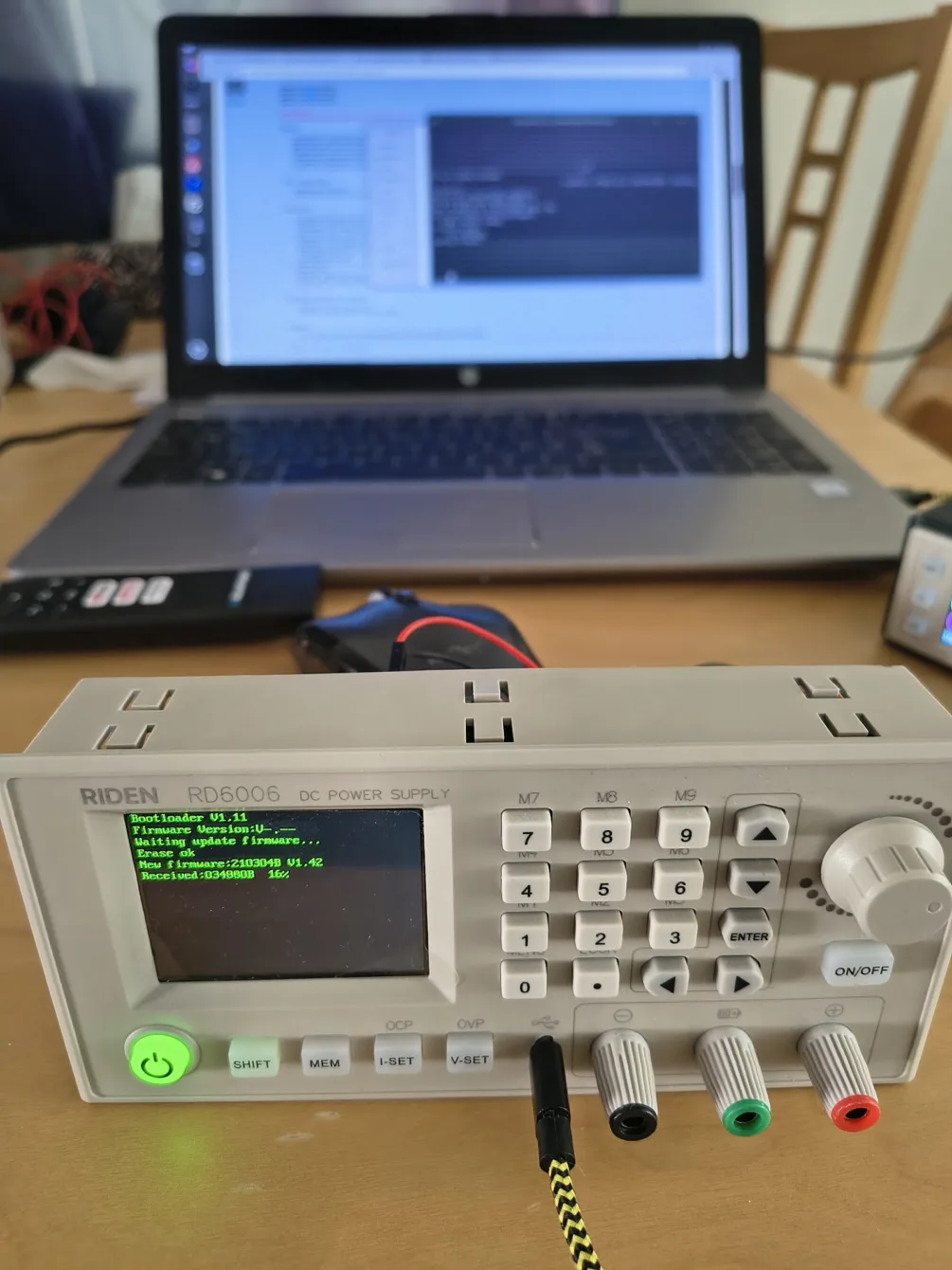
1) While powering on, hold the Enter button, the power supply will automatically start in Bootloader mode. It will display the current FW and wait for the BIN file to be uploaded from the computer.

2) Connect the microUSB to the RIDEN adjustable power supply and then to the computer (I have Linux, Ubuntu OS).

3) To upload firmware to the RIDEN power supply, you need to have Python3 and the pyserial package installed on your computer.

pip3 install pyserial

For Windows OS, just “pip install pyserial” should suffice. Run the installation in CMD (not in PowerShell)

4) Look for the connected USB

ls /dev/ttyUSB*

or in Device Manager for Windows OS

5) After you find the USB address, enter this command

python3 ./flash-rd.py /dev/ttyUSB0 ./RD60062_V1.42.1p.bin

python3 PythonFileName USBaddress BINfile

For Windows OS, the command will look as follows

python flash-rd.py COM4 C:UsersusernameDownloadsRD60062_V1.42.1p.bin

This will start the uploading of the firmware to the RIDEN RD6006 adjustable power supply. In the ZIP package, there are alternative FW for other power supplies – 6006P, 6012, 6018. I have listed the differences between them here.

You can upload alternative FW for them in exactly the same way.
You are asking

How do I get the RD6006 into bootloader mode?

Hold the Enter button while powering the supply on. The unit will enter bootloader mode and show the current firmware on the display. If it shows V-.-- the firmware memory is corrupt – you'll need to reflash. If it shows a real version number, the bootloader works and you can also use it for normal firmware updates.

What does UniSoft firmware add over the stock RIDEN firmware?

Compared to the stock firmware, UniSoft adds: Modbus communication, more stable remote control (the front-panel buttons stay active during USB/Wi-Fi commands instead of locking out), improved OVP/OCP protections, more screens, and direct integration with ESPHome and Home Assistant. The Wi-Fi support is also significantly more reliable.

Does this work on RD6012 and RD6018 too?

Yes – the same firmware family and the same Python flasher work on RD6006, RD6006P, RD6012, and RD6018. The ZIP package contains the matching BIN for each model. The newer RD6012H (which can boost output above the input voltage) is not yet supported.

What software do I need on the PC?

You need Python 3 with the pyserial package, the Riden Flashtool script (github.com/tjko/riden-flashtool), and the firmware BIN. On Linux: `pip3 install pyserial`, find the device with `ls /dev/ttyUSB*`, then run `python3 ./flash-rd.py /dev/ttyUSB0 ./RD60062_V1.42.1p.bin`. On Windows the device shows up as a COM port – install pyserial via CMD (not PowerShell) and substitute COMx for the device path.
Share the article:
Show your
Maker soul!
Buy a T-Shirt
Coffee for Chiptron
Give a boost to the next article

Related Articles

RIDEN’s adjustable power supplies are among the best that hobbyists can buy in this price range for home and semi-professional use. They offer great performance, compact size, updated and alternative firmware, and support for the 3D printing community. Now, RIDEN…

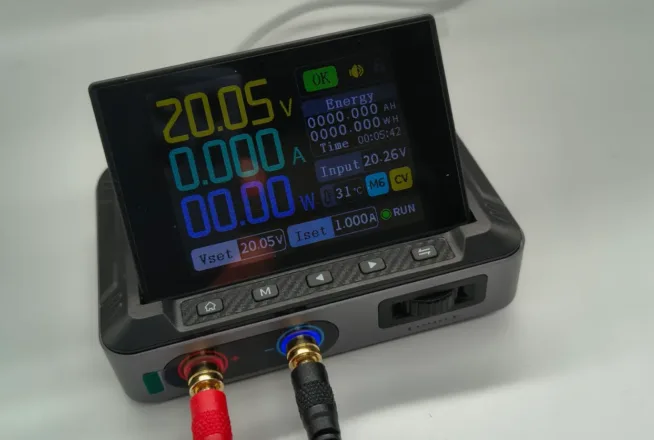
Fnirsy DPS-150 - displej, ovládání a podsvícené svorky

I got my hands on an interesting pocket-sized USB-C powered adjustable power supply, the DPS-150 from Fnirsi. I conducted some basic measurements, and the power supply pleasantly surprised me. However, the controls are disappointing, and it would only take replacing…

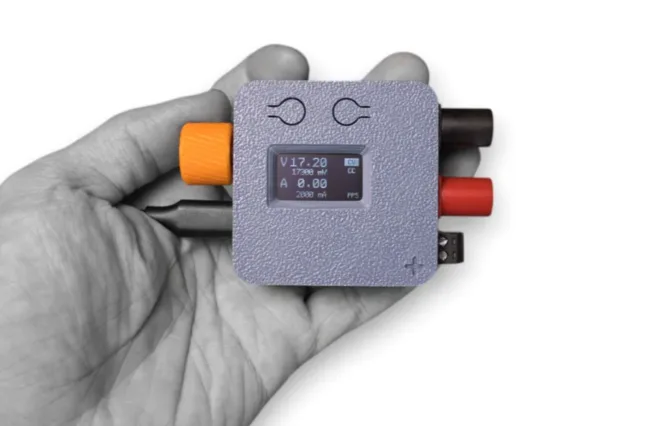
PocketPD

A portable adjustable power source powered by USB-C caught my attention from the PocketPD crowdfunding campaign, and while searching for competitors, I came across several others.

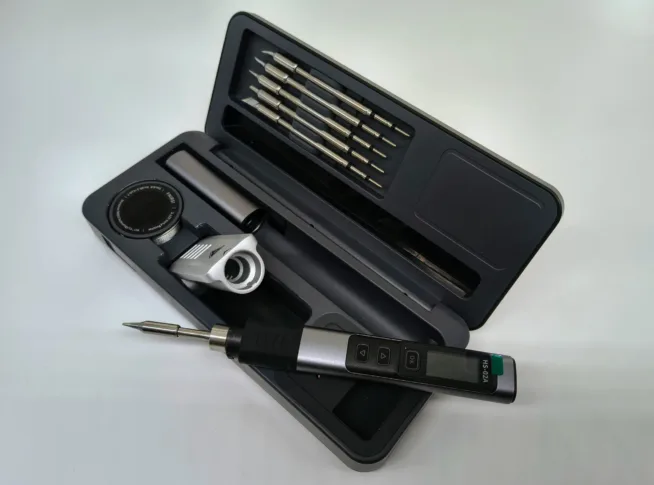
I got my hands on a soldering pen from the brand FNIRSI, model HS-02A. After a few hours of soldering with it, I can share my impressions. The soldering pen is stored in a very elegant box that contains everything…

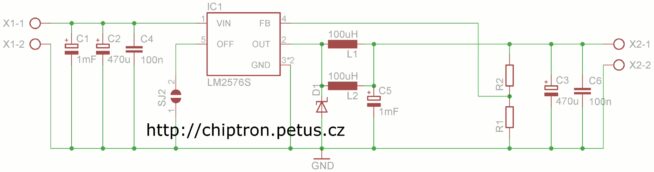
I needed power supply (step down converter) for my big project with minimal 2A current and fixed output voltage (3.3V) or adjustable output voltage. I wanted higher efficiency and that’s why I chose switching power supply with LM2576 circuit. I…

A multimeter, generator, and oscilloscope in one handheld device? Sounds great, but is it really that good? I tested the FNIRSI DST-210 in practical terms. How fast is it when measuring? And is it easy to use, considering it can…

Trends