Arduino Create – IoT, cloud, web

Arduino Create, that’s name of new tools for easier development with Arduino hardware.

This tool is released as private beta version.

The main feature is development in your web browser. Nevertheless, that’s not only one feature.
Arduino Create will be used hub for a lot of your projects on one place – Arduino Project Hub.

Are you not sure? Use Arduino discussion forum.

On the website is link to Arduino e-shop.

Last but not least, you can use Arduino Cloud for your projects.

Another information there: http://makezine.com/2016/05/20/arduino-create/


Share the article:
Tags:
Show your
Maker soul!
Buy a T-Shirt
Coffee for Chiptron
Give a boost to the next article

Related Articles

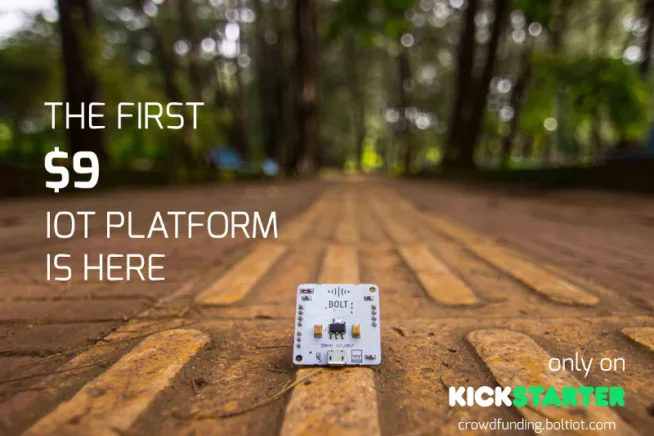
A new IoT platform for makers. Do you want to make IoT home? Check this platform called Bolt IoT. Bolt IoT is not only hardware, that’s a platform which also includes cloud and analyzation of data. The hardware contains interfaces…

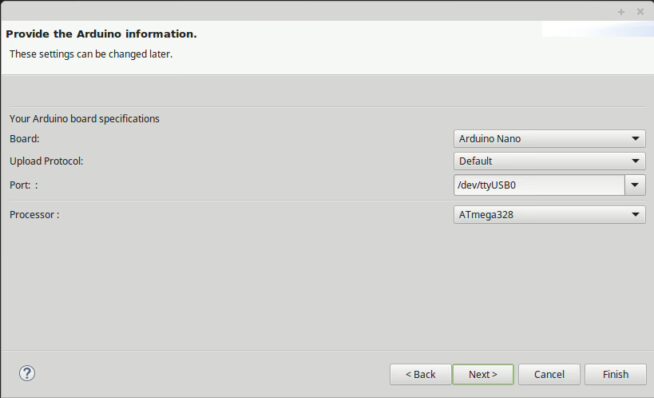
Arduino IDE may not be comfortable for all of makers. Is a lot alternatives to Arduino IDE like Visual Studio, Codebender a another. I think that Eclipse has one of the best editor for writing of codes. Arduino IDE has…

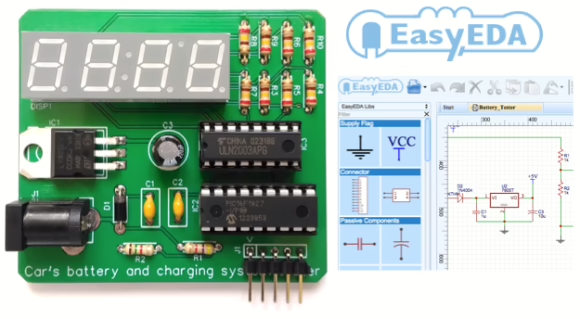
EasyEDA. It is a free web-based tool for schematic capture, PCB layout, and circuit simulation. The best part of any cloud- or web-based development tool is that it runs on a remote server (no worries to install on local machines),…

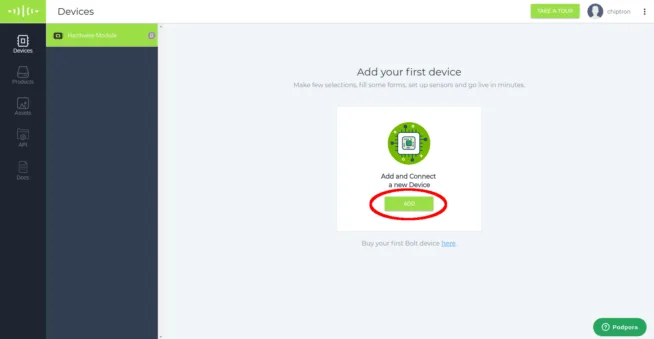
The picture tutorial how to set and run Bolt IoT platform. Info about Bolt IoT and kickstarter campaign was mentioned in this news. The base component is ESP8266 chip in ESP12S module. Other components are GREEN LED (cloud indication) and…

Welcome to a new tutorial about BigClown platform. The series of articles should be describe the work with the boards and modules of BigClown platform. I want to start slowly, at first I describe a few interesting modules and than…

Maybe you read about a new board by STMicroelectronics and Arduino.org – Arduino STAR OTTO Arduino compatible board with STM32F469 microcontroller. In this article I describe you how to set your laptop, arduino IDE and how to upload your code…

Trends