Opens in a new tab

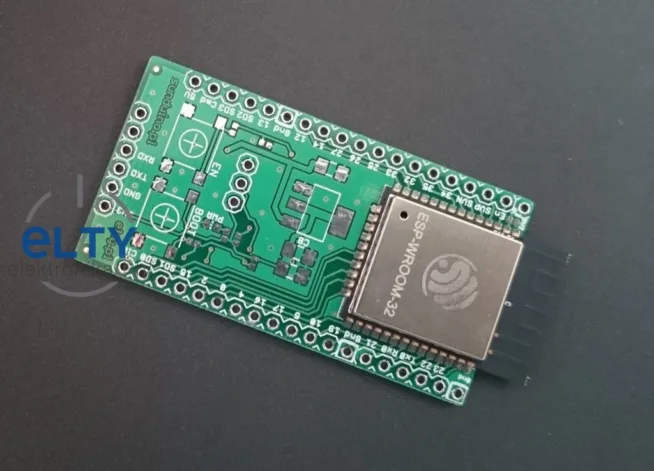
ESP32 and Arduino IDE – tutorial

Maybe you have not ESP32 module, but if you plan to buy it, you should check this tutorial “ESP32 in Arduino IDE for Mac and Debian/Ubuntu”.

On this page you find what to do for correct working ESP32 in Arduino IDE.

After these steps you check if it works properly through example program, WiFi scanner, which you load to ESP32.

All steps there: http://randomnerdtutorials.com/installing-the-esp32-board-in-arduino-ide-mac-and-linux-instructions/


Share the article:
Show your
Maker soul!
Buy a T-Shirt
Coffee for Chiptron
Give a boost to the next article

Related Articles

Finally, I can write you a short tutorial how to play with ESP32 (more powerful than ESP8266). On the internet is a lot of tutorials how to do it, but this is a little bit different. I don’t have LoLin32,…

ESP32, S2, S3, C3, C6, H2, C5, P4 and the upcoming S31 – which chip to choose for your project? Comparative peripherals table, use-case decision tree, software platforms overview, and tips on where to buy dev boards in Czechia.

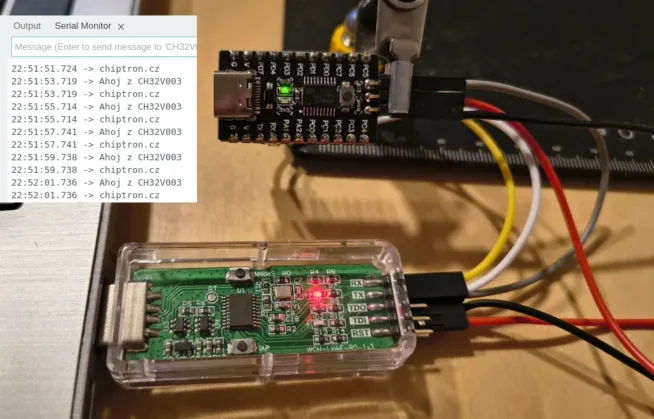
CH32V microcontrollers – you’ve probably heard of them. They are sold at a ridiculously low price but come with a very decent set of features, plus they are available in a solder-friendly package. Among the peripherals, you’ll find not only…

The YoRadio project is an open-source internet radio built on the ESP32 Wi-Fi and Bluetooth chip with the ESP32-audioI2S library. It features complete documentation, a wide range of supported displays, and can be controlled via MQTT (suitable for Home Assistant).

We used AI to hack a toy from AliExpress. We identified the type and tried connecting to its memory to read it. Although it didn’t work, I gained a lot of useful insights.

MeteoPlaneRadar 0.7.0: aircraft radar, weather radar, forecast, spot electricity price and the grid mix on a round 2.1″ display. Flashed from a browser.

Trends