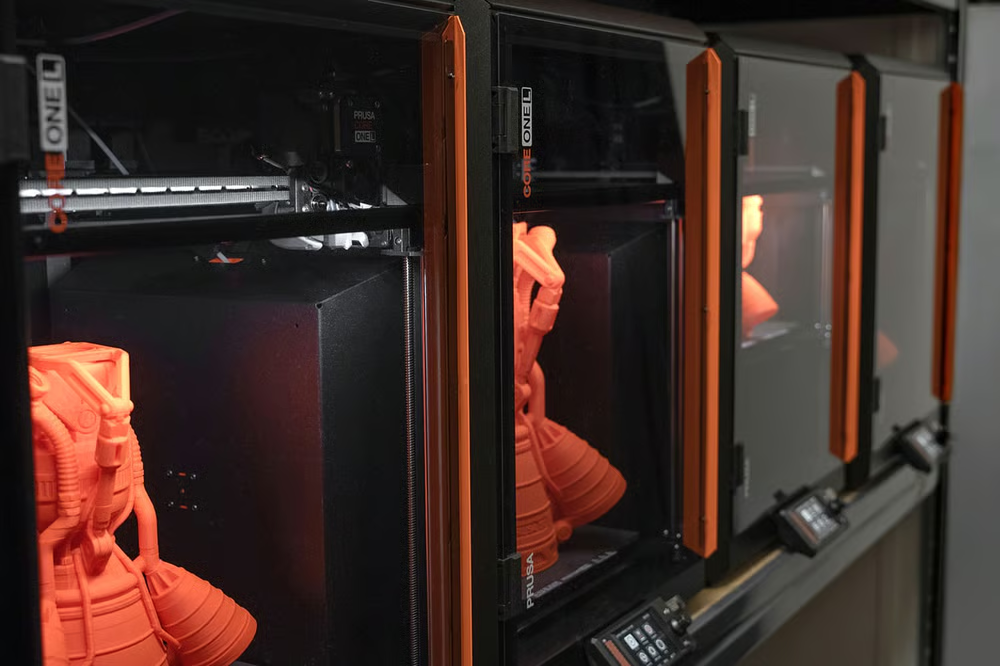
NASA 3D Resources is the official collection of 3D models, textures and visualisations the agency released on GitHub and at nasa.gov/3d-resources. The idea is to give the public, teachers and makers access to accurate models of probes, planets and space objects. The repo splits into two main folders: 3D Models (visualisation and rendering files in OBJ, FBX, 3DS, BLEND etc.) and 3D Printing – the second folder is the one that matters here, because it contains files already prepared for real-world printing.
Czech maker KutilDomaci flagged the NASA repo on Twitter/X x.com/KutilDomaci
The models were built with input from many NASA teams. A lot of them come straight from scientific data – asteroid shapes, for example, are taken from radar and probe measurements rather than an artist’s imagination.
Are the NASA models really free? What about licensing?
Yes. NASA lists these files as free and public domain. Works produced by a US federal agency aren’t covered by normal copyright, so you can use them for personal or commercial projects. Just avoid anything that could imply official NASA endorsement, and watch the logos and insignia – they have separate rules. Printing a rocket for your shelf is fine; the full details sit in the NASA Images and Media Usage Guidelines.
Which models are worth printing? My picks
The 3D Printing folder holds well over a hundred items. Some are single-piece prints you can finish in an afternoon; others come in multiple parts that need gluing. Here’s the interesting stuff, grouped by category.
Probes, satellites and rockets
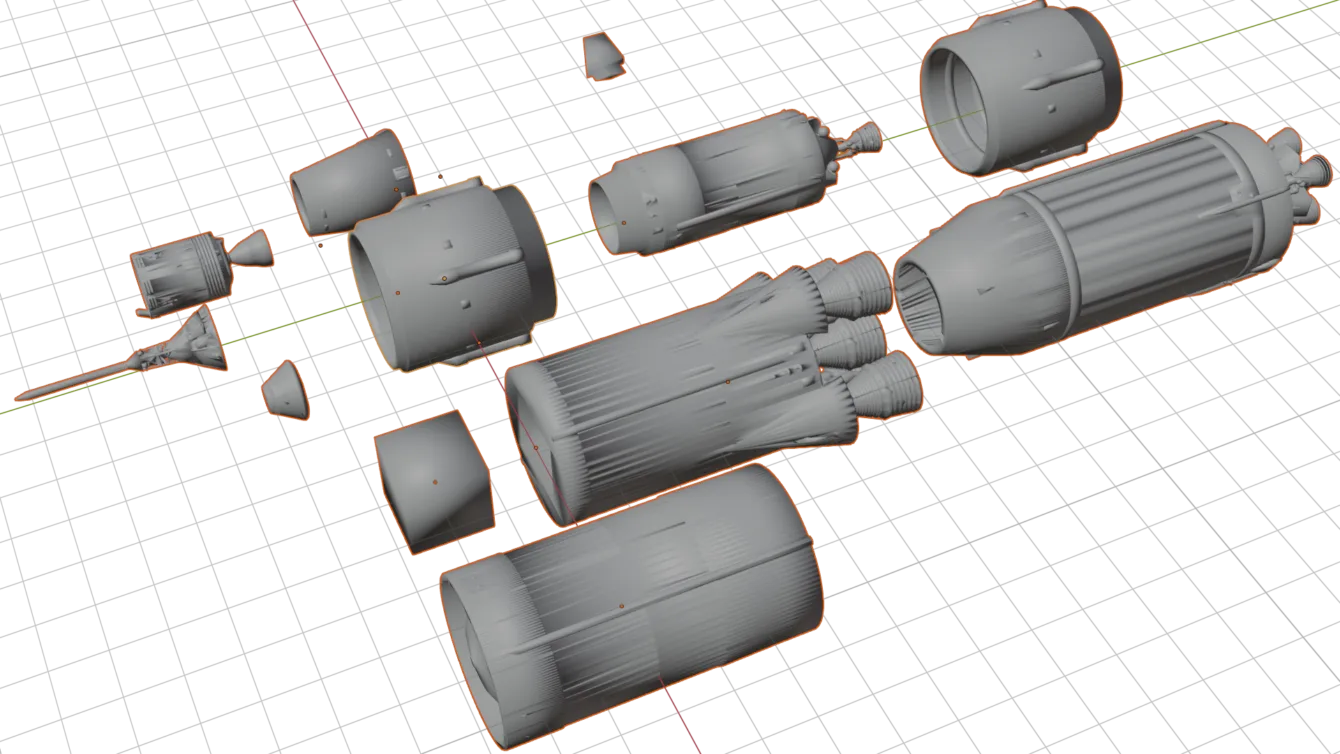
- Saturn V Rocket – the Apollo-era launcher. You can also grab the individual stages (Stage 1, Stage 2) for a more detailed build.
- Curiosity Rover – two versions: Detailed (multi-part, more work) and Simplified (easier for beginners).
- Mars 2020 Perseverance Rover – includes a separate 5-inch wheel and sample tube.
- Hubble Space Telescope and James Webb Space Telescope – the two most famous space telescopes. Webb also has a standalone mirror model.
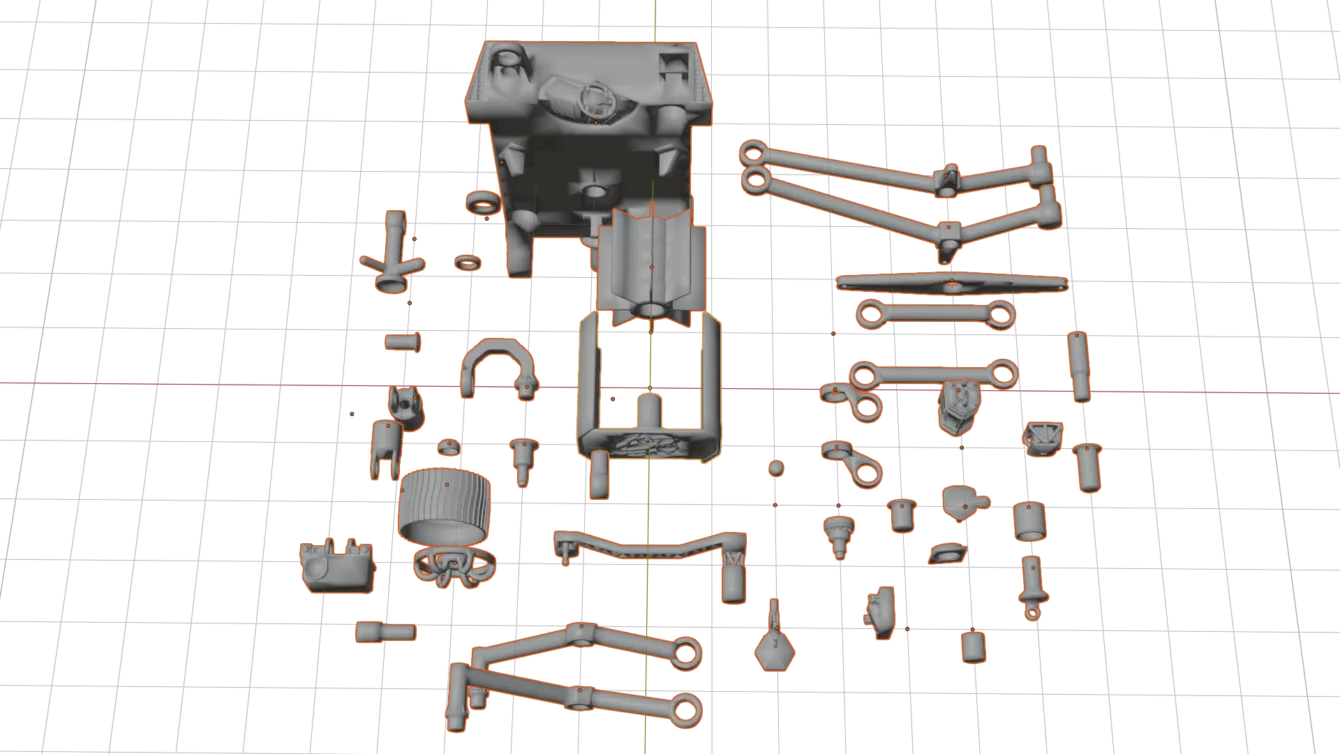
- Cassini, Galileo, Voyager, New Horizons, Explorer 1, Viking Lander – classic deep-space hardware.
- Orion Capsule, Space Launch System (SLS) and a three-deck CubeSat for fans of current missions.
Planets, moons and terrain
- Earth and Moon – basic globes plus detailed crater reliefs: Copernicus, Tycho, Gassendi, Aristarchus, Mount Hadley.
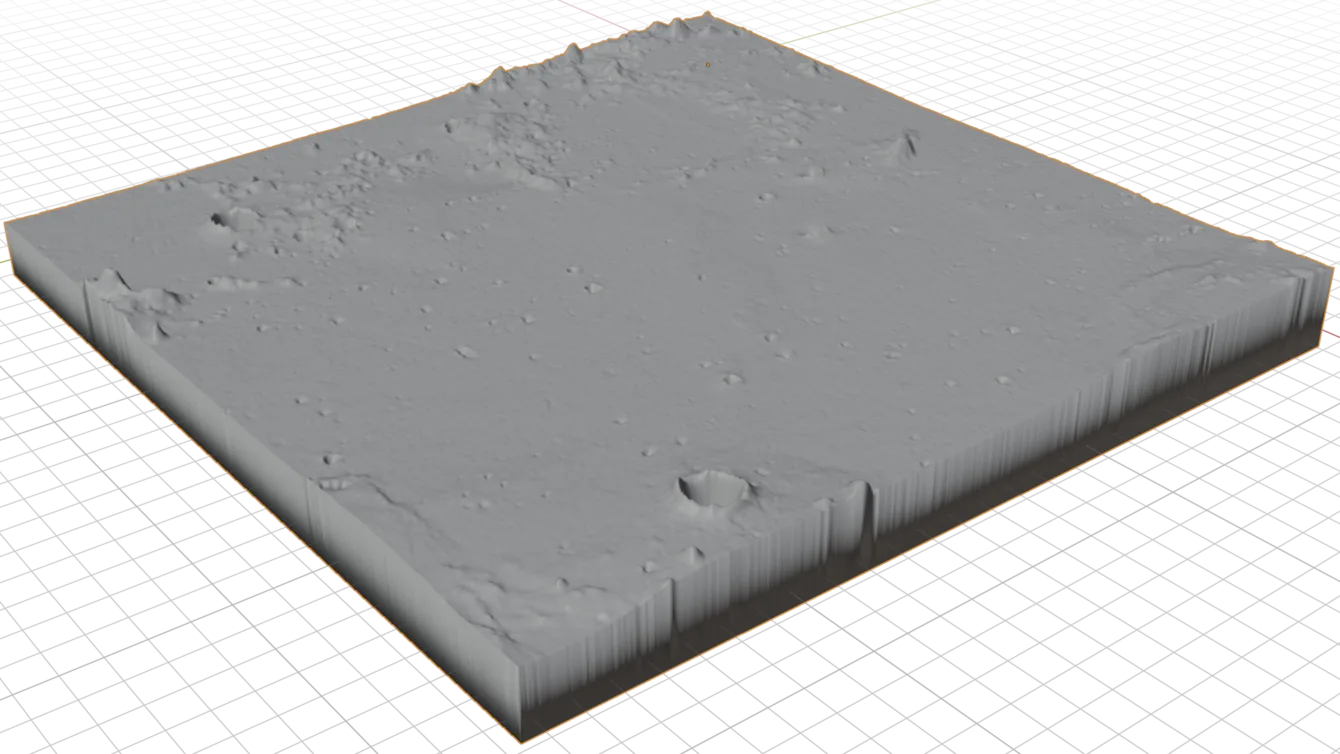
- Mars – plenty of terrain: Gale Crater, Valles Marineris, Victoria Crater, Tharsis, Pahrump Hills and the Spirit and Curiosity landing sites.
- Apollo Landing Sites – relief maps of Apollo 11 through 17 landing spots. Great teaching set.
Asteroids
If you like small bodies, there’s a whole set based on real data: Bennu, Eros, Itokawa, Vesta, Kleopatra, Geographos, Toutatis and more. They print quickly and are perfect for testing new filament or settings.
Nebulae, galaxies and astrophysics
- Pillars of Creation – the famous Eagle Nebula pillars.
- Crab Nebula – multi-part model with jets, also available as GLB.
- Eta Carinae Homunculus Nebula, Jellyfish Nebula (IC 443), Supernova SN 1006 / SN 1987A.
- Whirlpool Galaxy and galaxies NGC 1566, NGC 3344, NGC 602 – unusual decorations for any astronomy fan.
ISS tools and curiosities
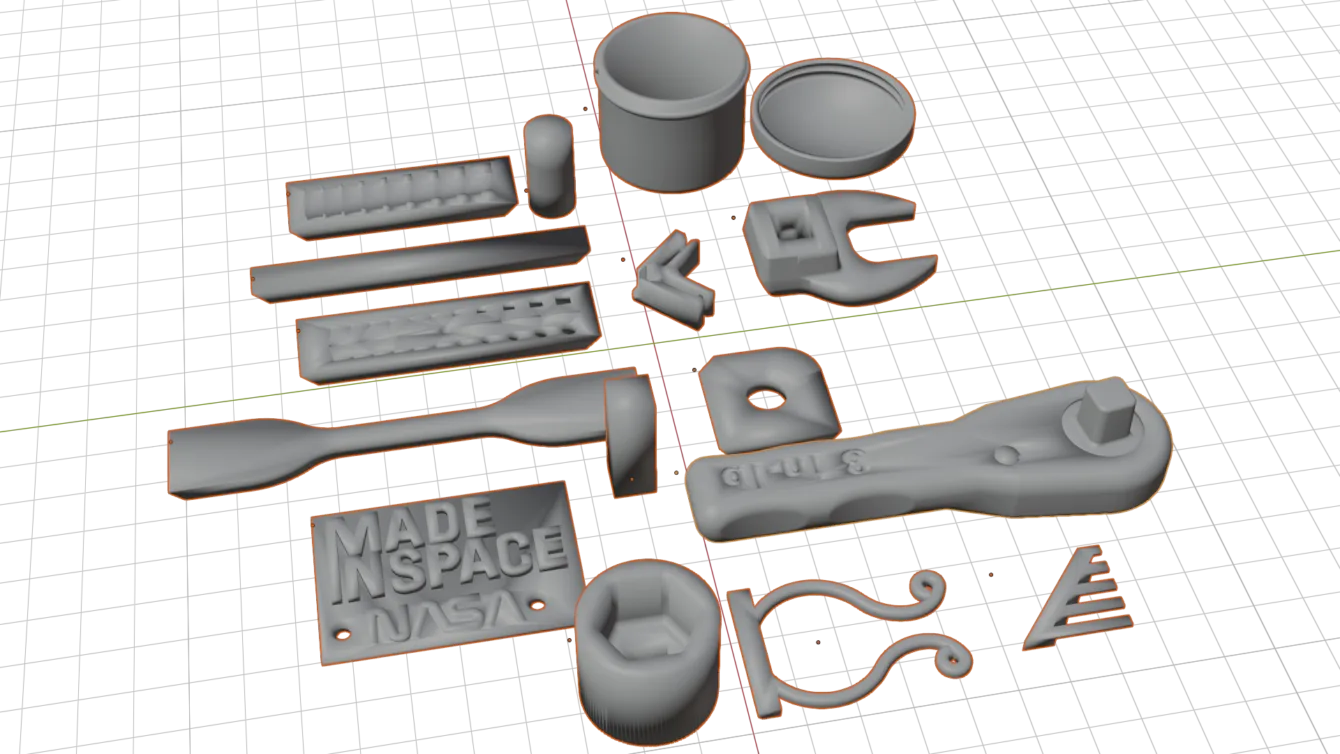
You’ll also find practical items astronauts have actually used or printed on orbit: International Space Station Tools, the famous Wrench printed on the ISS, Multi-Purpose Precision Maintenance Tool and anniversary medallions (Hubble 25th, Viking 40th).
How to download and print the NASA models, step by step
- Open the repo. Go to the 3D Printing folder on GitHub.
- Pick a model. Click the object’s folder. Inside you’ll find a preview PNG and the STL file(s). Multi-part models have several STLs.
- Download the STL. Click the file then Download raw file. GitHub can also render the STL in 3D so you can inspect it before downloading.
- Load into your slicer. Open the file in PrusaSlicer, OrcaSlicer, Bambu Studio or Cura.
- Check orientation and supports. Multi-part models often need careful placement and supports. Asteroids and globes print best flat with a small brim.
- Slice and print. Most decorative models work fine in PLA at 0.2 mm layer height and 10–15 % infill.
Tips for printing space models
- Asteroids and terrain have fine detail – drop layer height to 0.12–0.16 mm so it shows.
- Probes and rockets usually come in several pieces. Check the PNG preview first so you know what you’ll be gluing.
- Watch the scale in the slicer. Some STLs arrive at unexpected sizes – always check dimensions after import and rescale if needed.
- Planet models look better printed in two colours or painted afterwards with acrylics.
If you’re new to 3D printing, run through the ten rules for beginners first – it saves a lot of failed prints. Still unsure about filament or settings? Try the interactive filament and settings guide.
Who will find the NASA collection useful?
I mostly print shelf decorations and models that have real scientific backing – it feels different from grabbing the first rocket that pops up on Thingiverse. If you teach physics or geography, the Mars and Moon reliefs or the Apollo landing-site set make excellent classroom props. Because everything is public domain there’s no licence hassle, so the files also work well in school clubs and makerspaces that print in volume.
My take:
NASA 3D Resources is one of the best free collections of space models on the internet – scientifically accurate data and no licensing worries. Whether you want a Saturn V on your desk, a set of asteroids, or a slice of Martian landscape, just download the STL and send it to the printer.
Repo link: NASA 3D Resources – 3D Printing