I’ve got a printer with four or five filaments. Until now that meant models in exactly those four or five colors – nothing else. Prusa ColorMix kills that limit. By alternating layers of different colors it produces dozens of shades I don’t even own.
The whole thing has three parts: an open-source MIT-licensed math model that predicts the final colors, integration into PrusaSlicer and EasyPrint, and a forthcoming Prusament CMYKW filament set tuned for this exact job.
How it works – borrowed from inkjet printers
If you’ve ever watched a color inkjet at work you already know half the story. They use CMYK – cyan, magenta, yellow, black – and mix tiny dots to make any shade you want.
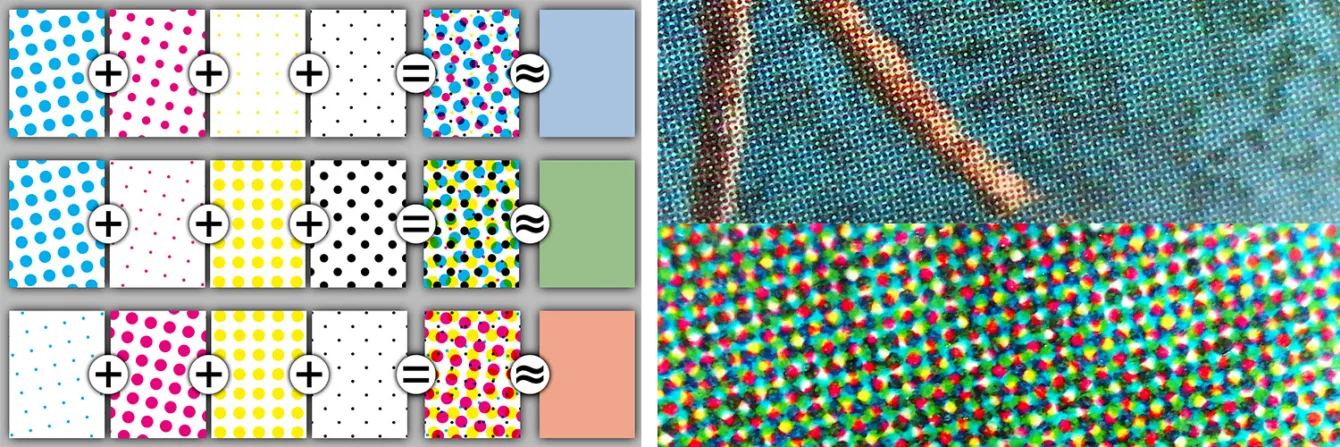
ColorMix does the same trick, except it swaps whole 0.1 mm layers instead of dots. Print one white layer, one black layer, and from normal viewing distance you see gray. The eye can’t resolve the individual layers, so it blends them. That’s halftoning.
Unlike 2D printing where you look straight down at paper, with 3D you’re looking at the side of the object – layers sit next to each other, not on top. That changes the math, so Prusa built its own calibrated model based on the Yule-Nielsen equation and then tuned it against real FDM prints.
Why CMYKW instead of just CMYK?
An inkjet prints on white paper, so the paper itself supplies the white. A 3D printer has no paper, hence the extra W for white filament. Mixing cyan, magenta and yellow also never gives a true black – you just get a muddy dark blue-gray – so black filament (K) is added too. Five spools: Cyan, Magenta, Yellow, blacK, White.
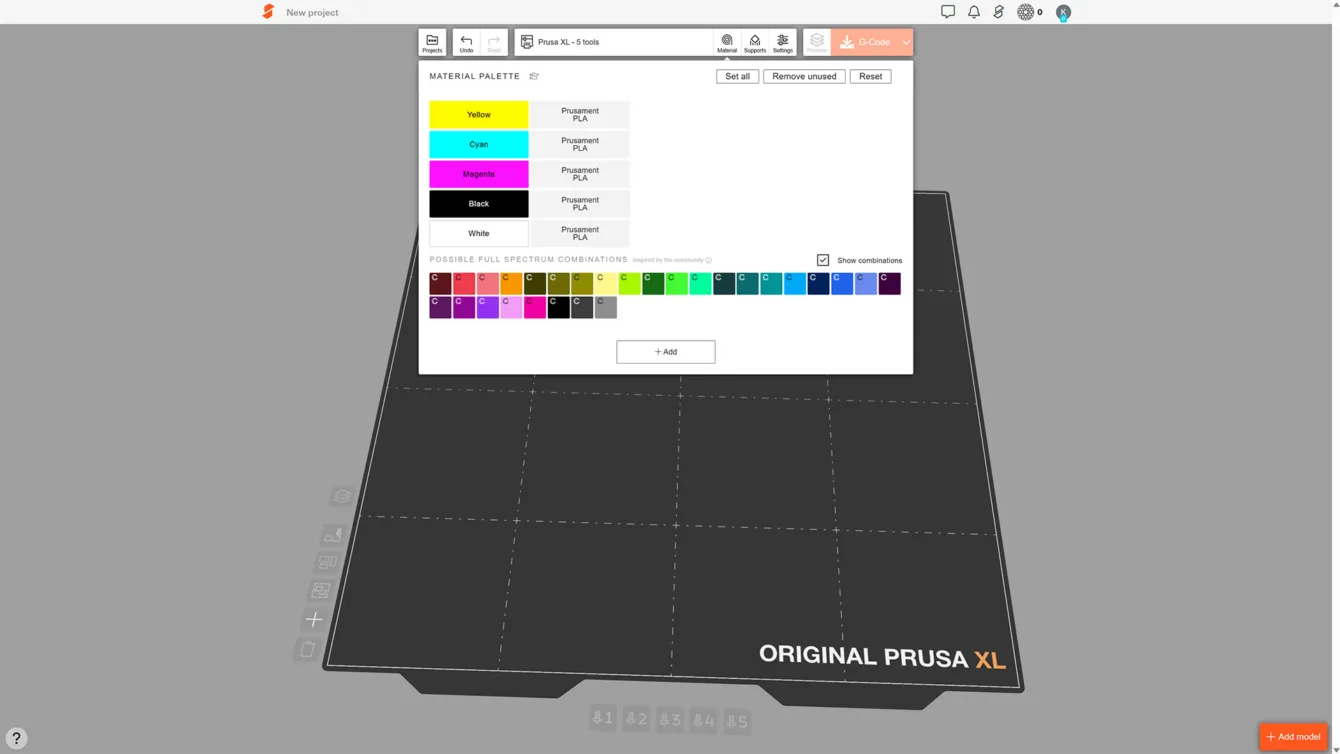
What colors can you actually mix?
Because mixing happens in whole layers, you can’t use arbitrary ratios. The practical ones are:
- 50:50 – one layer, one layer
- 75:25 (or 25:75) – three layers of one color, one of the other
- 33:33:33 – even rotation of three colors
Finer ratios (30:70, for example) would need repeating ten-layer blocks and you’d see stripes. Even with these limits Prusa reckons you get roughly 40 usable colors from five CMYKW spools. That’s a big jump from five colors.
What do you need?
Hardware: any multi-material printer
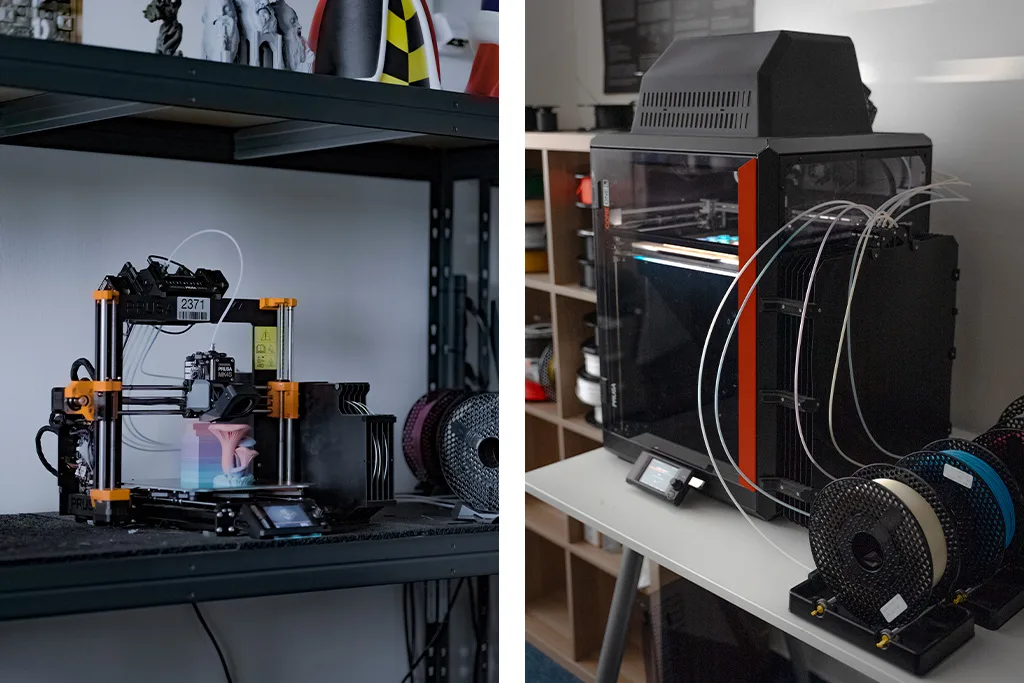
ColorMix isn’t tied to one machine. It works on two kinds of multi-material setups:
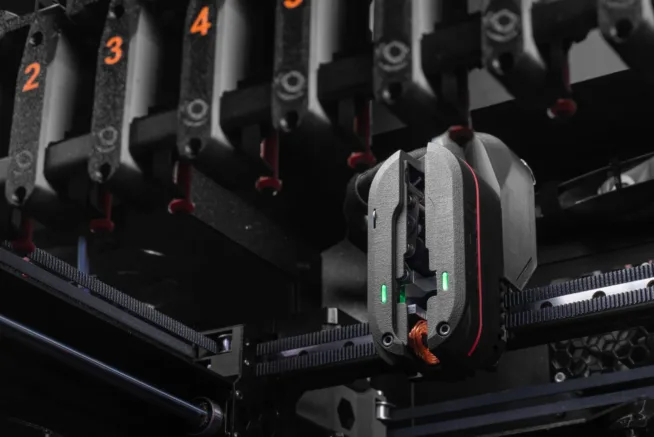
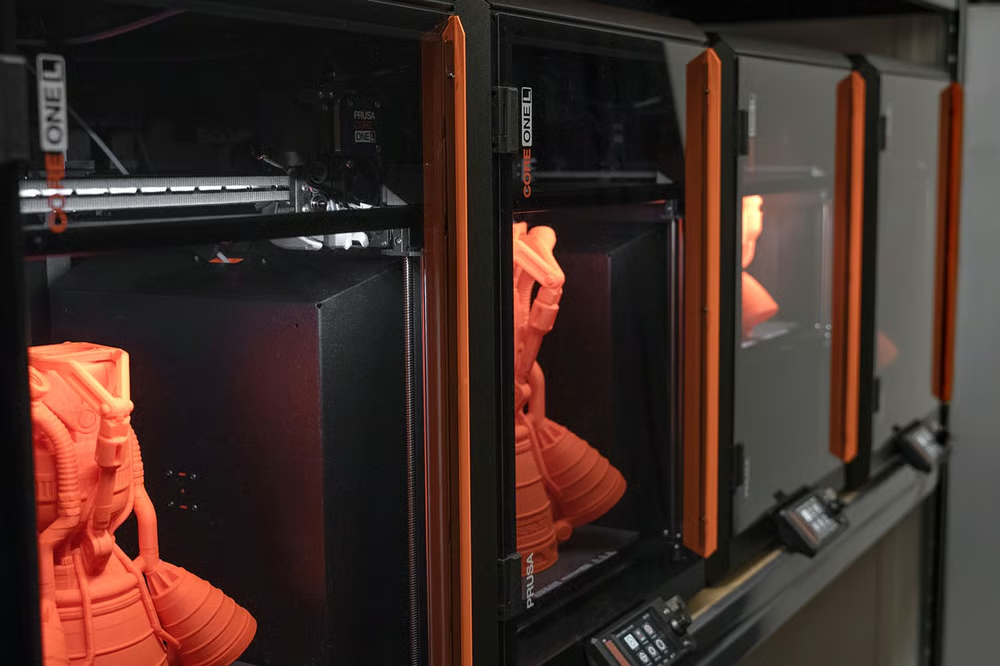
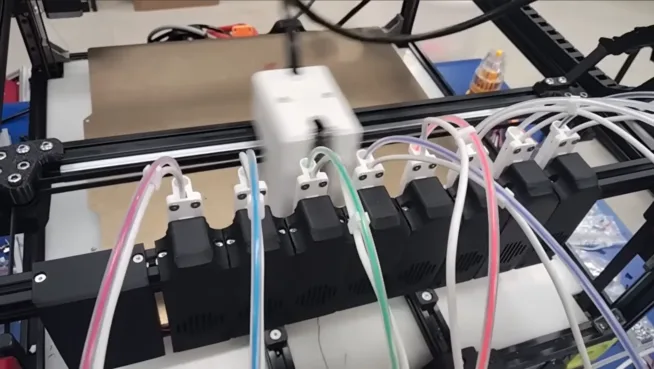
Tool-changers (multiple independent heads) like the Prusa XL or Prusa CORE One with the INDX kit. Fast swaps, but you need solid XY-offset calibration between nozzles or the colors drift.
Single-nozzle systems with a filament feeder – Prusa MK4S + MMU3 or Bambu Lab X1C with AMS. No offset worries, but every color change costs a purge cycle, so prints take longer and you generate more waste.
Filament
The sweet spot is a five-spool CMYKW set. Prusa is working on Prusament CMYKW with tuned opacity and shades. Until that arrives you can start with ordinary filament. Their current recommendation:
- Cyan: Prusament PLA Azure Blue
- Magenta: Prusament PLA Blend Ms. Pink
- Yellow: Prusament PLA Pineapple Yellow
- Plus any black and white PLA you already have
You can try whatever spools you own. The model isn’t locked to CMYKW; it will predict results from any color combination. Just remember it was calibrated on Prusament PLA, so other brands or materials (PETG, ABS) will be less accurate.
Software
Two choices:
- PrusaSlicer 2.9.6 – desktop app, grab it from GitHub. ColorMix is built in; just update.
- EasyPrint – browser-based slicer at Printables.com. No install needed. Docs are here.
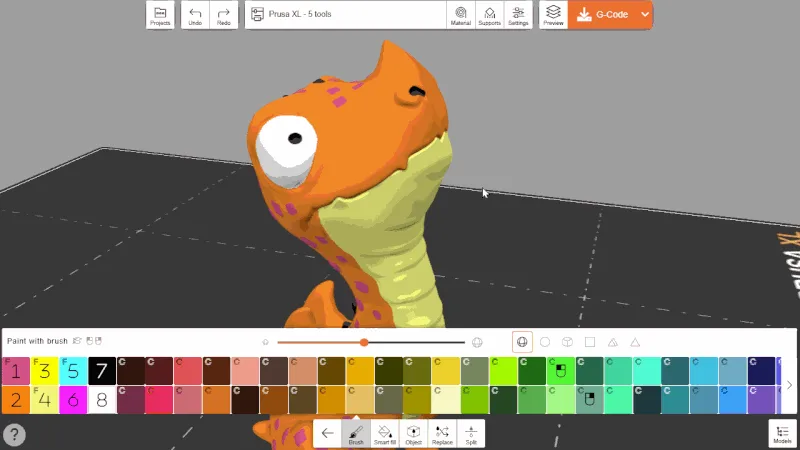
In either app you load your filaments, see the palette of mixable shades, and paint directly on the model. It feels like Windows Paint. The on-screen colors match the printed result far better than previous attempts.
First steps
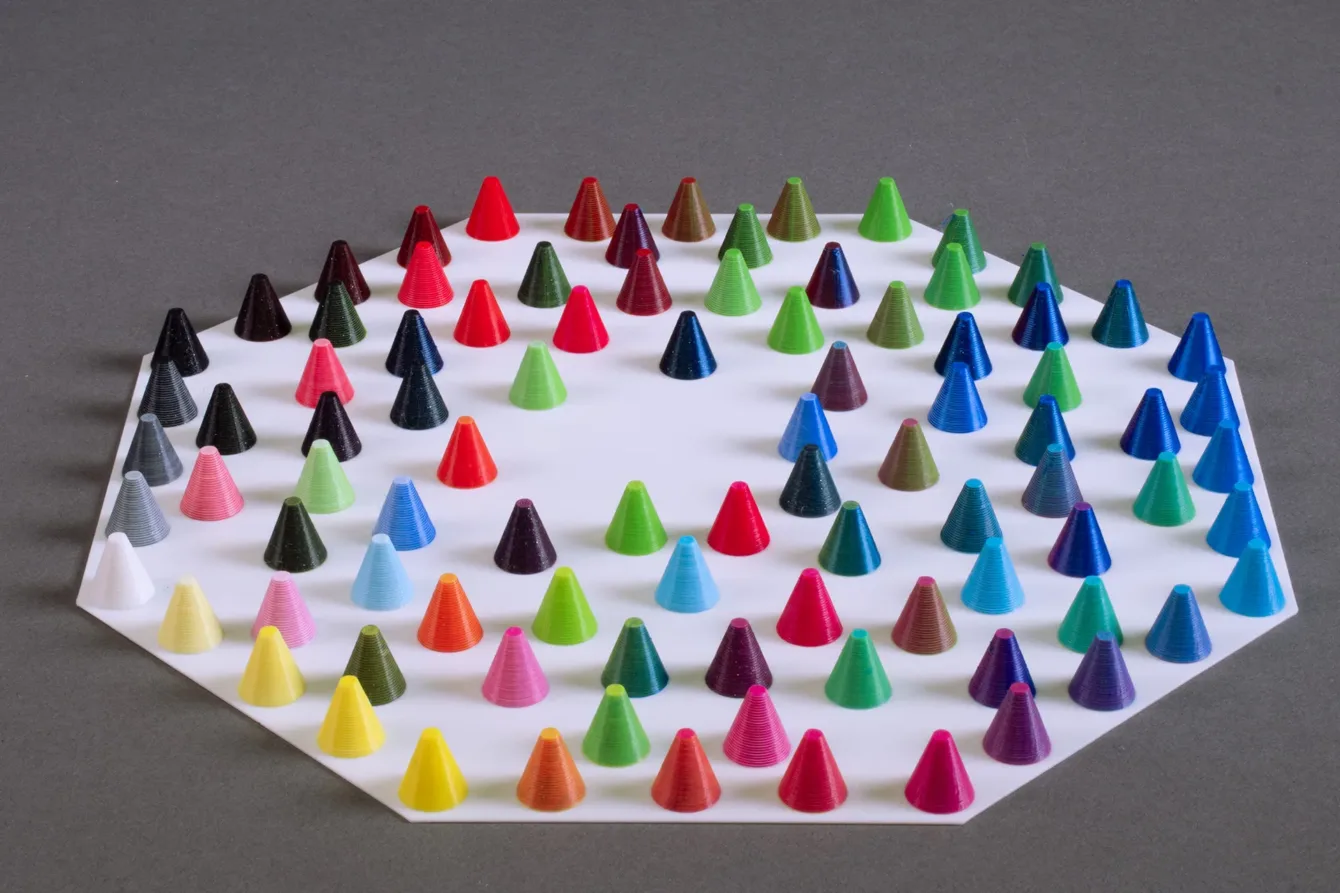
1. Print the calibration cones. Grab ColorMix Calibration Cones from Printables. Print them and see what your actual filament set produces.
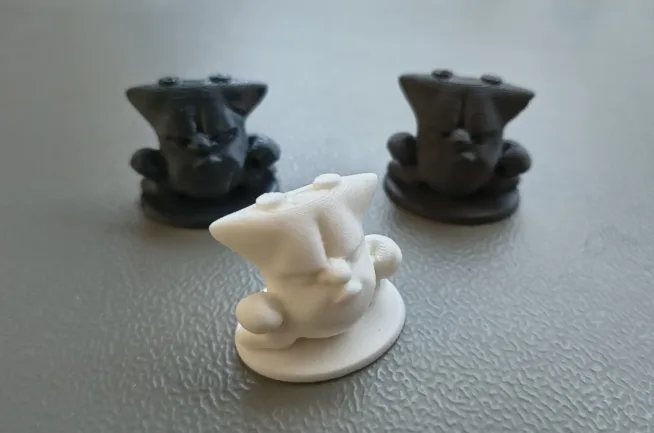
2. Try the demo models. Two good starters: the five-color chameleon and the two-color shaded fish. The fish is the gentler first test.
3. Experiment. Play with the ColorMix Shading web app or the Playground on GitHub to see predicted results in real time.
Open source and community
The color model is MIT-licensed and lives at prusa3d/prusa-fdm-mixer. You’ll find a TypeScript module (npm install prusa-fdm-mixer) and a C++17 port for slicer integration. It also pulls data from the OpenPrintTag filament database.
While Prusa keeps building on open source and releasing improvements for everyone, another company is busy threatening the community with lawsuits.
ColorMix didn’t appear in a vacuum. Earlier community work – OrcaSlicer-FullSpectrum by Ratdoux and filament-mixer by Justin H. Rahba – already proved layer swapping works. Prusa took those ideas, measured real prints, and built a model that actually matches FDM output.
If you own a colorimeter you can help improve it: print the test samples, measure them, and upload the data through the Gatherer app. More data from different brands and materials means better predictions for everyone.
What not to expect yet
ColorMix is a solid first step, but it has limits:
- So far it’s only calibrated on Prusament PLA printed on a Prusa XL. Other materials and brands will be less accurate (still better than nothing).
- Special-effect filaments with glitter, metal flakes or “galaxy” finishes behave unpredictably because reflectivity changes with particle orientation in each layer.
- Gradients and color mixing on the top surfaces are still in development.
- Every filament change costs time and material. MMU/AMS systems also produce purge waste. Multi-color will always be slower and more expensive than single-color.
My take
Prusa ColorMix finally makes multi-color 3D printing feel practical instead of gimmicky. Five spools, dozens of shades, painting interface that just works, and the whole stack is open source. If you already run a multi-material printer, update PrusaSlicer to 2.9.6 or open EasyPrint and start testing tonight.
Useful links
- Official Prusa blog post
- Prusa FDM Mixer – GitHub (model, playground, gatherer)
- ColorMix Calibration Cones on Printables
- ColorMix Chameleon – five-color test model
- ColorMix Shady Fish – two-color test model
- ColorMix Shading – web shading tool
- PrusaSlicer 2.9.6 on GitHub
- EasyPrint – web slicer