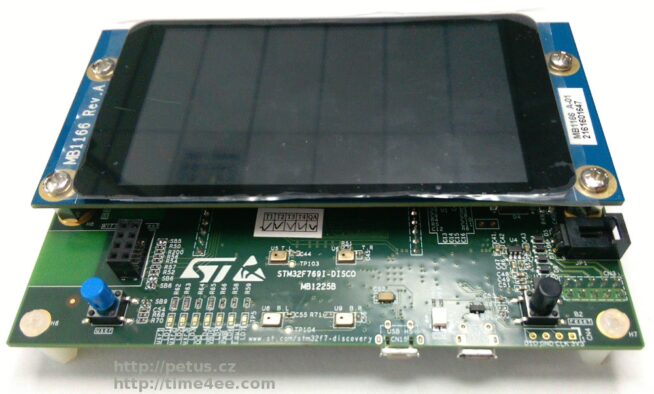
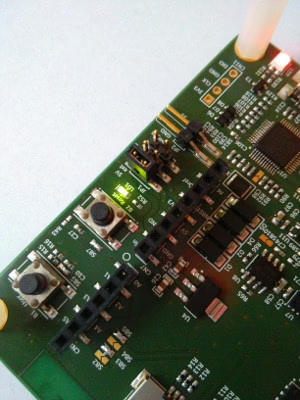
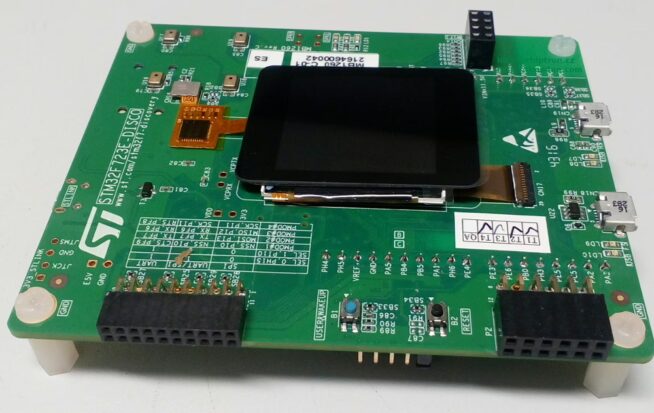
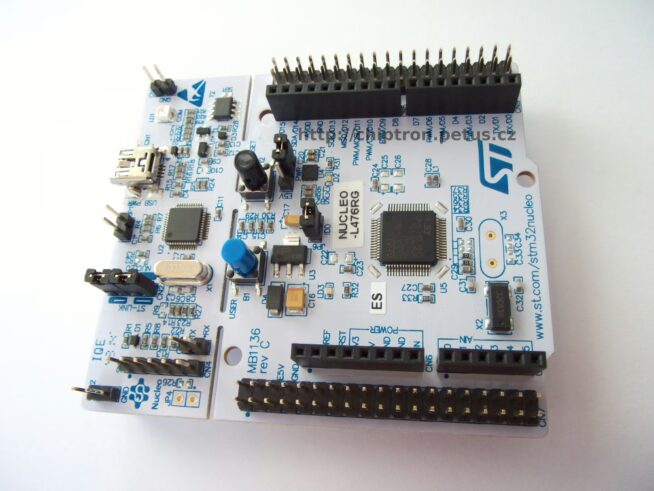
We wrote a news about STM32F746 discovery and IDE by openstm32.org on the google+.
https://time4ee.com/ got development board STM32F7 discovery by ST.
We want to show MULTIPLATFORM (Linux – Ubuntu, Windows) development tools by http://openstm32.org
Other tutorials with STM32F7:
Tutorial: STM32F746 (STM32F7 Discovery) – how to turn on/off LED by button
Tutorial: STM32F746 (STM32F7 Discovery) – how to turn on LED (controlling GPIO)
STM32F746 discovery and AC6 (System Workbench for STM32)
How to begin with STM32 and why – tutorial
Start with development tools for STM32
It based on Eclipse and all development tools are open-source.
The speed of compile is very fast because Eclipse doesn’t have unnecessary addition.
The instalation is witout a problem. You have to choice place where will be instalation (default home user file). Then you will choice where will be your projects and that is all.
Install file is on the website openstm32.org, but you have to be log in. the registration is free.
It’s for windows version.
If you want to create your projects on linux (is supported only Ubuntu 12.04 and 14.04 LTS, but I tried on Linux Mint 17 and 17.2 and i didn’t have a problem), you have to write e-mail for log in to beta tester. You will get confirmation e-mail and then you can download *.run installation file.
You have to set the file as executable (properties of file).
It’s beta version, but I don’t have a problem.
Tutorial How To control Eclipse – http://www.openstm32.org/System+Workbench+for+STM32
Icons are same as clasic version of Eclipse.
And now development board with STM32F746
Discovery contains microcontroller STM32F746NG with ARM? Cortex?-M7 core.
– STM32F746NGH6 microcontroller featuring 1 Mbytes of Flash memory and 340 Kbytes of RAM, in BGA216 package
– On-board ST-LINK/V2-1 supporting USB re-enumeration capability
– Mbed-enabled (mbed.org)
– USB functions: virtual COM port, mass storage, debug port
– 4.3-inch 480×272 color LCD-TFT with capacitive touch screen
– Camera connector
– SAI audio codec
– Audio line in and line out jack
– Stereo speaker outputs
– Two ST MEMS microphones
– SPDIF RCA input connector
– Two pushbuttons (user and reset)
– 128-Mbit Quad-SPI Flash memory
– 128-Mbit SDRAM (64 Mbits accessible)
– Connector for microSD card
– RF-EEPROM daughterboard connector
– USB OTG HS with Micro-AB connectors
– USB OTG FS with Micro-AB connectors
– Ethernet connector compliant with IEEE-802.3-2002
– Five power supply options:
– ST LINK/V2-1
– USB FS connector
– USB HS connector
– VIN from Arduino connector
– External 5 V from connector
– Power supply output for external applications: 3.3 V or 5 V
Arduino Uno V3 connectors
– Comprehensive free software including a variety of examples, part of STM32Cube package
– Supported by a wide choice of integrated development environments
http://www.st.com/web/catalog/tools/FM116/SC959/SS1532/LN1848/PF261641?s_searchtype=partnumber
Other tutorials with STM32F7:
Tutorial: STM32F746 (STM32F7 Discovery) – how to turn on/off LED by button
Tutorial: STM32F746 (STM32F7 Discovery) – how to turn on LED (controlling GPIO)
STM32F746 discovery and AC6 (System Workbench for STM32)
How to begin with STM32 and why – tutorial