What is a Bus Pirate and why the ESP32 version makes sense
Bus Pirate has been a staple tool for working with digital buses for years. It’s a small board you hook up to an unknown chip or device and “talk” to it through a simple text interface – read memory contents, scan I2C addresses, sniff SPI traffic, or blast your own data over UART. Instead of writing a fresh Arduino sketch for every protocol, you get one universal translator between your computer and the hardware.
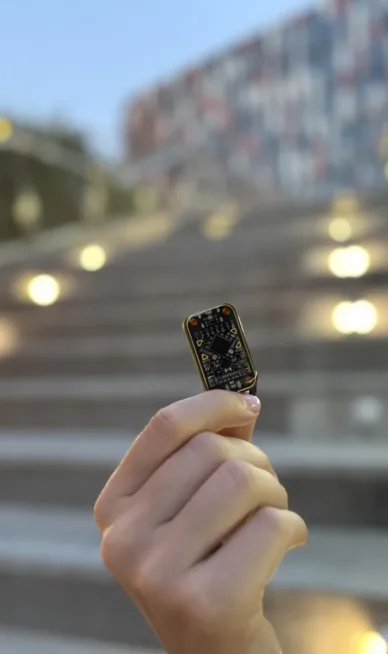
ESP32 Bus Pirate takes that same idea and moves it onto the ESP32-S3 we makers already have lying around. It adds something the original never had: wireless. With the ESP32’s built-in Wi-Fi and Bluetooth plus external modules (CC1101 for Sub-GHz, PN532 for RFID, NRF24) it handles both wired buses and radio protocols. A cheap dev board turns into something that functionally approaches a Flipper Zero – at a fraction of the price and with fully open source code.
How it works: three ways to control it
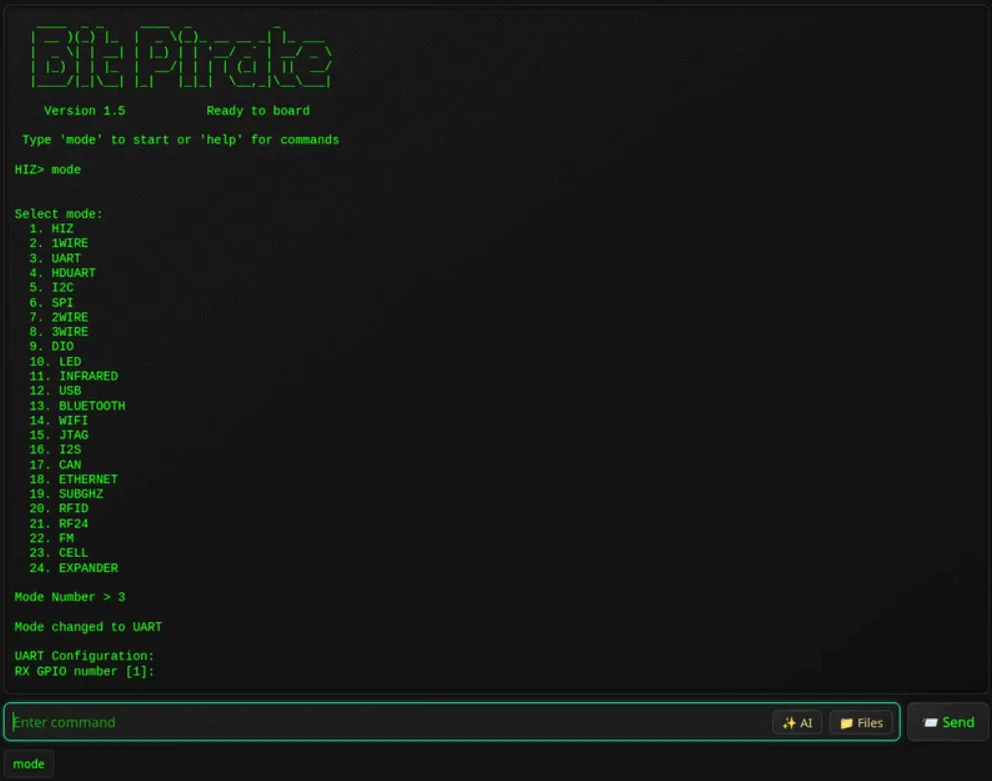
The big win with this firmware is that the command-line interface stays identical across every mode. Only the connection method changes:
- Web interface – the ESP32 spins up a browser-based CLI over Wi-Fi. Works from any computer, tablet or phone and needs no cable. Great for quick tests, demos and headless setups.
- Serial interface – classic USB-to-terminal connection. Fastest, most responsive, handles big data volumes without breaking a sweat – perfect for heavier work.
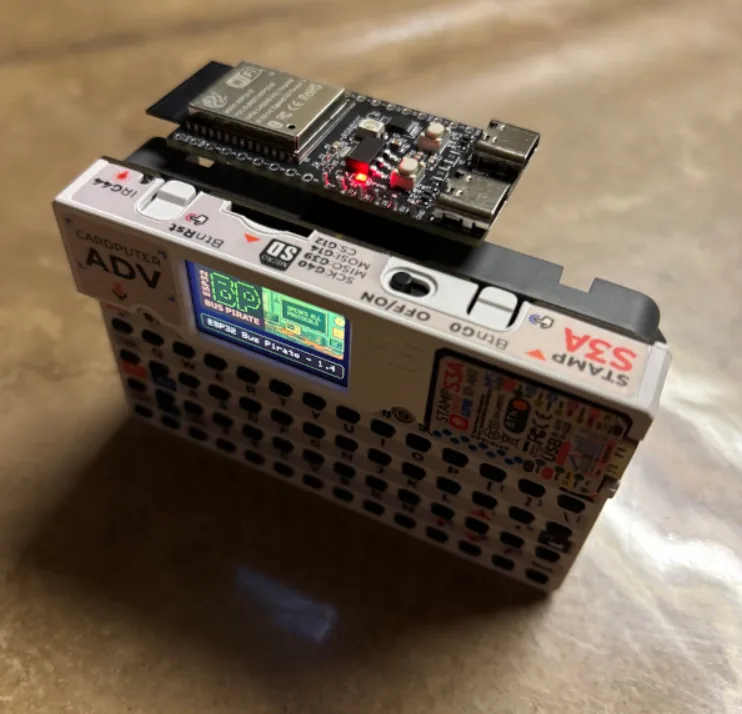
- Standalone mode – only on the M5 Cardputer with its own keyboard and screen. You literally carry the whole tool in your pocket with no computer required.
After flashing, you drive it with the usual commands: mode (switch protocol), help, scan (bus scan), sniff (traffic capture). The syntax is the same over serial or the web, so there’s nothing new to learn.
Which protocols and modes it supports
The list is surprisingly long. On the wired side you get I2C (scan, dump, EEPROM, slave mode, glitch), SPI (EEPROM, flash, SD cards, slave mode), UART and half-duplex UART (bridge, read/write, auto baud detection, AT commands), 1-Wire (iButton, EEPROM), 2-Wire (sniff, smartcard), 3-Wire, JTAG/SWD (pinout scan), CAN (sniff and transmit frames) plus raw digital I/O with PWM and servo control.
Wireless side covers Wi-Fi and Ethernet (sniff, deauth, nmap, netcat), Bluetooth (BLE HID, scan, spoofing, sniffing), Sub-GHz (analyse, record, replay), RFID (read, write, clone), NRF24, FM (analyse and transmit) and even experimental SIM-card work. Infrared supports over 80 protocols plus a universal “Device-B-Gone” remote. Addressable LED strips are covered by nearly 50 protocols.
Scripting works two ways: byte-code in the classic Bus Pirate style, or straight Python over the serial link – handy for automated EEPROM dumps, logging to a file, or GPIO control. Data moves in and out via the LittleFS filesystem over HTTP.
What hardware it runs on
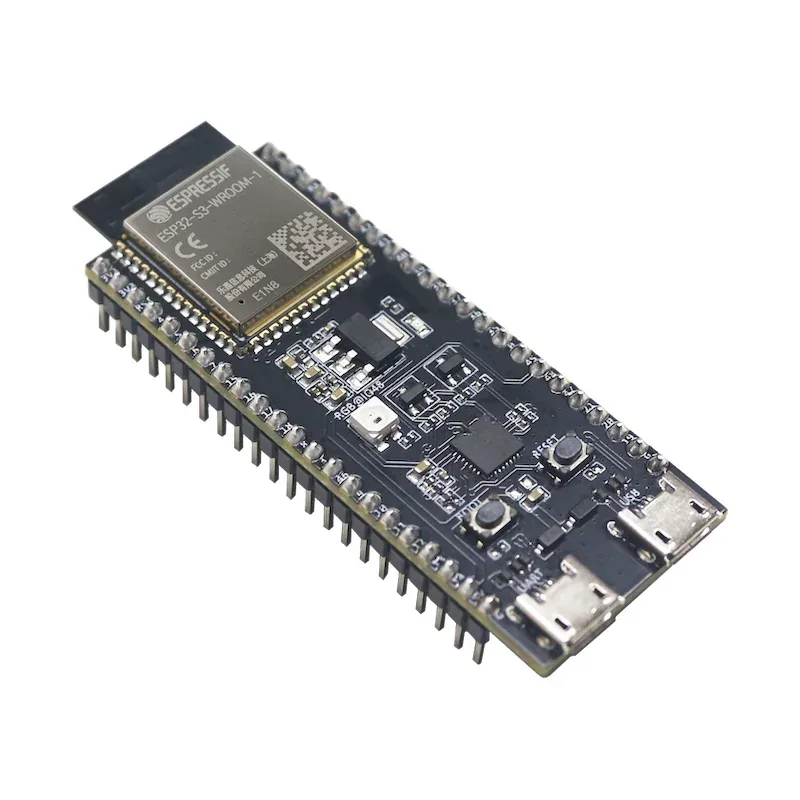
The firmware targets ESP32-S3 boards. Officially supported are the plain ESP32-S3 DevKit (20+ free GPIOs), the whole M5Stack family – M5 Cardputer, Cardputer ADV, M5 StickC S3, StampS3 and AtomS3 Lite – plus several LILYGO boards, the most interesting being the T-Embed CC1101 Plus with built-in CC1101, NRF24, PN532, IR port and battery. Seeed Studio Xiao ESP32-S3 is also on the list.
Important note: you can generally flash it to any ESP32-S3 board that has at least 8 MB of flash. Just use the DevKit firmware. The default pin mapping probably won’t match your exact board, so you’ll need to look it up or tweak it.
One-click install
The nicest part of the whole project is the installation. No PlatformIO, no compiling, no driver fights. Just open the project’s web flasher in a browser (Chrome or Edge with Web Serial work best), plug the board in via USB and click. Firmware lands straight from the web. M5Stack owners can also use M5Burner – Bit Pirate is listed for Cardputer, AtomS3, StampS3 and M5Stick.
After flashing, connect with a serial terminal over USB or set up Wi-Fi and open the web CLI in any browser. Detailed guides for every mode and command live on the project wiki.
Practical uses for makers
Where does a tool like this actually come in handy? A few real-world scenarios from my bench:
- Reverse-engineering an unknown board or module – scan the I2C bus to see what chips are hanging off it and read their registers.
- Rescuing and cloning EEPROM/flash – dump config memory from an old device or back up an SPI flash chip before you start experimenting.
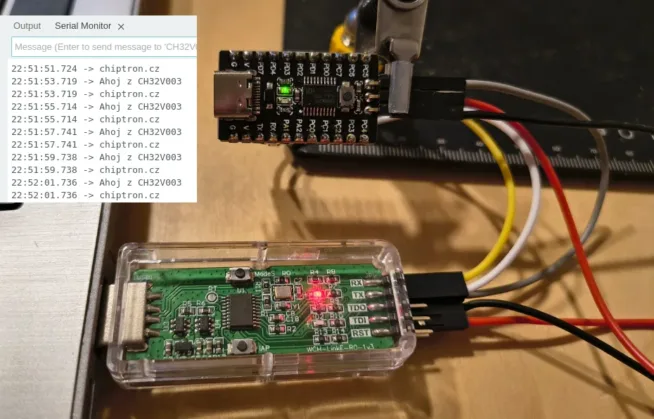
- Debugging serial comms – auto baud detection saves endless guessing when you don’t know the speed a device is using on UART.
- Universal remote – the infrared mode with dozens of protocols lets you replace lost remotes or test IR receivers.
- Sub-GHz and RFID analysis – with a T-Embed CC1101 board you can look at radio signals or read and clone RFID cards (your own, obviously).
Important warning: legal use only
The project author stresses this and so do I. The firmware is meant strictly for educational, diagnostic and test purposes on hardware you have permission to work with. Unauthorized sniffing, attacks on other people’s Wi-Fi or transmitting on Sub-GHz bands can break the law and radio regulations. Stay inside the rules and responsible-disclosure guidelines.
Where to find the project
Czech maker Martin Hubáček tipped me off to this one on X (post link) – thanks for the heads-up. Source code, web flasher and full docs are on GitHub at geo-tp/ESP32-Bit-Pirate. At the time of writing the repo has over 3 200 stars and active development; v1.5 dropped in March 2026.
For any maker who already owns an ESP32-S3, this is one of the cheapest ways to get a full-featured multiprotocol hardware tool. And if you have an M5 Cardputer, you’re carrying a complete hardware Swiss-army knife in your pocket for a few hundred bucks.